How to Set Up Oracle GoldenGate on Linux
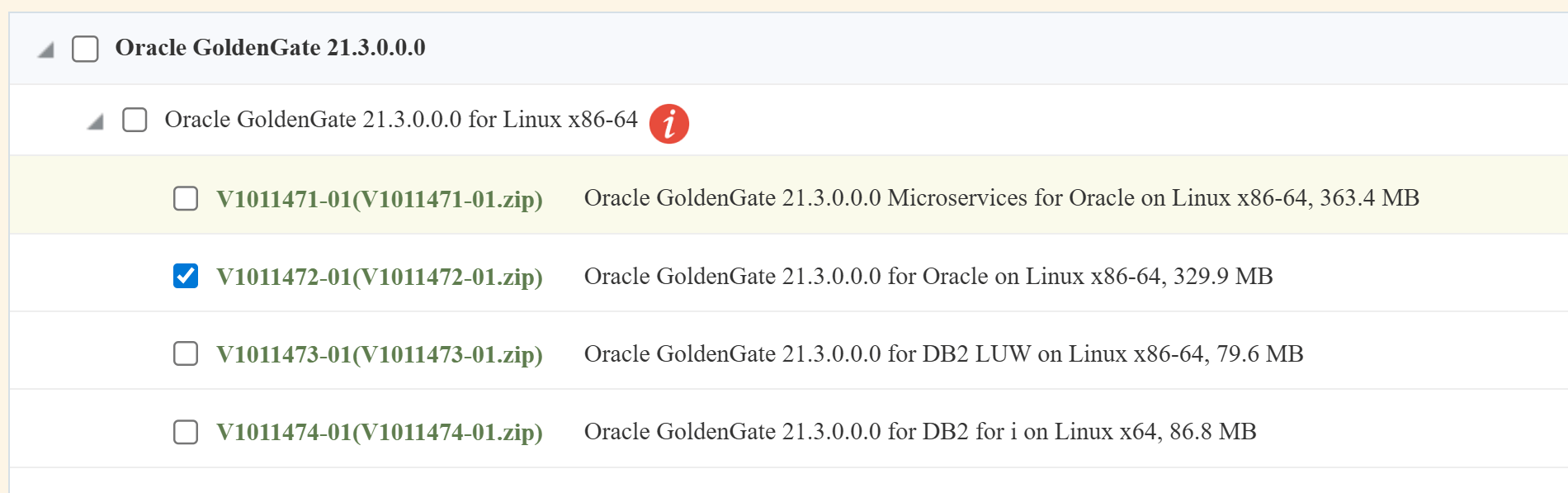
1. Download the software for Oracle 21c database installed on Oracle Linux platform
https://edelivery.oracle.com/osdc/faces/Home.jspx
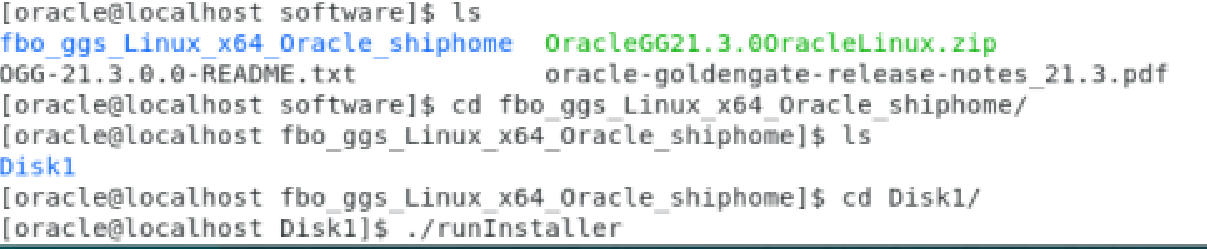
2. Unzip the server with Goldengate user and start installation from that user in Linux
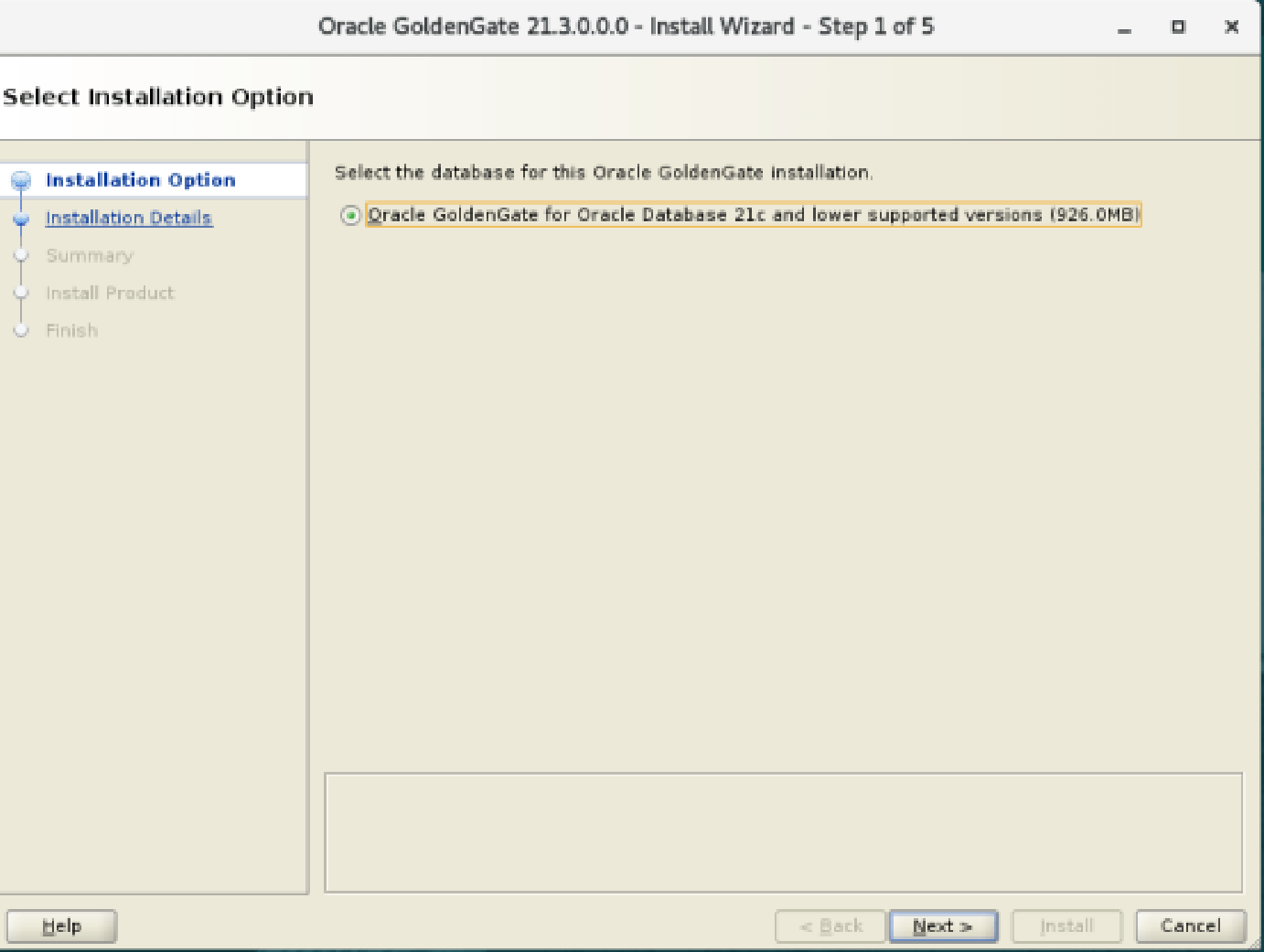
3. Select oracle golden gate for database
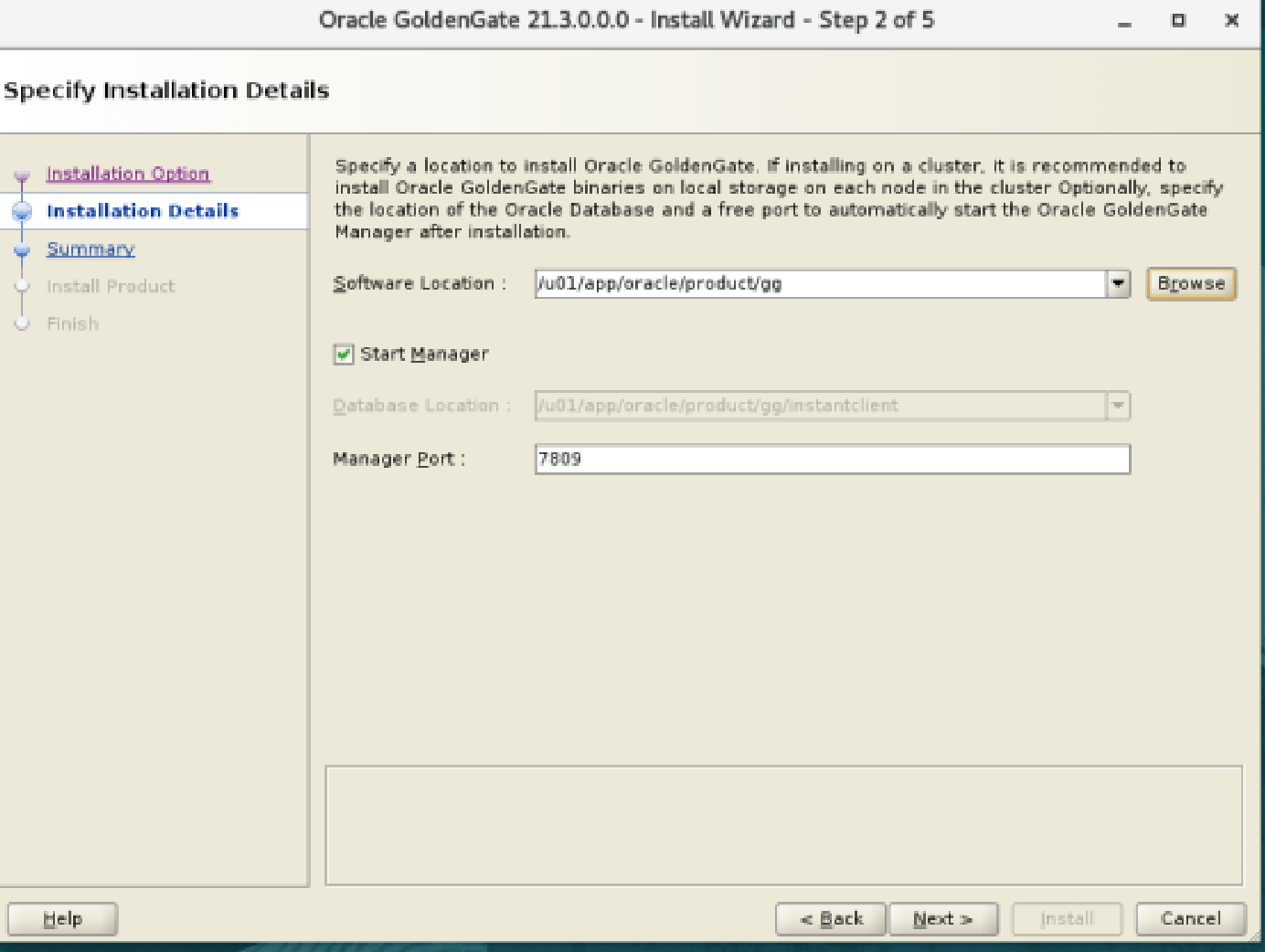
4. Choose the location on which it need to install
5. Change the permission of the location if your user in not a owner of location
Change Ownership to a Specific User
chown -R oracle:oinstall /u01/app/oracle/product/ggSet full permission on location:
chmod -R 775 /u01/app/oracle/product/gg6. Start the install process
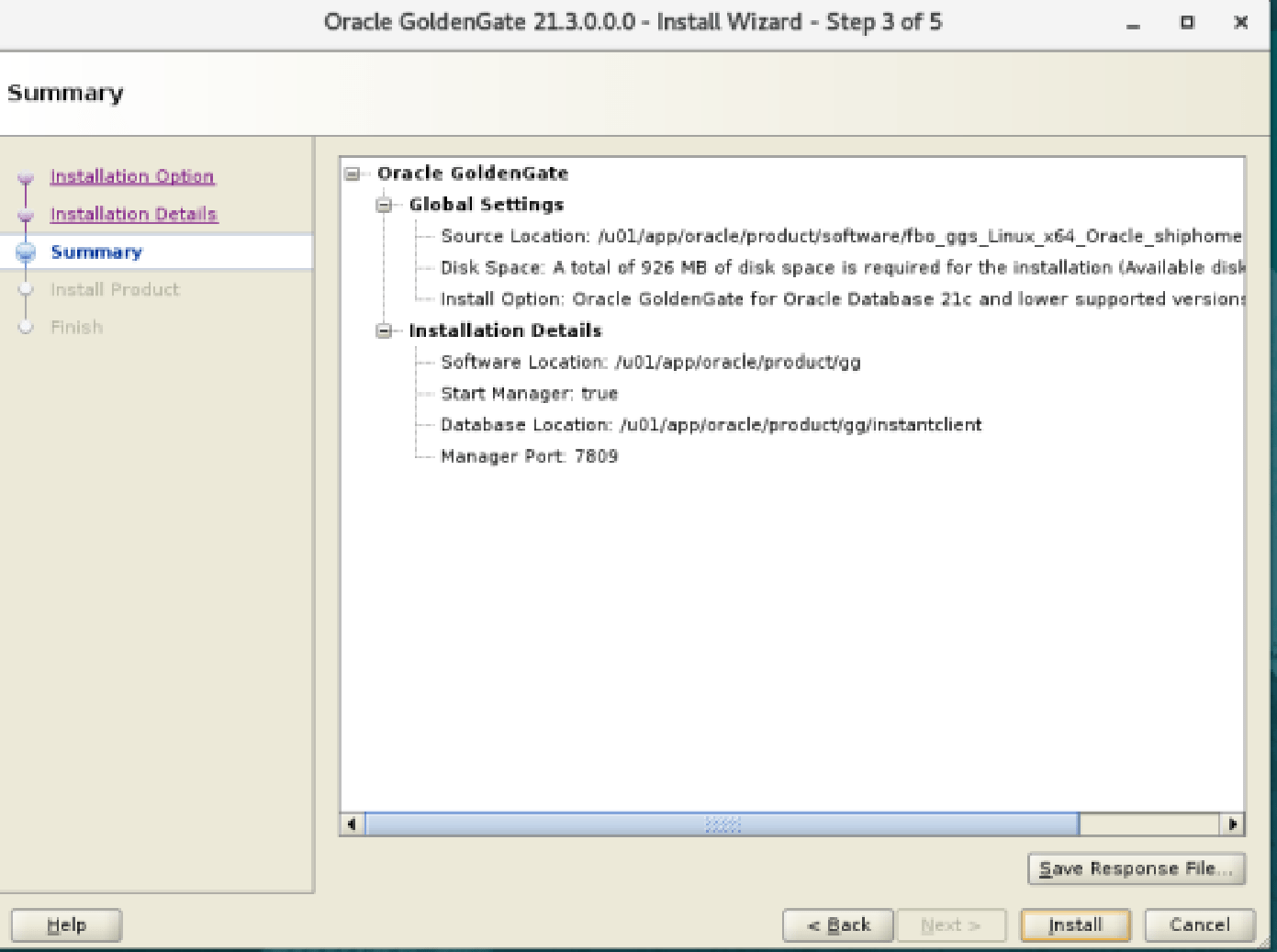
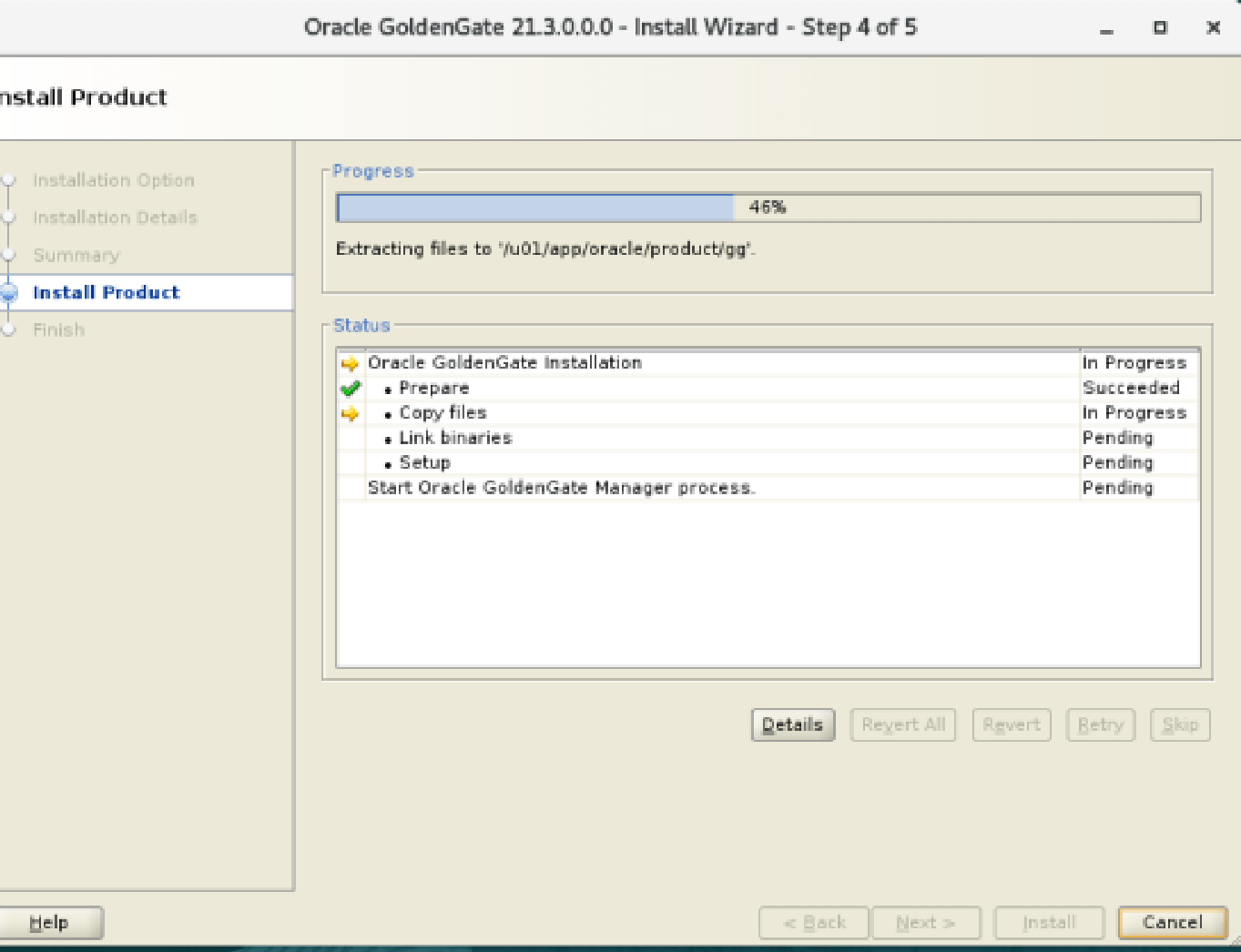
7. See the progress of installation of Golden Gate Product
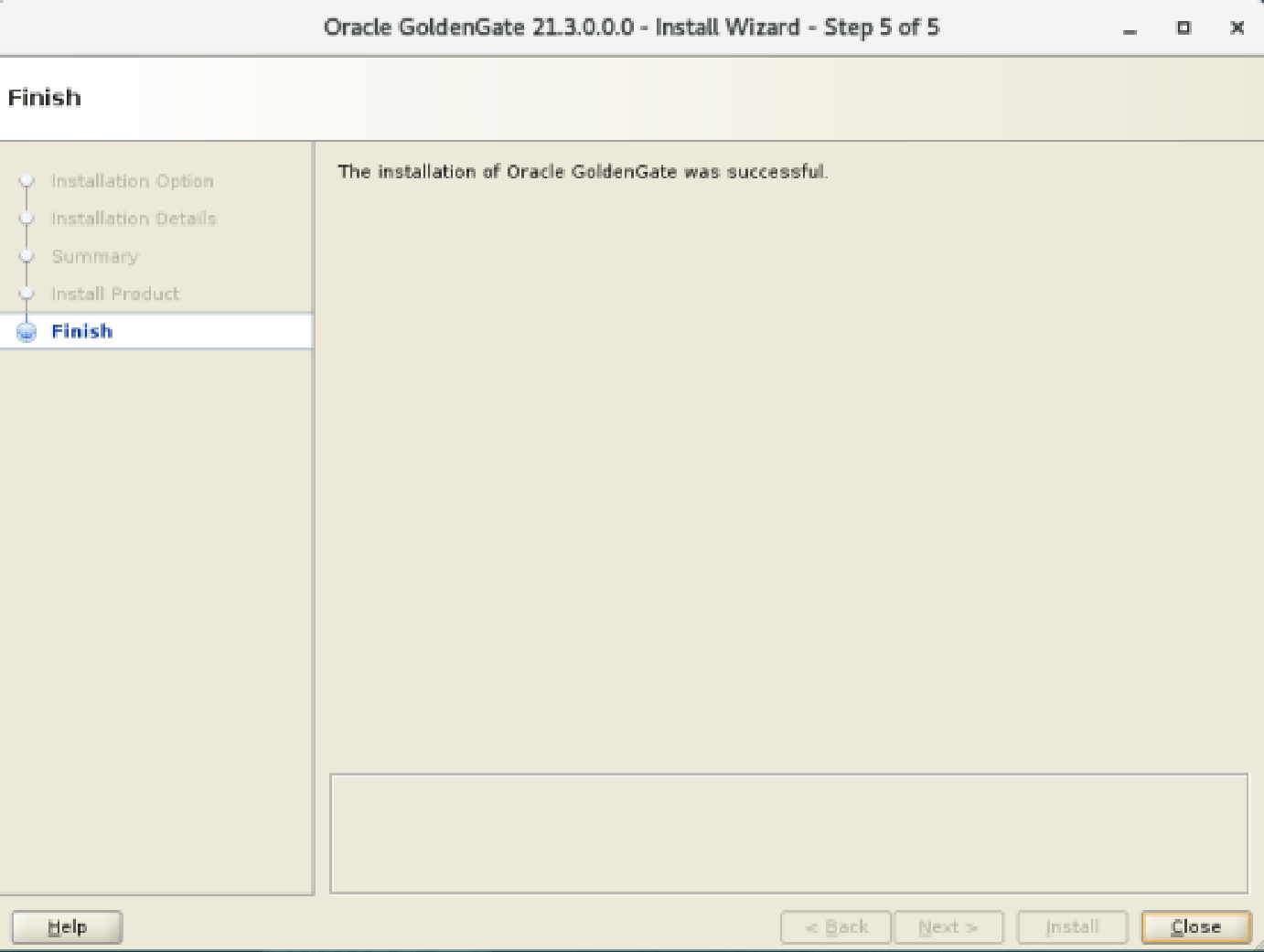
8. Finish
9. Edit the shell profile For bash shell, open .bash_profile or .bashrc:
10. Add the following environment variables Replace the paths with your actual installation locations:
export GG_HOME=/u01/app/oracle/product/gg
export PATH=$GG_HOME:$PATH
export LD_LIBRARY_PATH=/u01/app/oracle/product/21.0/db_home/lib:$LD_LIBRARY_PATH
export TNS_ADMIN=/u01/app/oracle/product/21.0/db_home/network/admin
11. Check Manager is running. As we installed manager with Port 7809 with installation. So our manager process is already start.
cd $GG_HOME
./ggsci
GGSCI> info mgr
GGSCI (localhost.localdomain) 2> info mgr
Manager is running (IP port TCP:localhost.localdomain.7809, Process ID 8201).
Pingback: Configure the Golden Gate on one schema to another schema in one database for learning | SmartTechWays – Innovative Solutions for Smart Businesses