Change SQL Server Management Studio Window Authentication to domain user
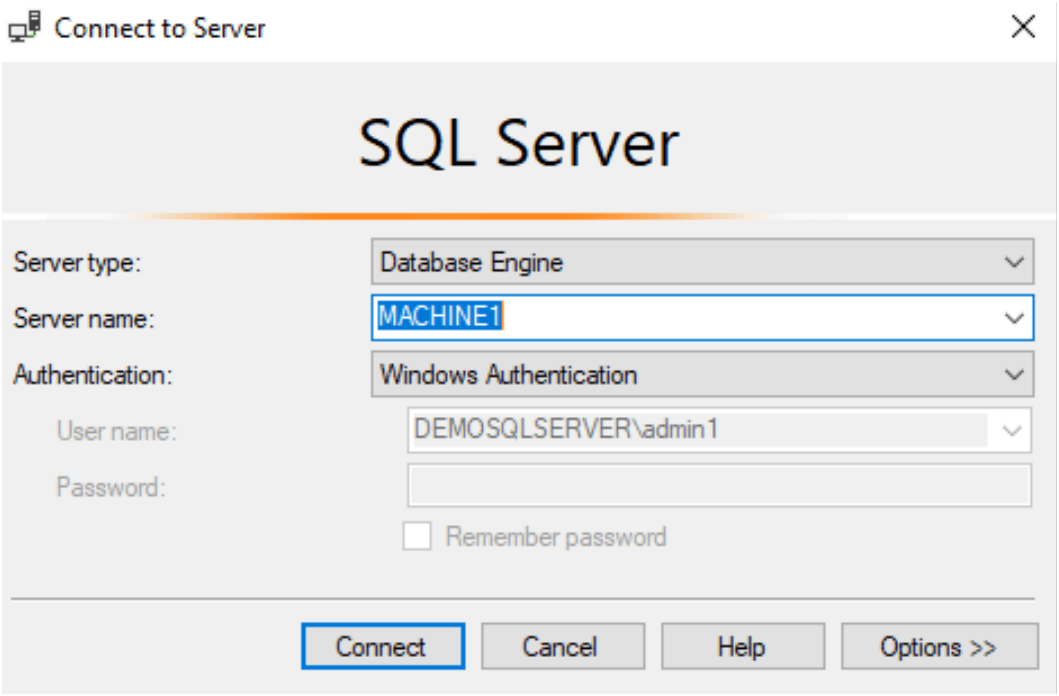
Problem: I am not able to change the disabled username in the window authentication mode in SSMS ( SQL Server Management Studio)
If you want to change the SQL Server Management Studio Authentication user which running on Window Authentication.
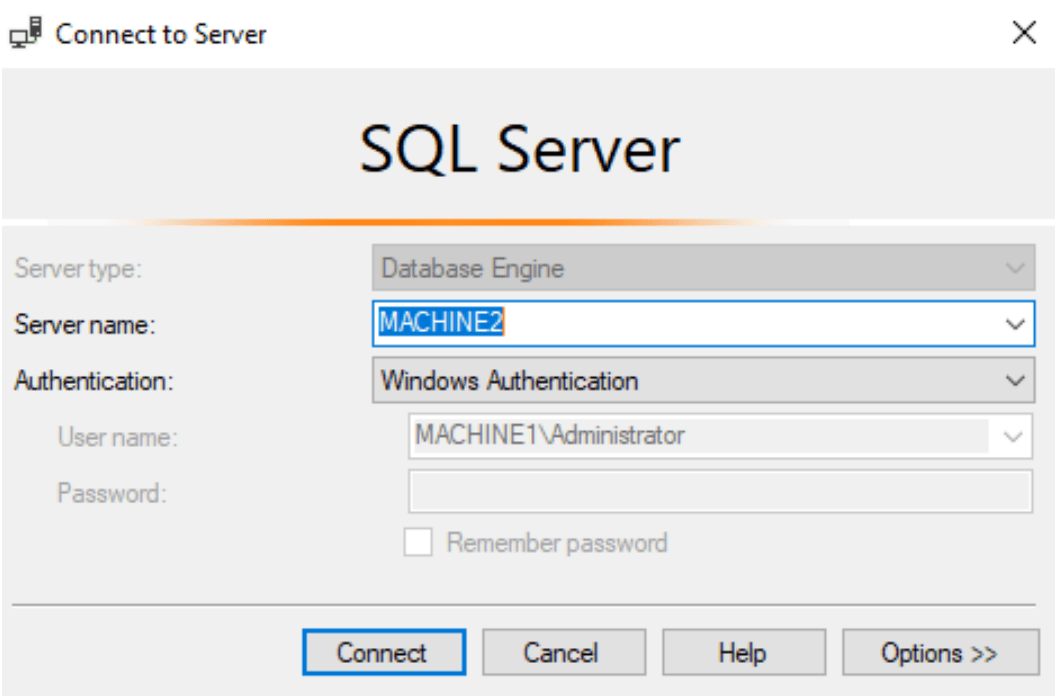
Tried solution but failed
I tried to update or delete these entry to domain/user in UserSettings.xml file but it’s not work for me. Its showing same window authentication as shown above after editing and saving this file
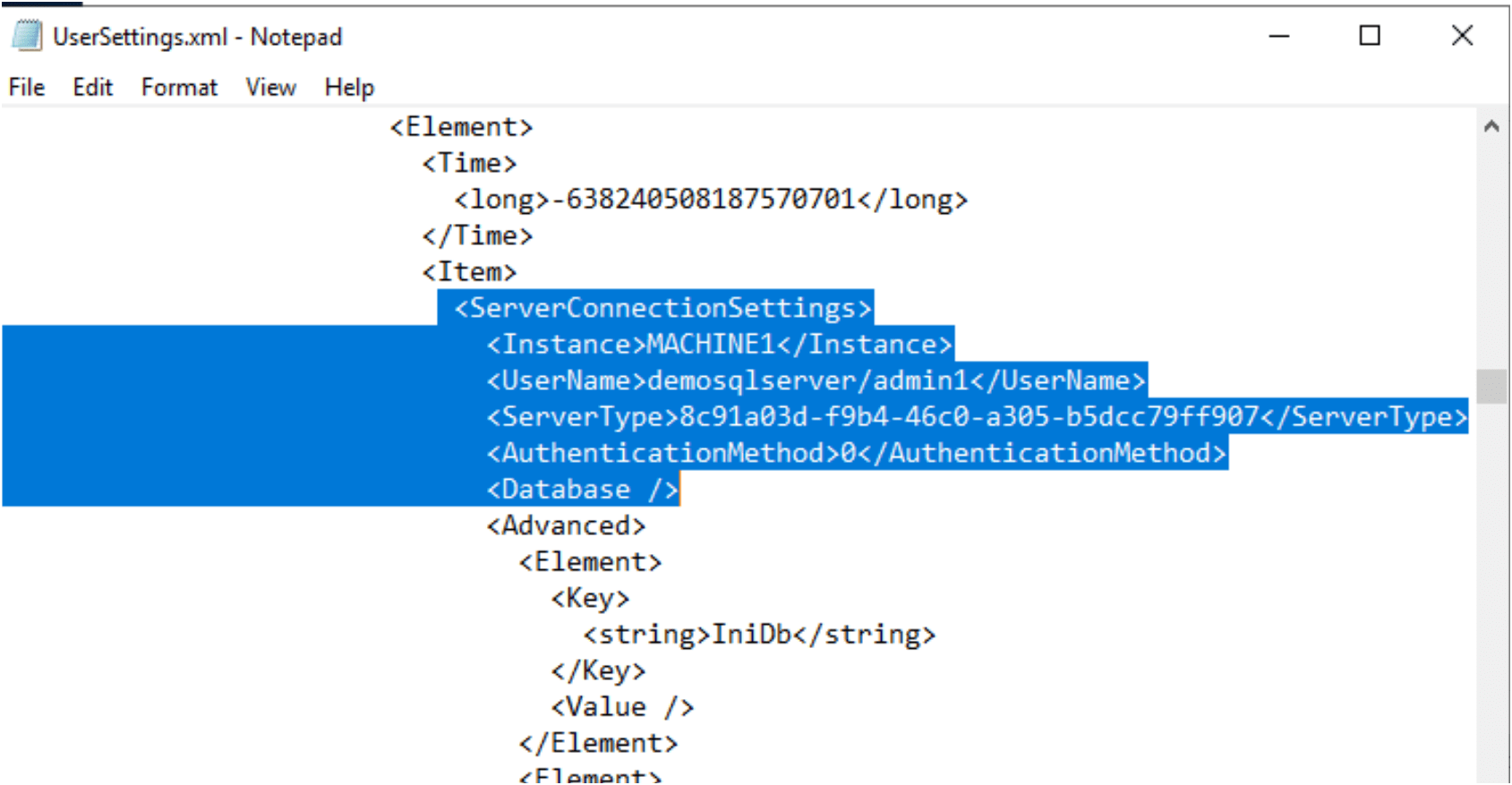
Solution:
Firstly, Create a new login with that domain user as login in SQL server by connecting the current user or SA user. If you already have skip this step.
2. Run the SQL Server management studio with different user.
3. Open the start button –> Go to SQL Server management studio–> Right click on it — > go to more option –> Run as different user –> Provide the domain user name and password –> click OK
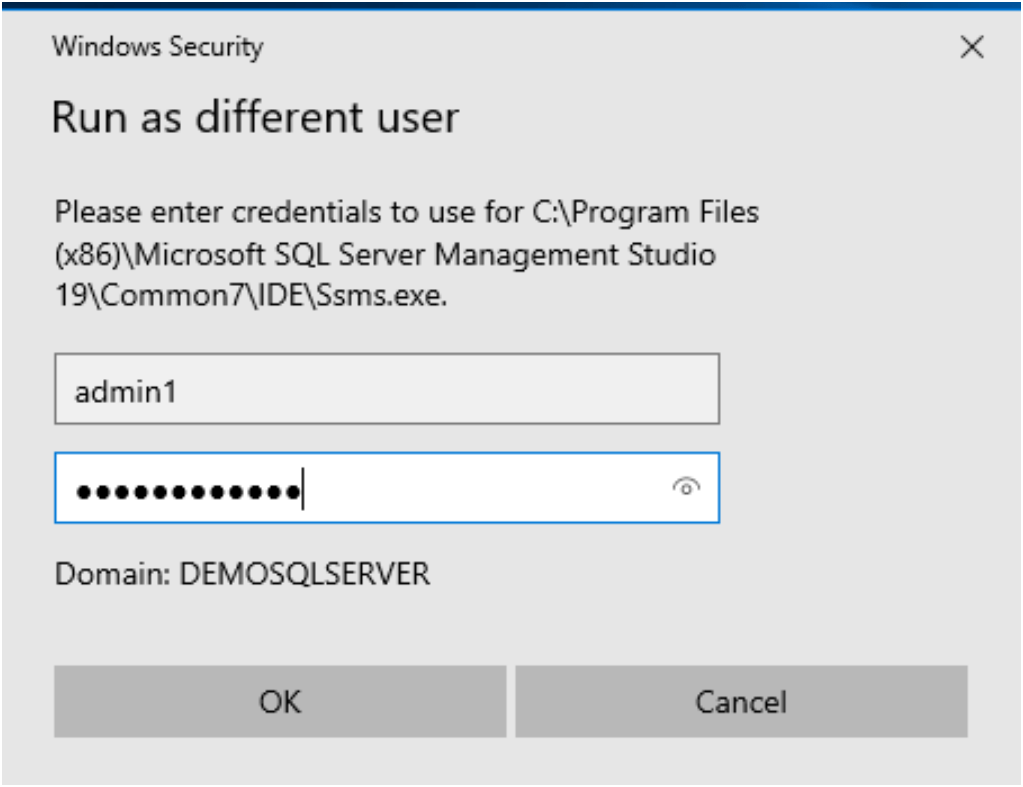
4. Now you and the domain user automatically at window authentication and you can use that to login.