Created a new pluggable database but when try to connect it. I am getting the below error:
Error
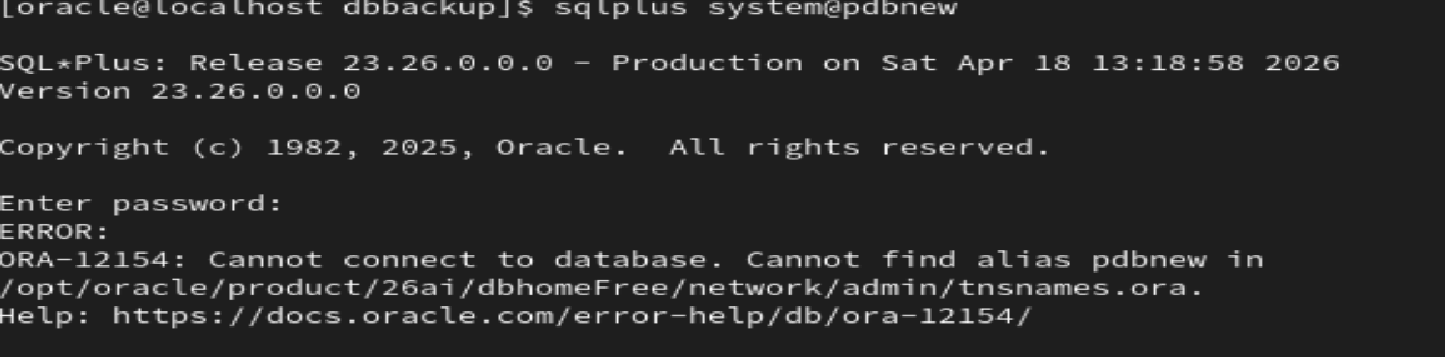
[oracle@localhost dbbackup]$ sqlplus system@pdbnew
SQL*Plus: Release 23.26.0.0.0 – Production on Sat Apr 18 13:14:22 2026
Version 23.26.0.0.0
Copyright (c) 1982, 2025, Oracle. All rights reserved.
Enter password:
ERROR:
ORA-12154: Cannot connect to database. Cannot find alias pdbnew in
/opt/oracle/product/26ai/dbhomeFree/network/admin/tnsnames.ora.
Help: https://docs.oracle.com/error-help/db/ora-12154/
Cause: TNS Entry is missing
Solution: Create a tns entry for the database PDBNEW in the tnsnames.ora file.
I created with help of NETCA. Please follows the steps.
- On command prompt / terminal, write the command NETCA.
2. This will open the NETCA utility as show below:

3. Provide the Service name you want to use for database.


4. Provide the Hostname of your database to which you want to connect.

5. If you want to verify from this utility then press TEST otherwise No

6. IF you want to create another net service name choose yes or no

7. Finish to end the utility
8. Test with tnsping command
