Install Oracle 21c database on Oracle Linux platform
- Prerequest
Oracle made it easy to configure the preinstall request step y creating a single package. just you need to install the package it will configure Linux system for Oracle.
yum install oracle-database-preinstall-21cFollowing things configure by Oracle with this package:
#!/bin/bash

set -e  # Exit on error

# Groups and User Setup
groupadd oinstall
groupadd dba
groupadd oper
groupadd backupdba
groupadd dgdba
groupadd kmdba
groupadd racdba

useradd -m -g oinstall -G dba,oper,backupdba,dgdba,kmdba,racdba oracle
echo "oracle:oracle" | chpasswd  # You can change this password manually after execution

# Sysctl Parameters (based on Oracle Preinstallation RPM recommendations)
cat <<EOF > /etc/sysctl.d/99-oracle-database.conf
fs.file-max = 6815744
kernel.sem = 250 32000 100 128
kernel.shmmni = 4096
kernel.shmall = 1073741824
kernel.shmmax = 4398046511104
kernel.panic_on_oops = 1
net.ipv4.ip_local_port_range = 9000 65500
net.core.rmem_default = 262144
net.core.rmem_max = 4194304
net.core.wmem_default = 262144
net.core.wmem_max = 1048576
EOF

sysctl --system

# Resource Limits
cat <<EOF > /etc/security/limits.d/99-oracle-limits.conf
oracle   soft   nofile    1024
oracle   hard   nofile    65536
oracle   soft   nproc     2047
oracle   hard   nproc     16384
oracle   soft   stack     10240
oracle   hard   stack     32768
oracle   hard   memlock   134217728
oracle   soft   memlock   134217728
EOF

# Startup Parameters for numa and Transparent HugePages
GRUB_CFG=$(grep GRUB_CMDLINE_LINUX /etc/default/grub)
NEW_GRUB_CMDLINE="transparent_hugepage=madvise numa=off"
sed -i "s|GRUB_CMDLINE_LINUX=.*|GRUB_CMDLINE_LINUX=\"$NEW_GRUB_CMDLINE\"|" /etc/default/grub
grub2-mkconfig -o /boot/grub2/grub.cfg

echo "Configuration completed. Please reboot your system to apply GRUB settings."
2. Create the directory and make Oracle user as owner of it
mkdir /u01/app/oracle/product/19c/dhome_1


chown -R oracle:oinstall /u01/app/oracle/product/19c/dbhome_1
chown -R oracle:oinstall /u01/app/oracle
3. Download the Oracle Linux software and keep it dbhome_1 and unzip by oracle user.
su  - oracle
unzip Linuxoracle21c.zip
4. Set the environment variables for oracle user.
# set the parameter

su - oracle

vi ~/.bash_profile
export ORACLE_BASE=/u01/app/oracle
export ORACLE_HOME=$ORACLE_BASE/product/19c/dbhome_1
export ORACLE_SID=orcl
export PATH=$PATH:$ORACLE_HOME/bin


source ~/.bash_profile
5. Run the installer to install the oracle software:
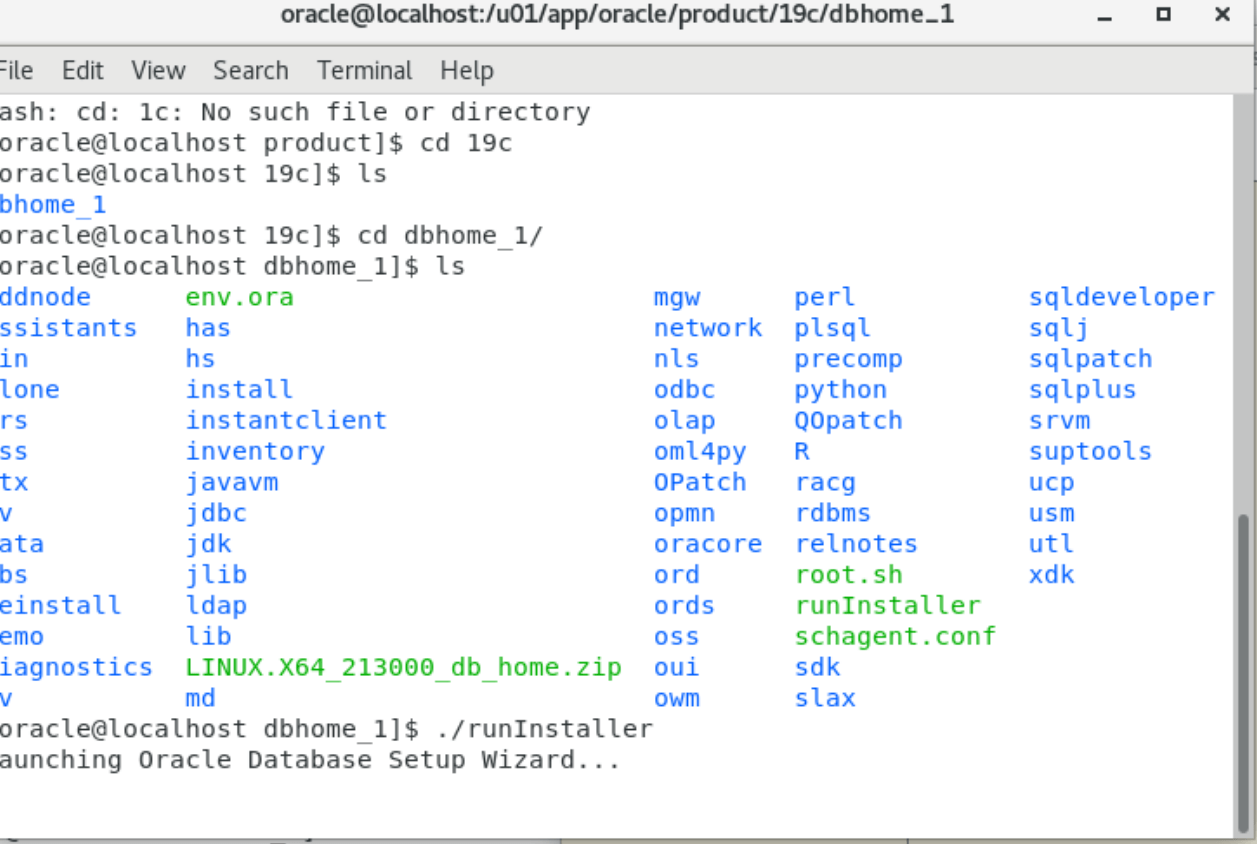
./runInstaller6. Go to the dbhome_1 location where we unzip the oracle software.
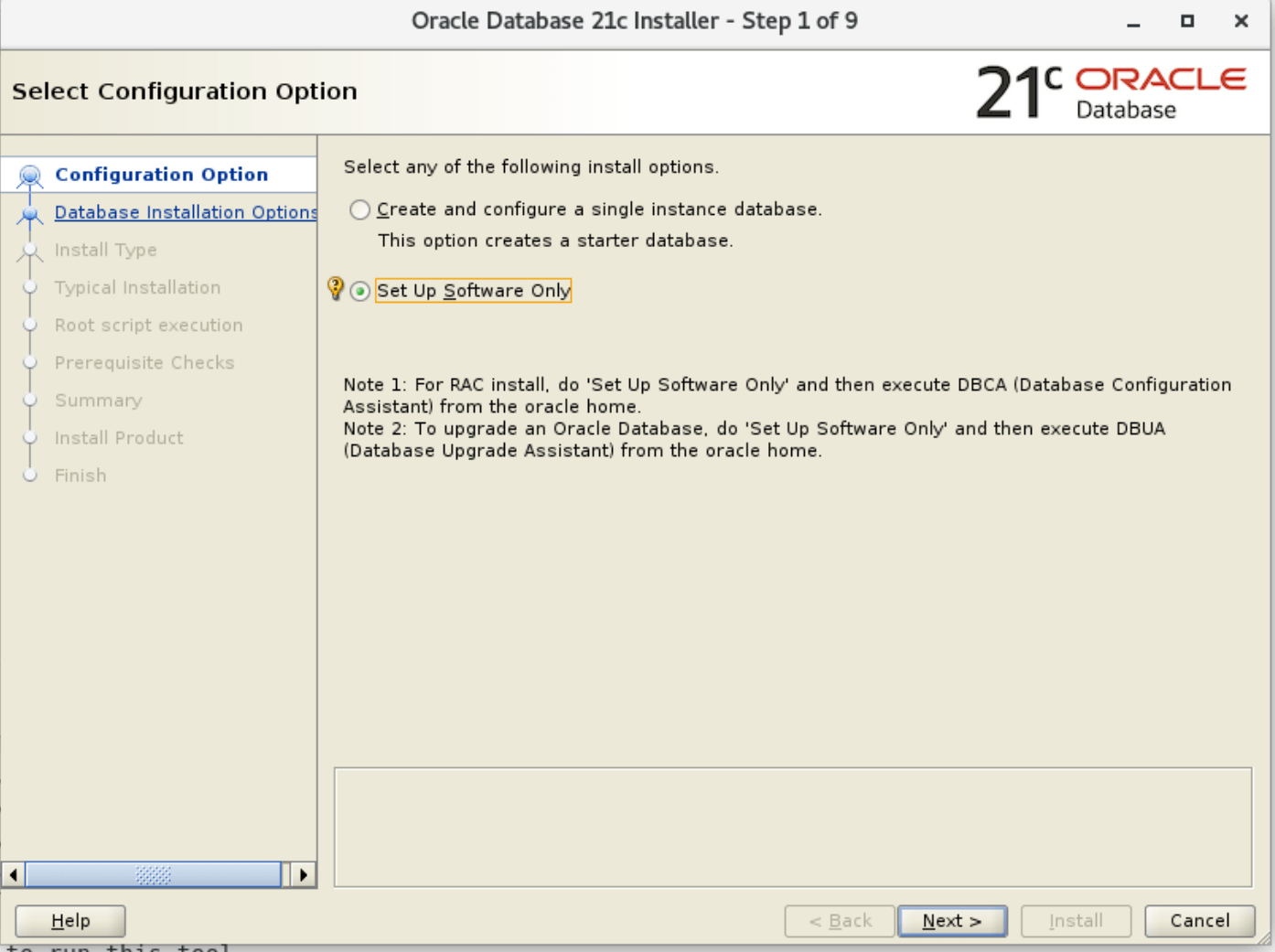
7. Start the Software installation:
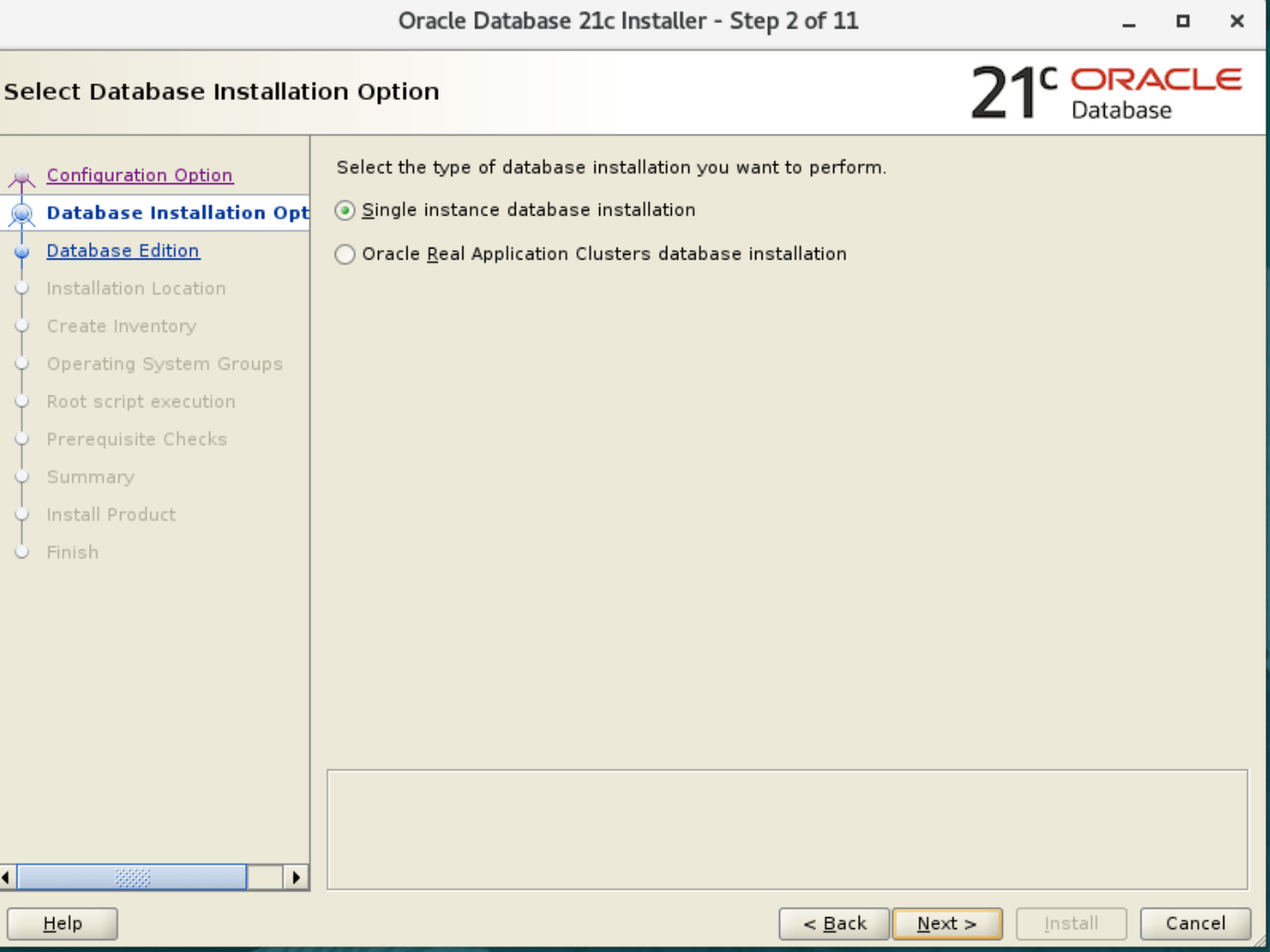
8. Select the database installation.
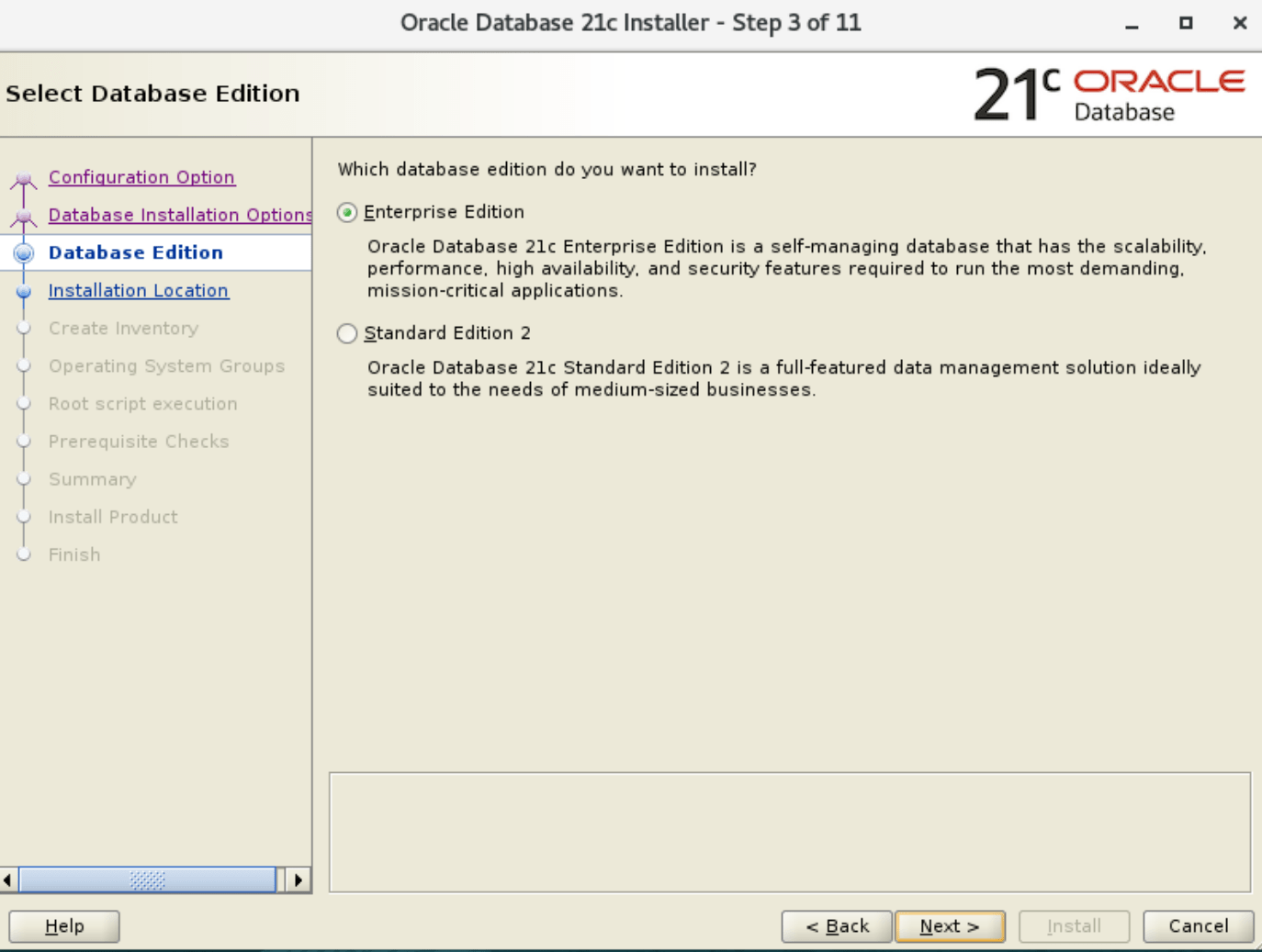
9. select the database edition.
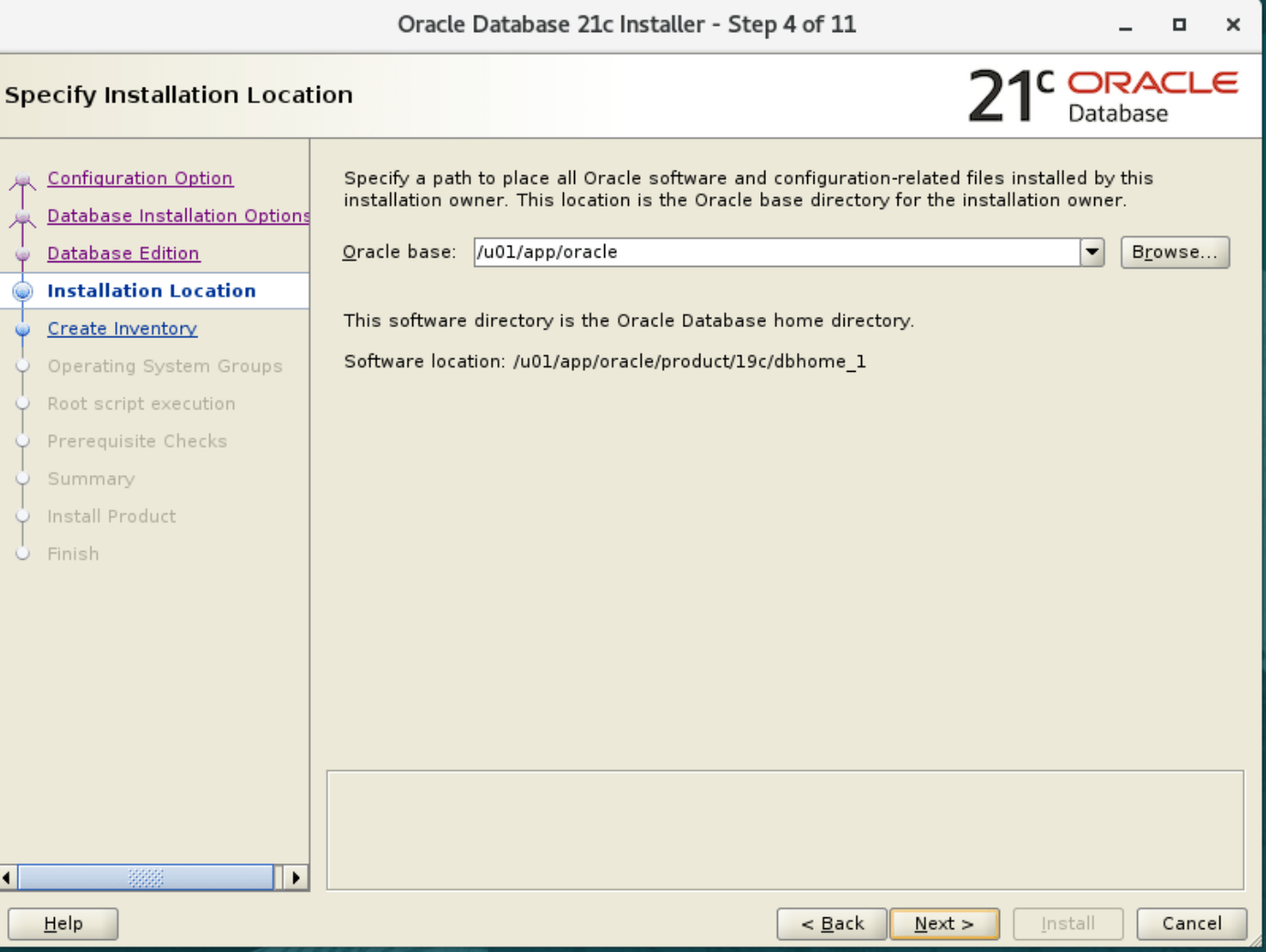
10. Specify installation location
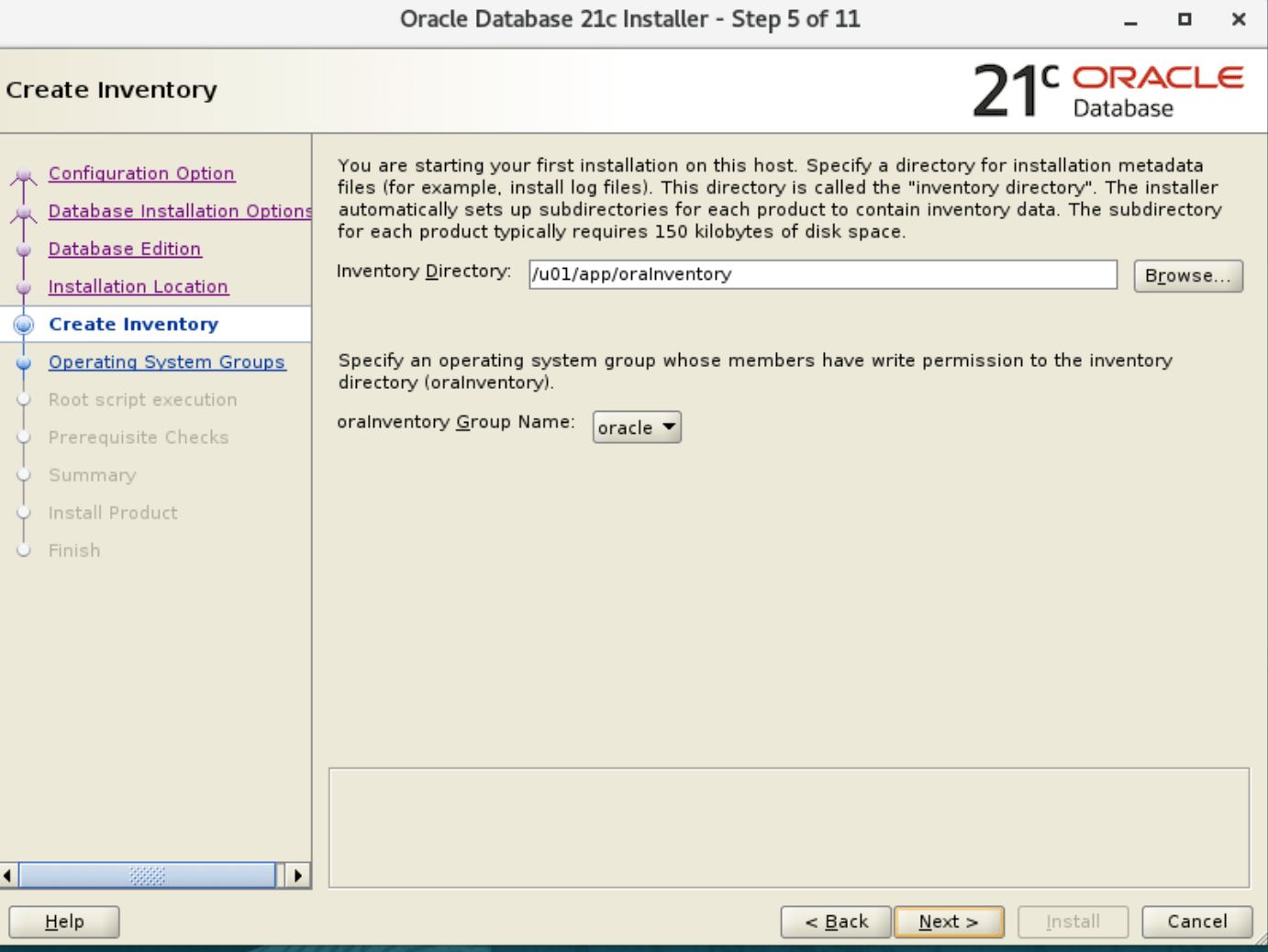
11. Specify the location of oracle inventory
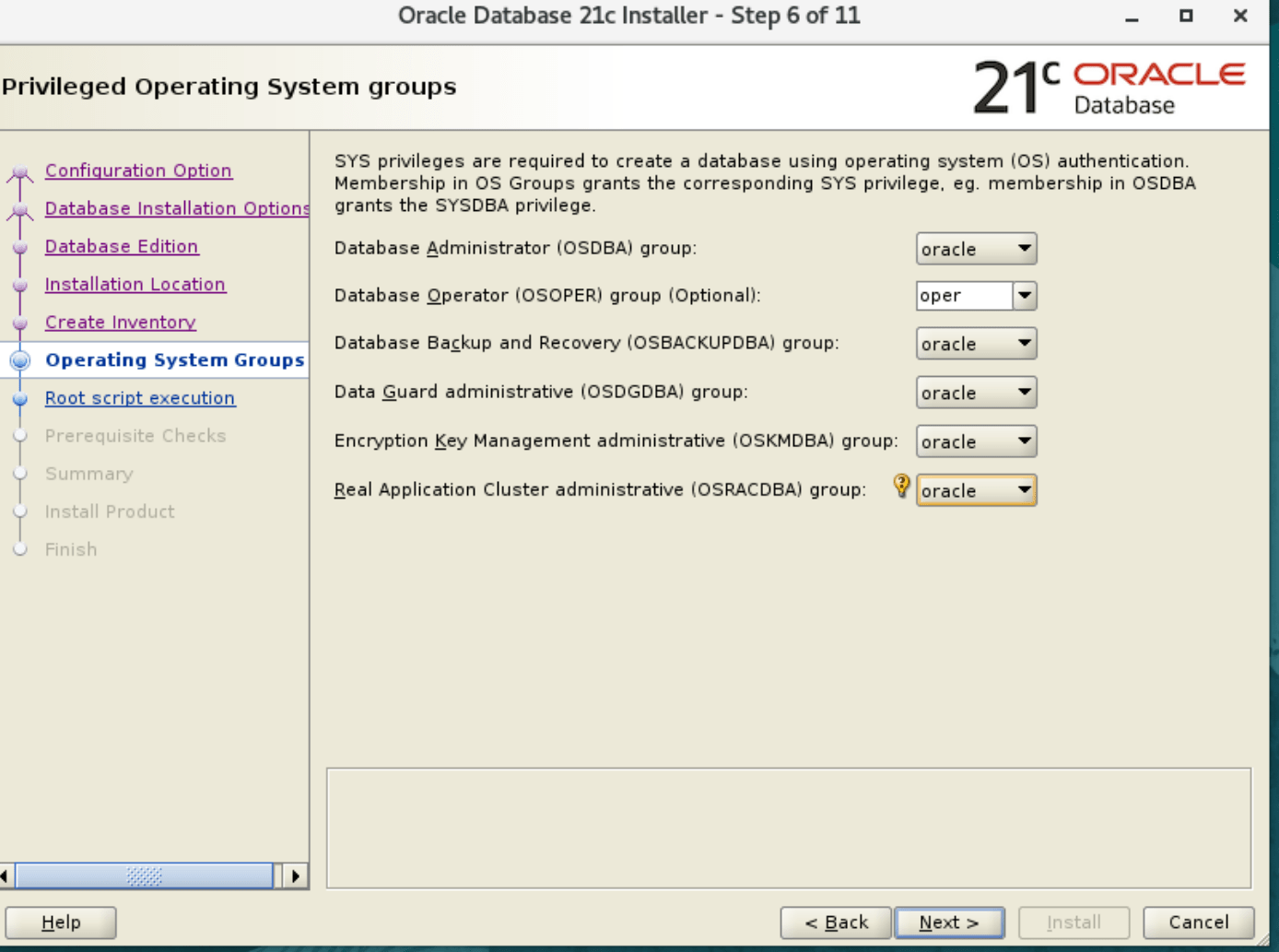
12. Set the privileged of operating system groups
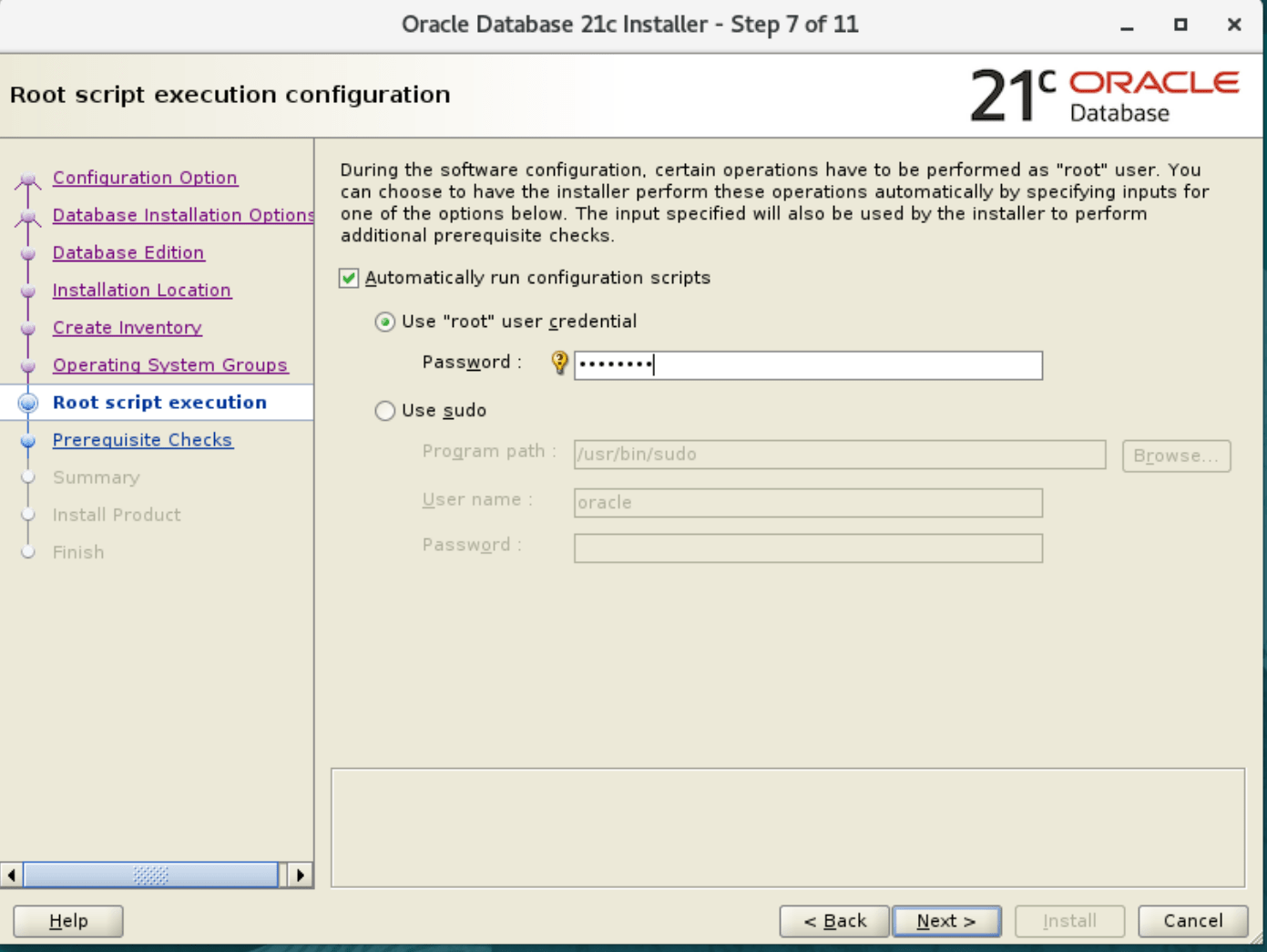
13. Root script execution configuration.
14. Perform prerequisite checks
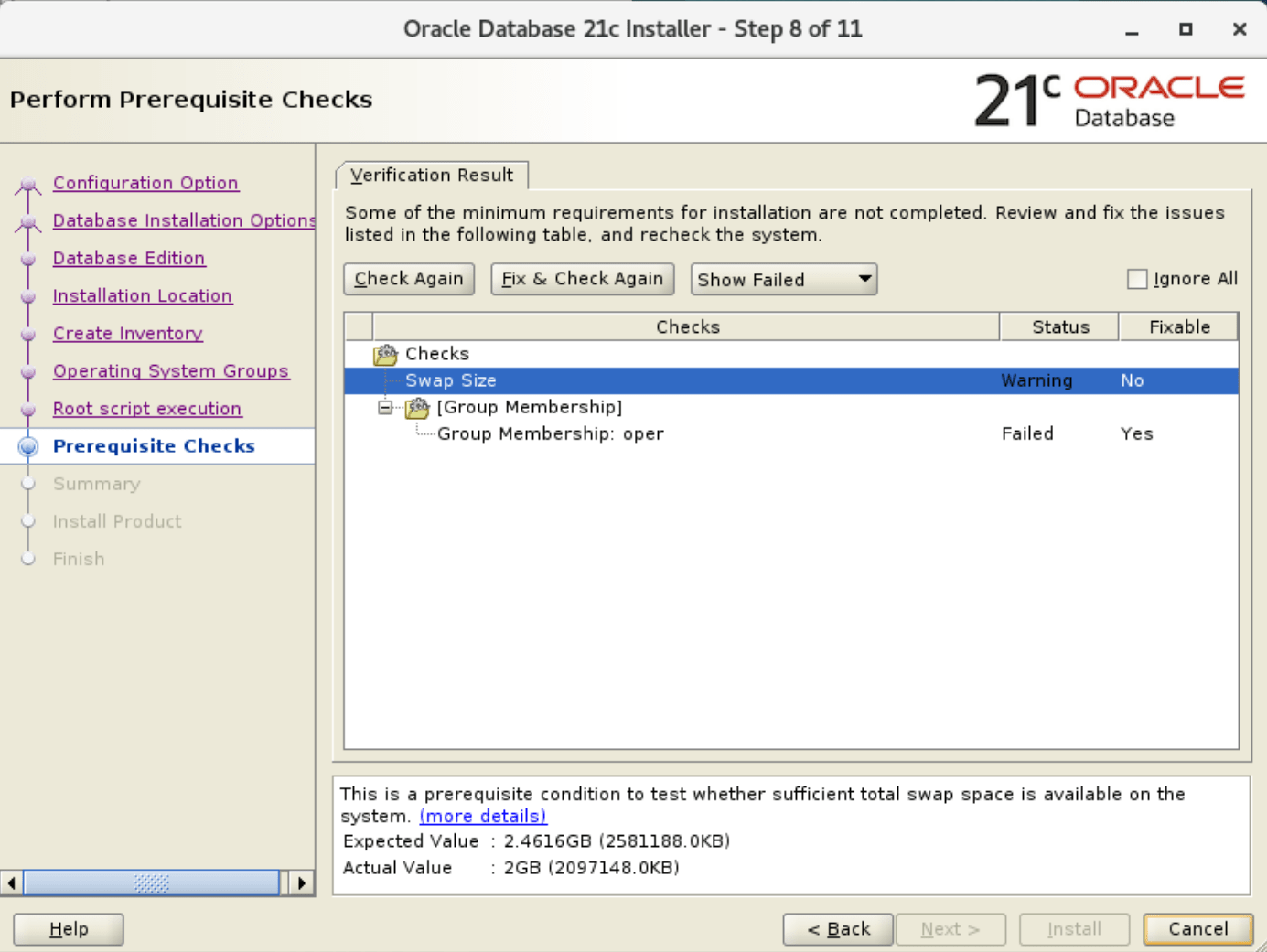
15. Run fix and check again
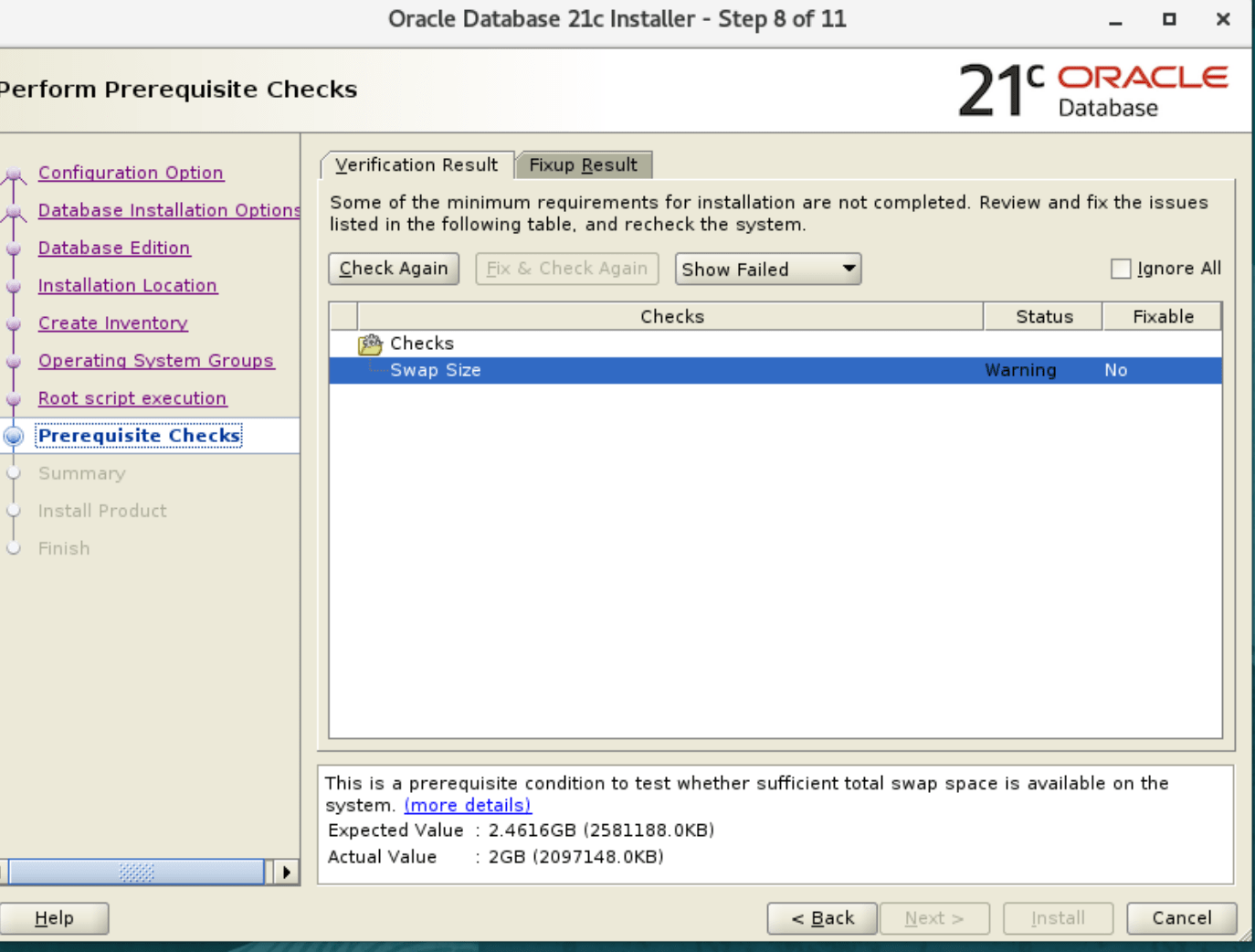
16. Perform prerequisite checks
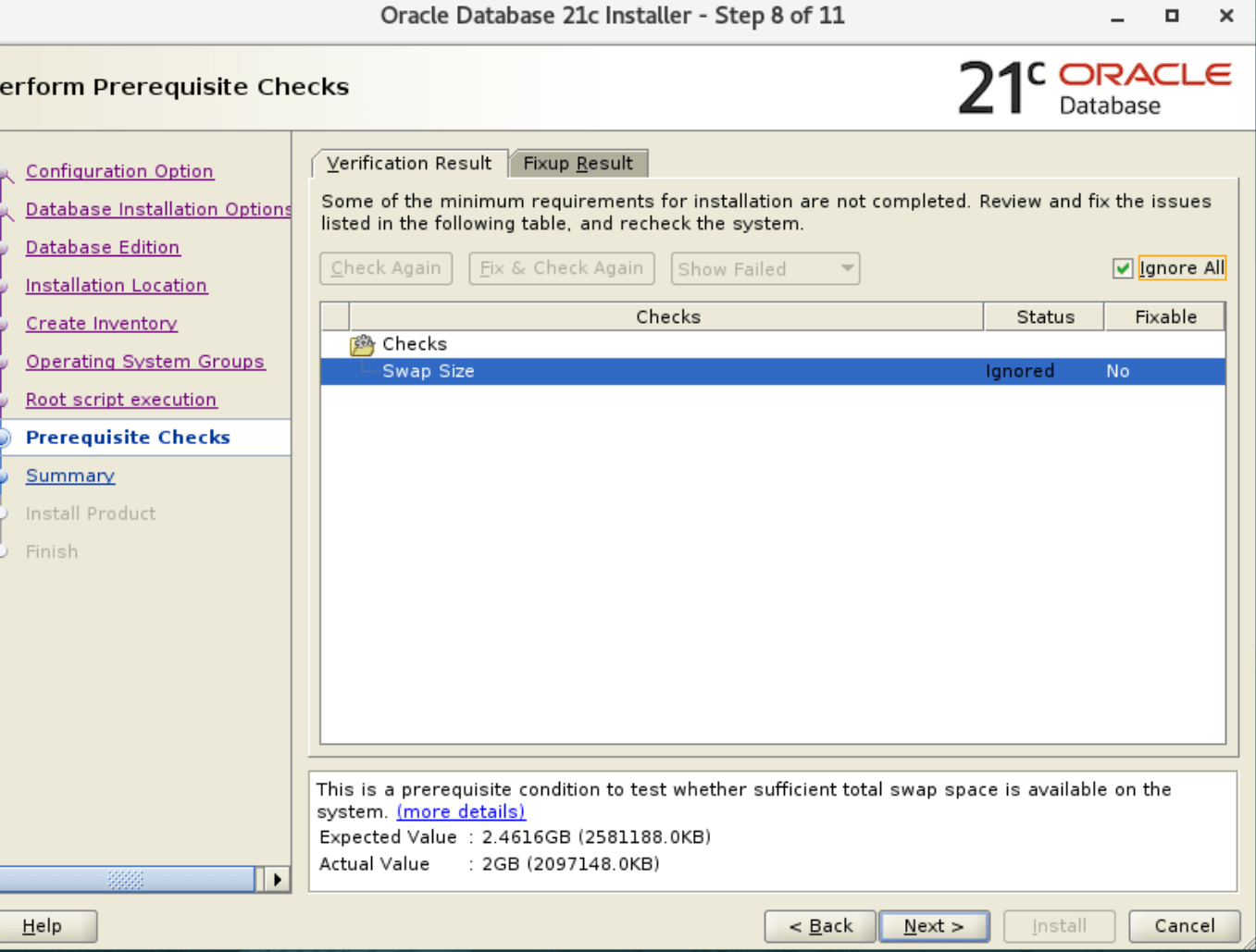
17. Summary
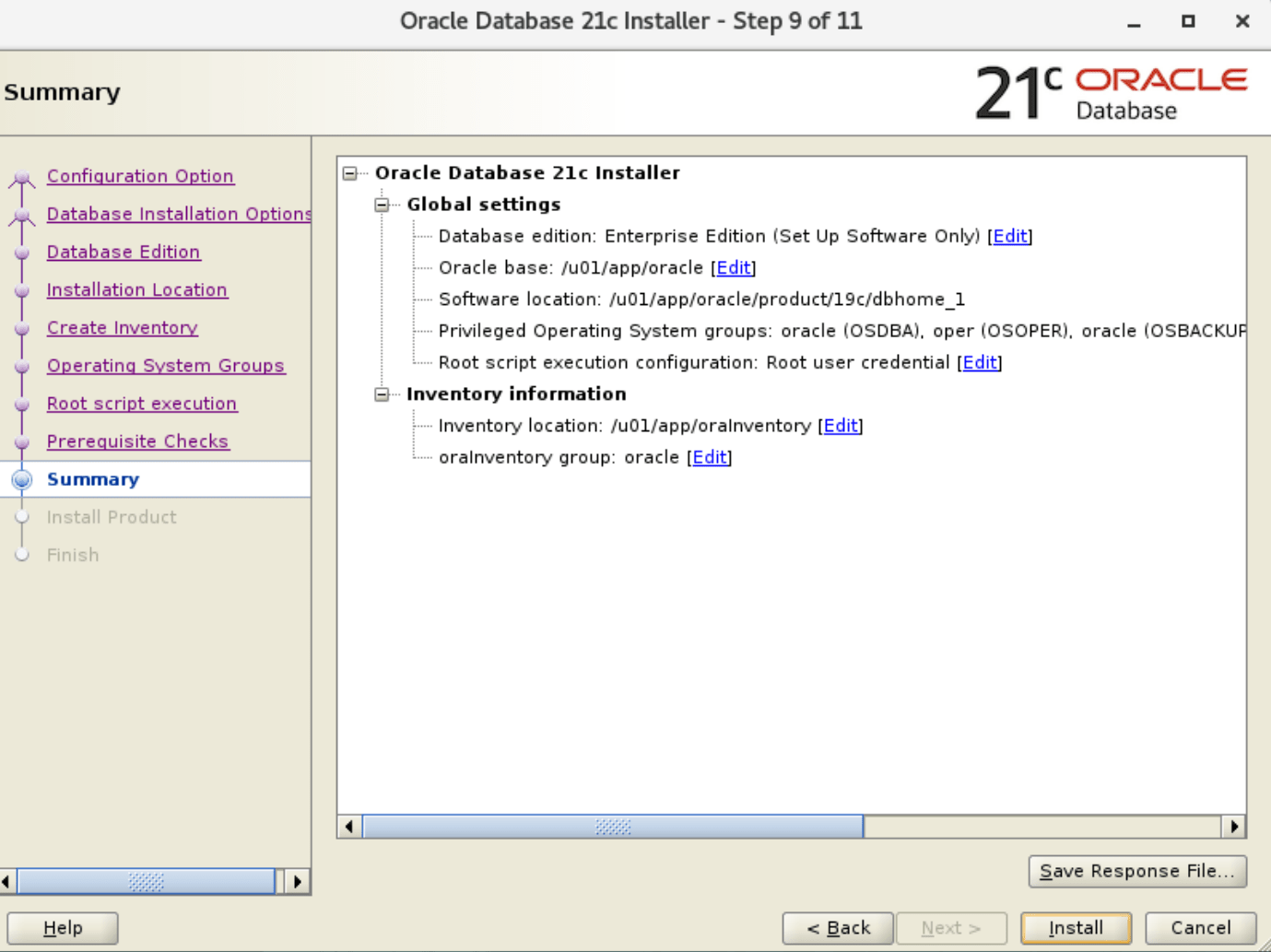
18. Install product
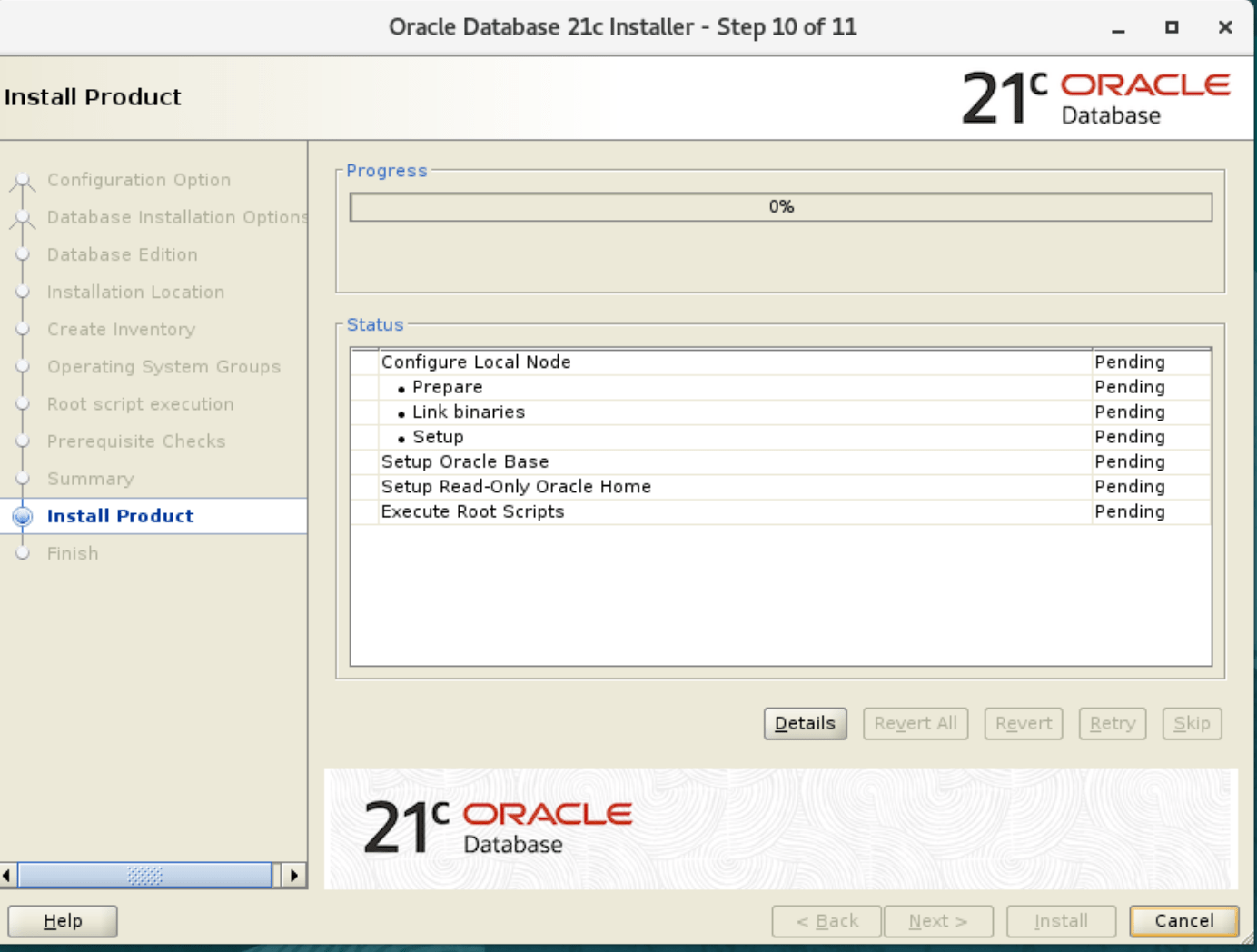
19. Install the product Oracle
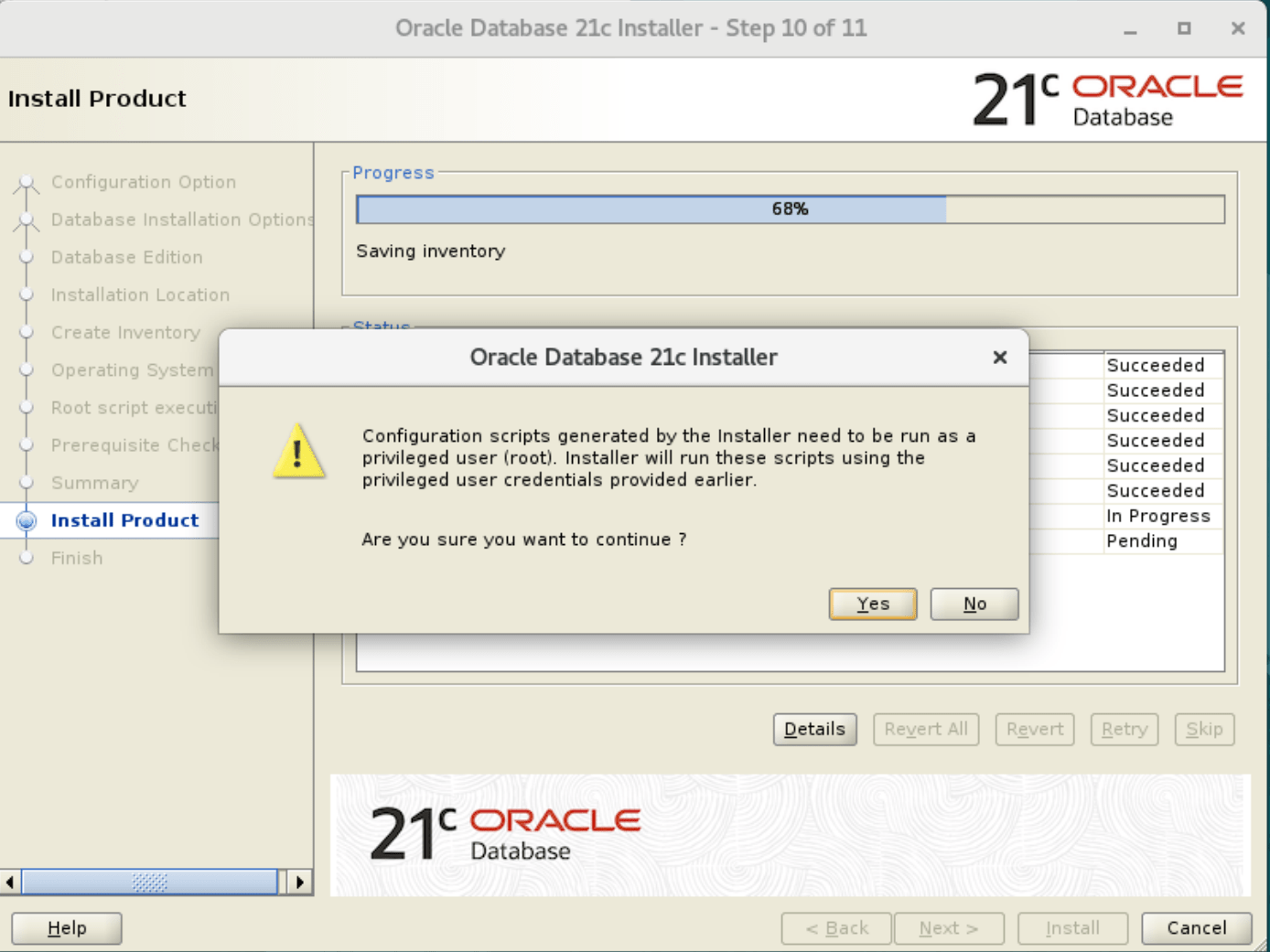
20. Finish the installation.
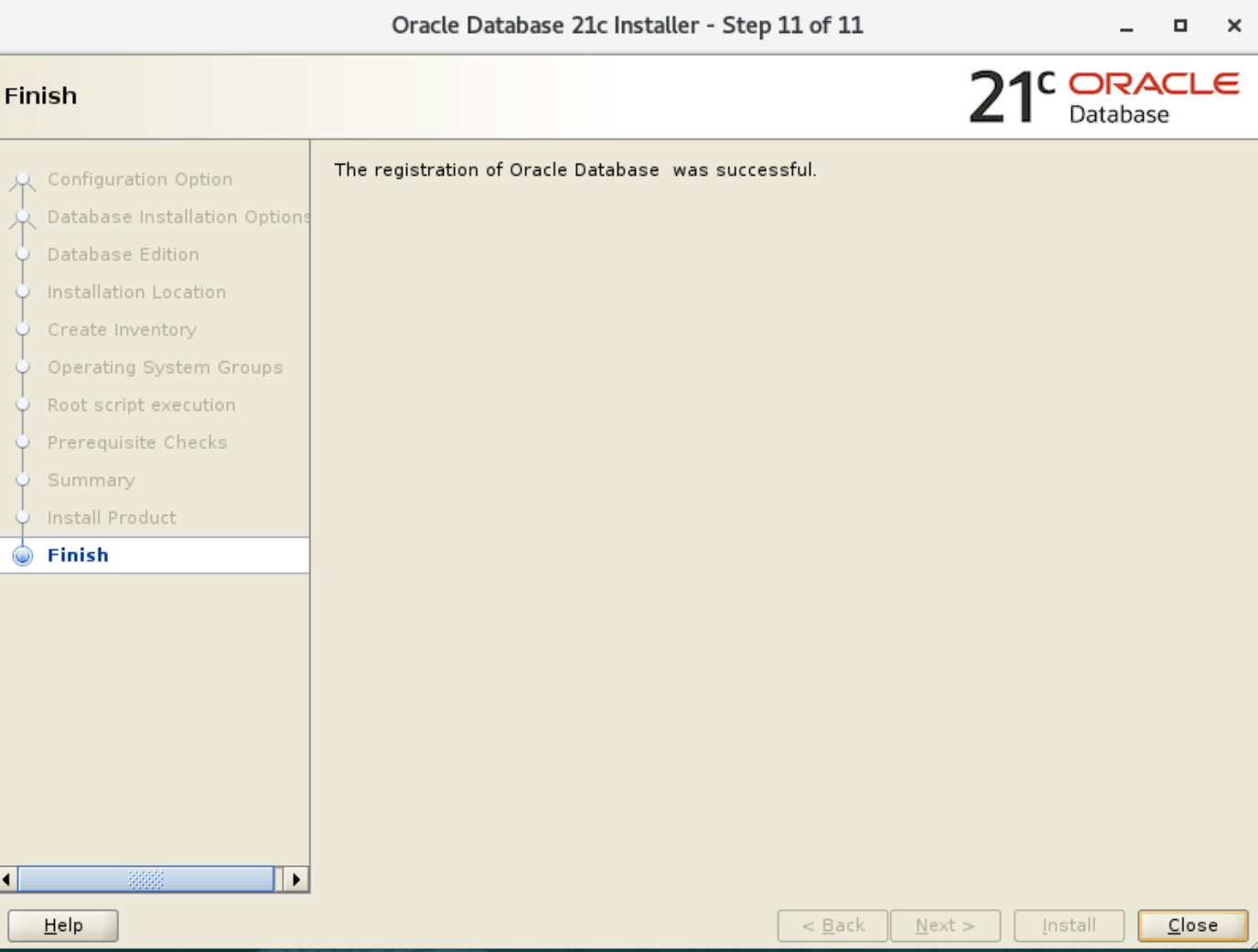
Create the database
- Run the DBCA utility to create a database


2. Select the database operation

2. Choose advance mode for configure datafile location and other parameter according to your need.
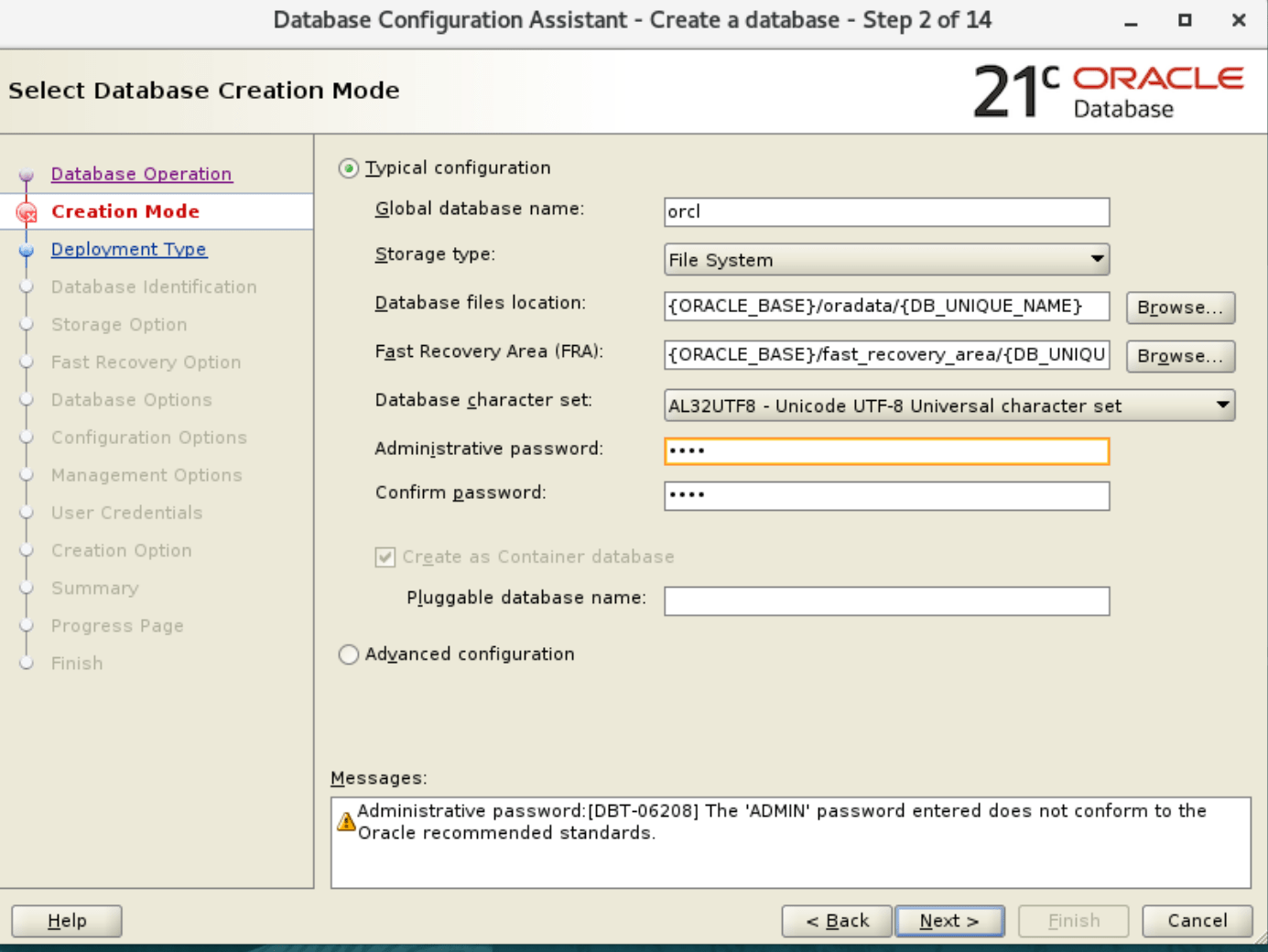
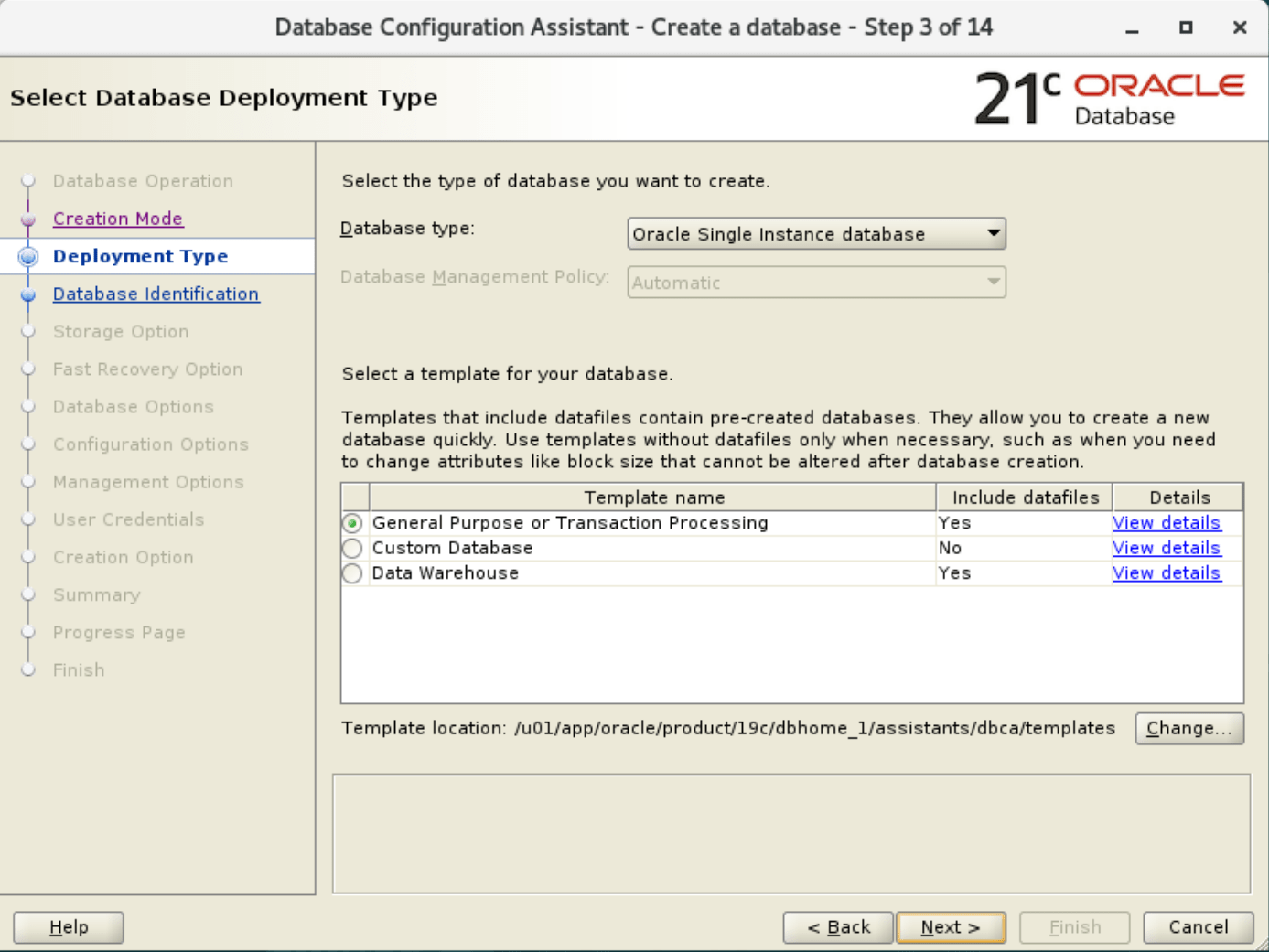
3. Select database deployment type:
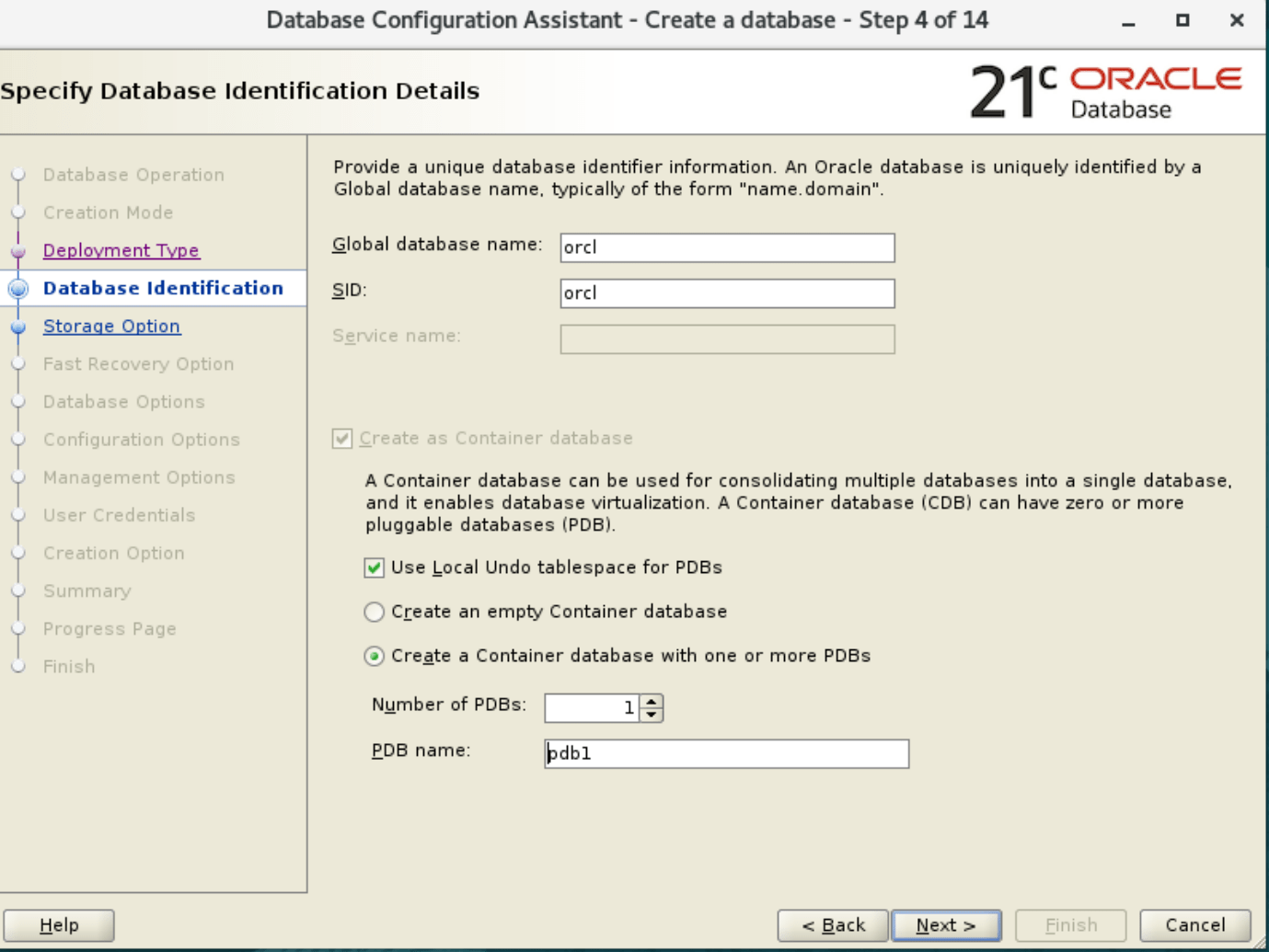
4. Specify the name of database and its pdb database name
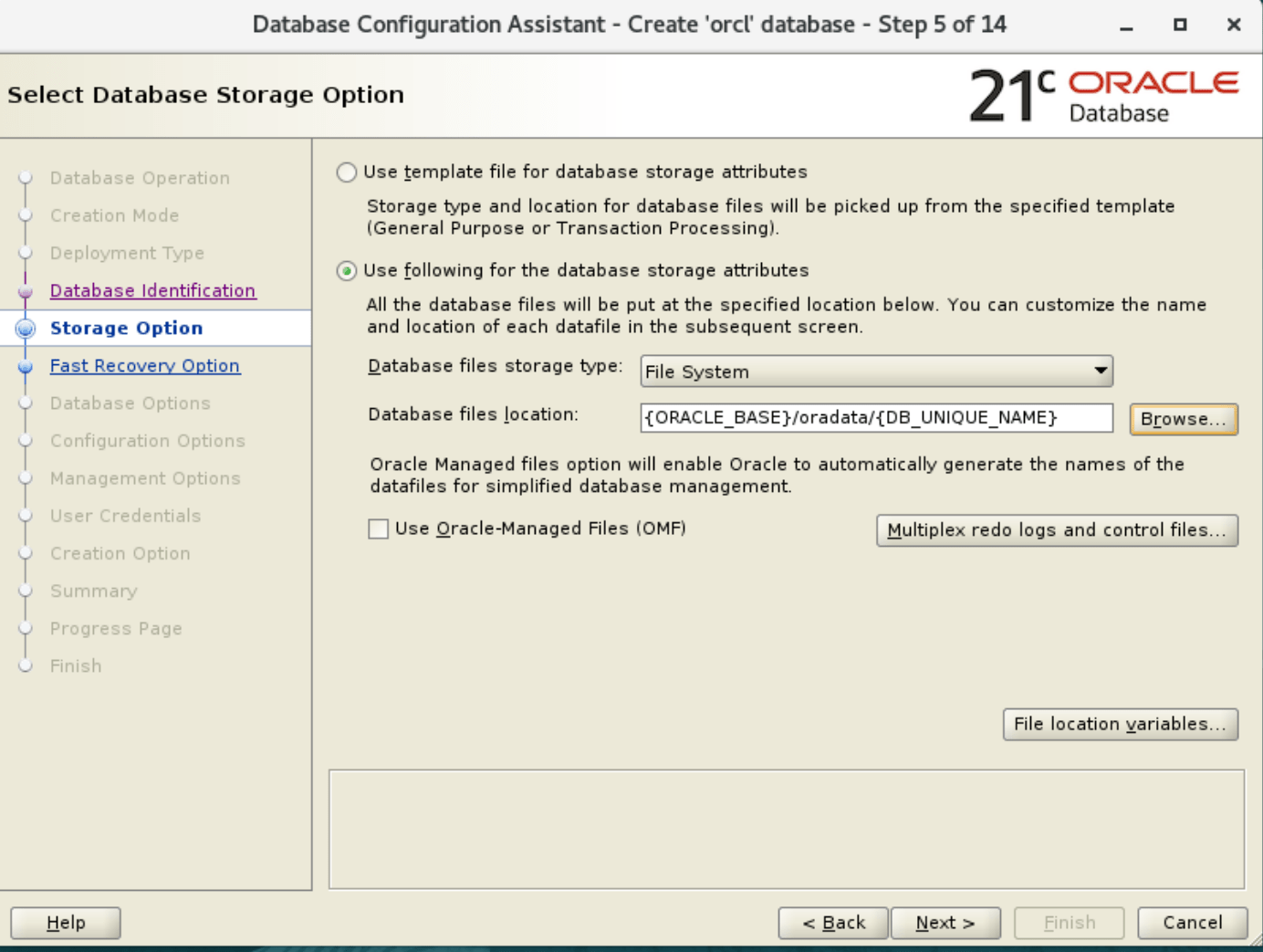
5. Select the location of oracle database datafiles
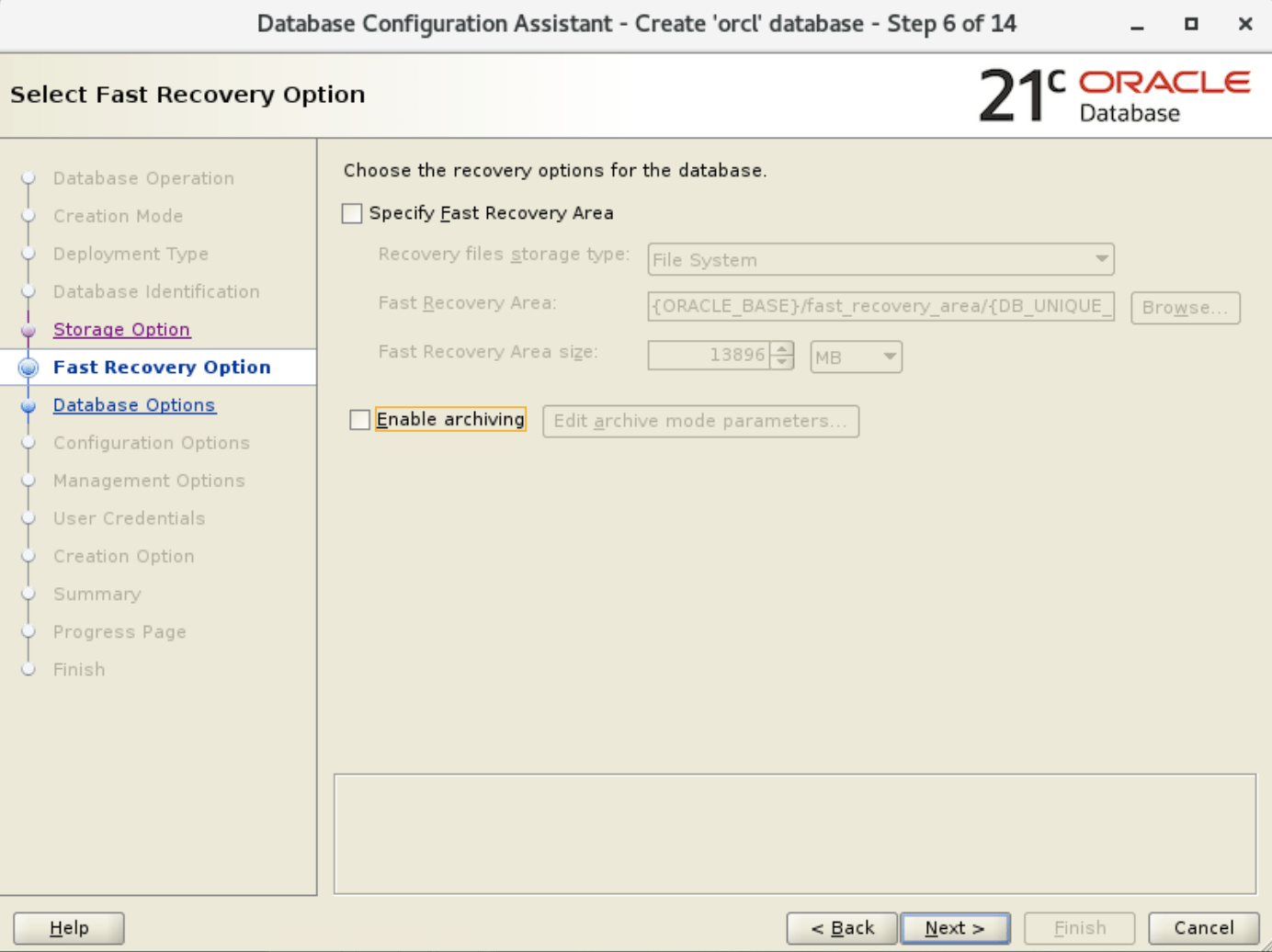
6. Enable the archiving.
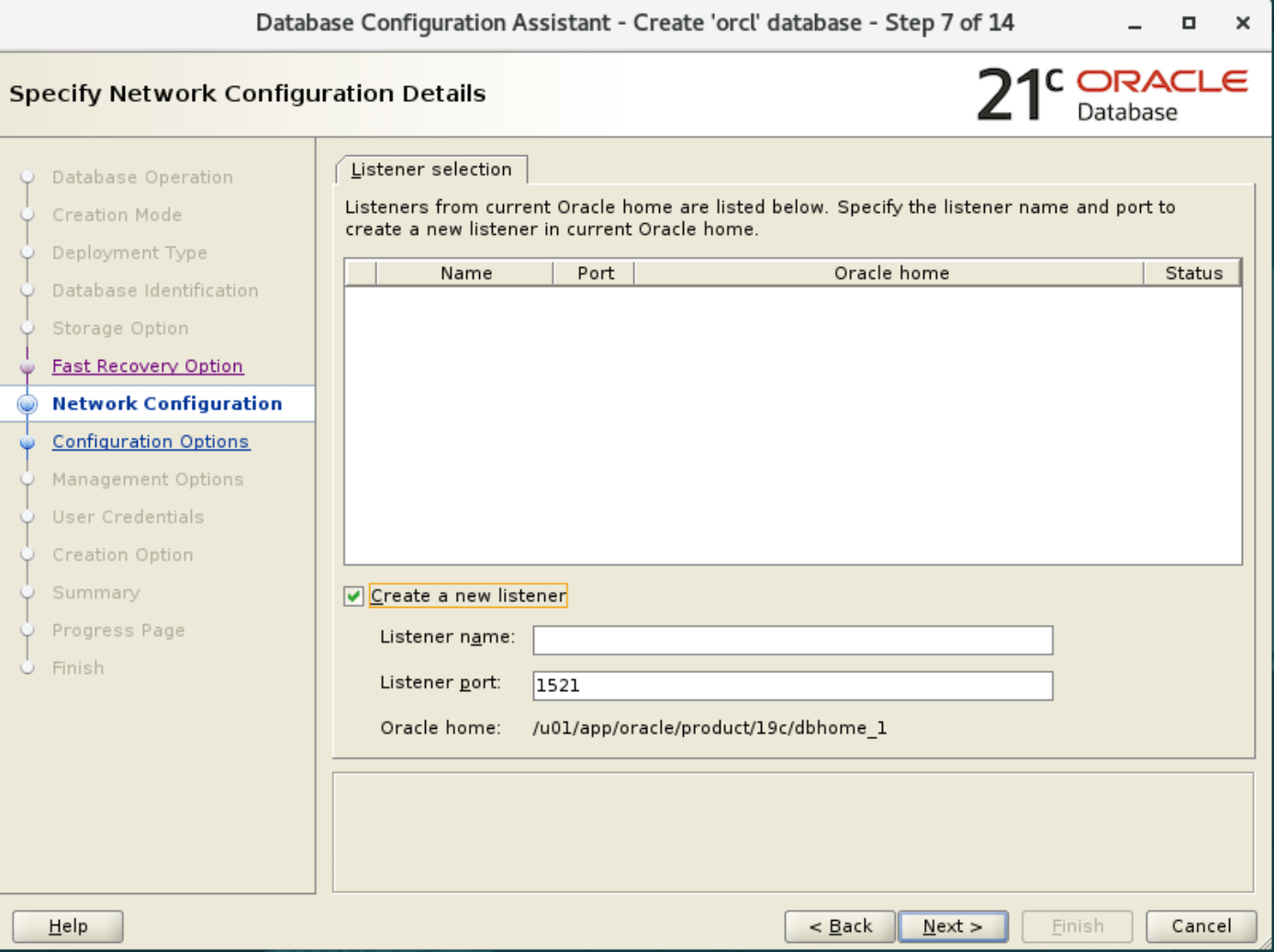
7. Listener selection
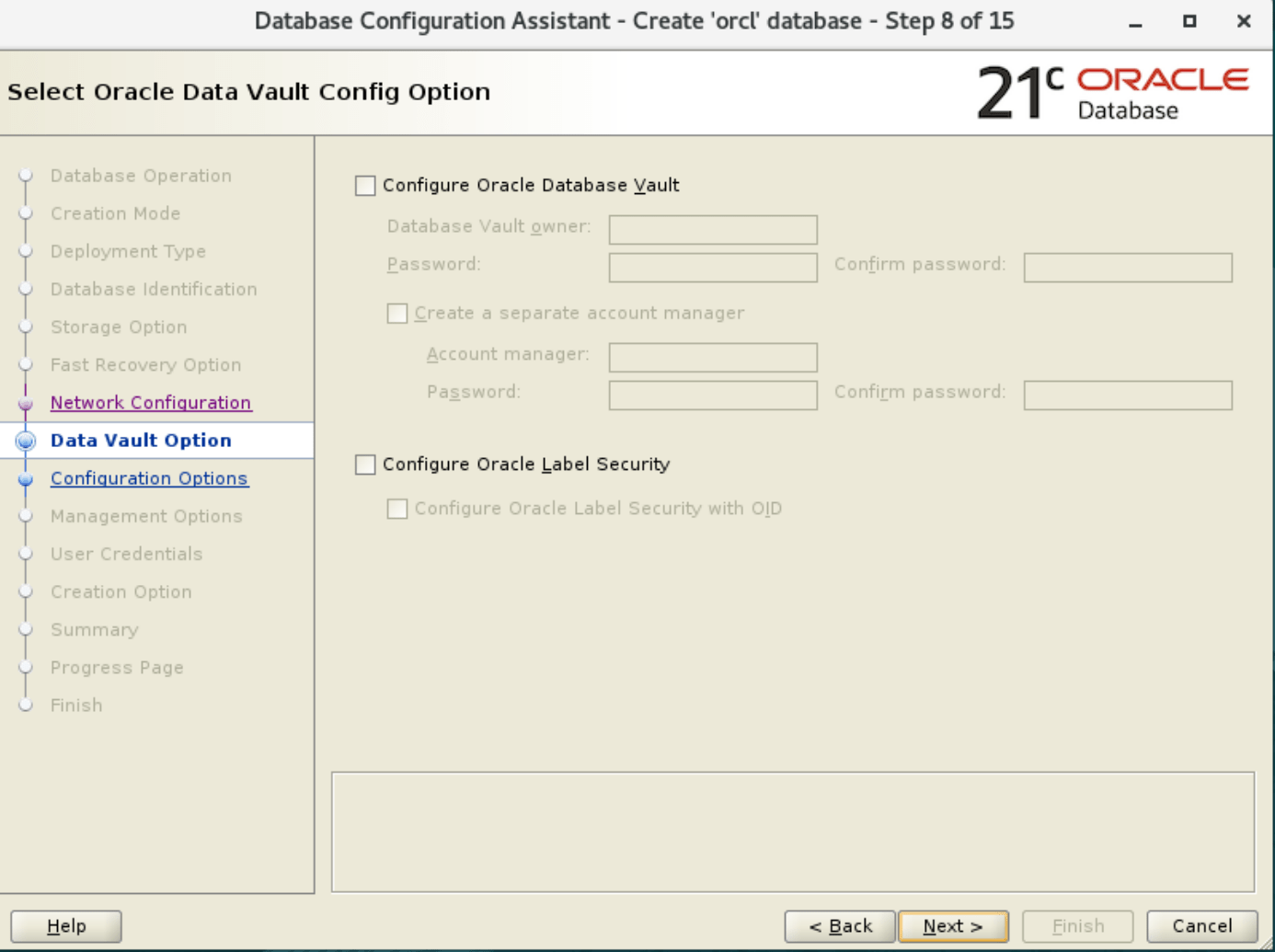
8. Oracle data vault config option:
9. Check the automatic shared memory management

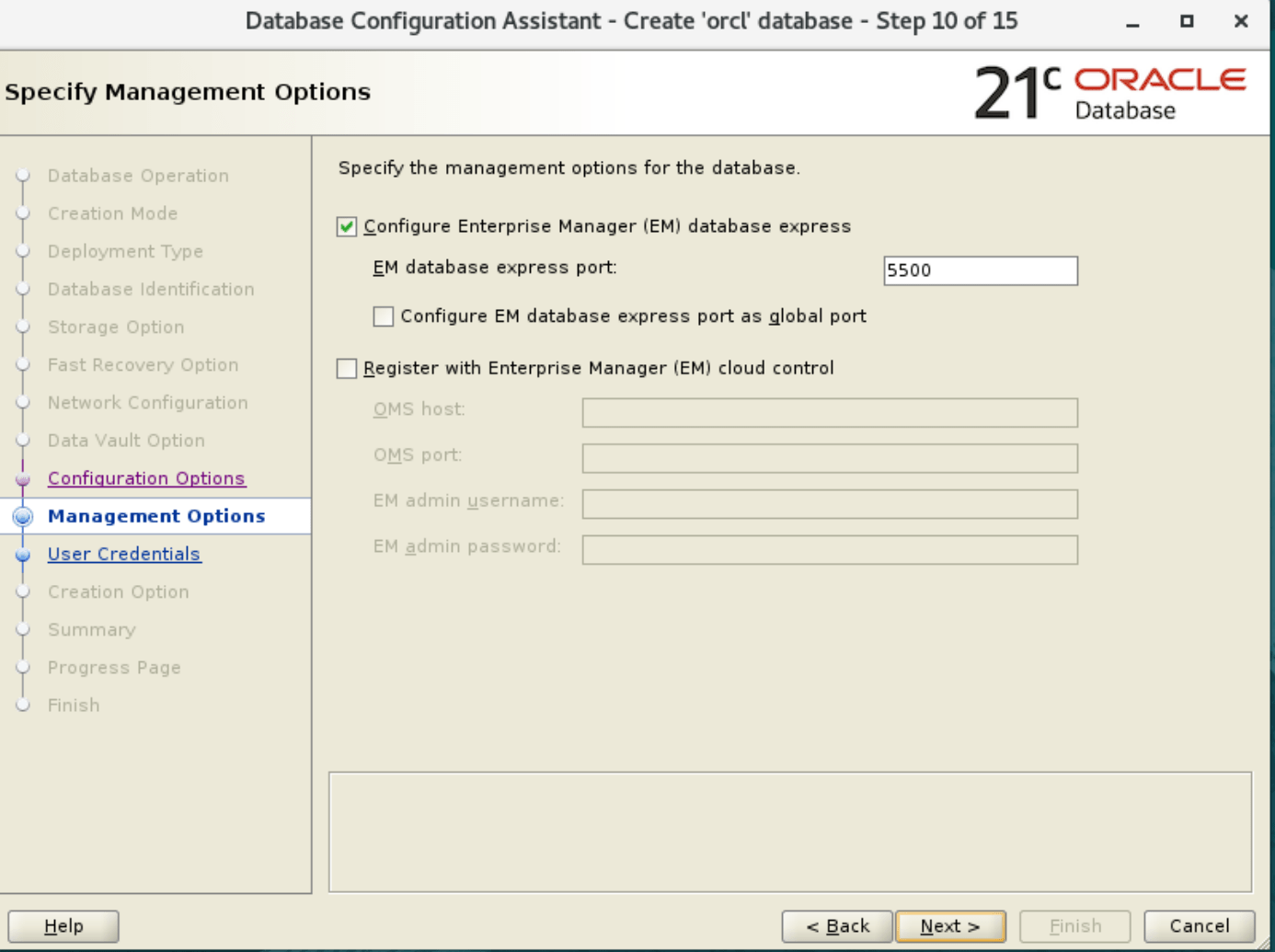
10. Specify Management options:
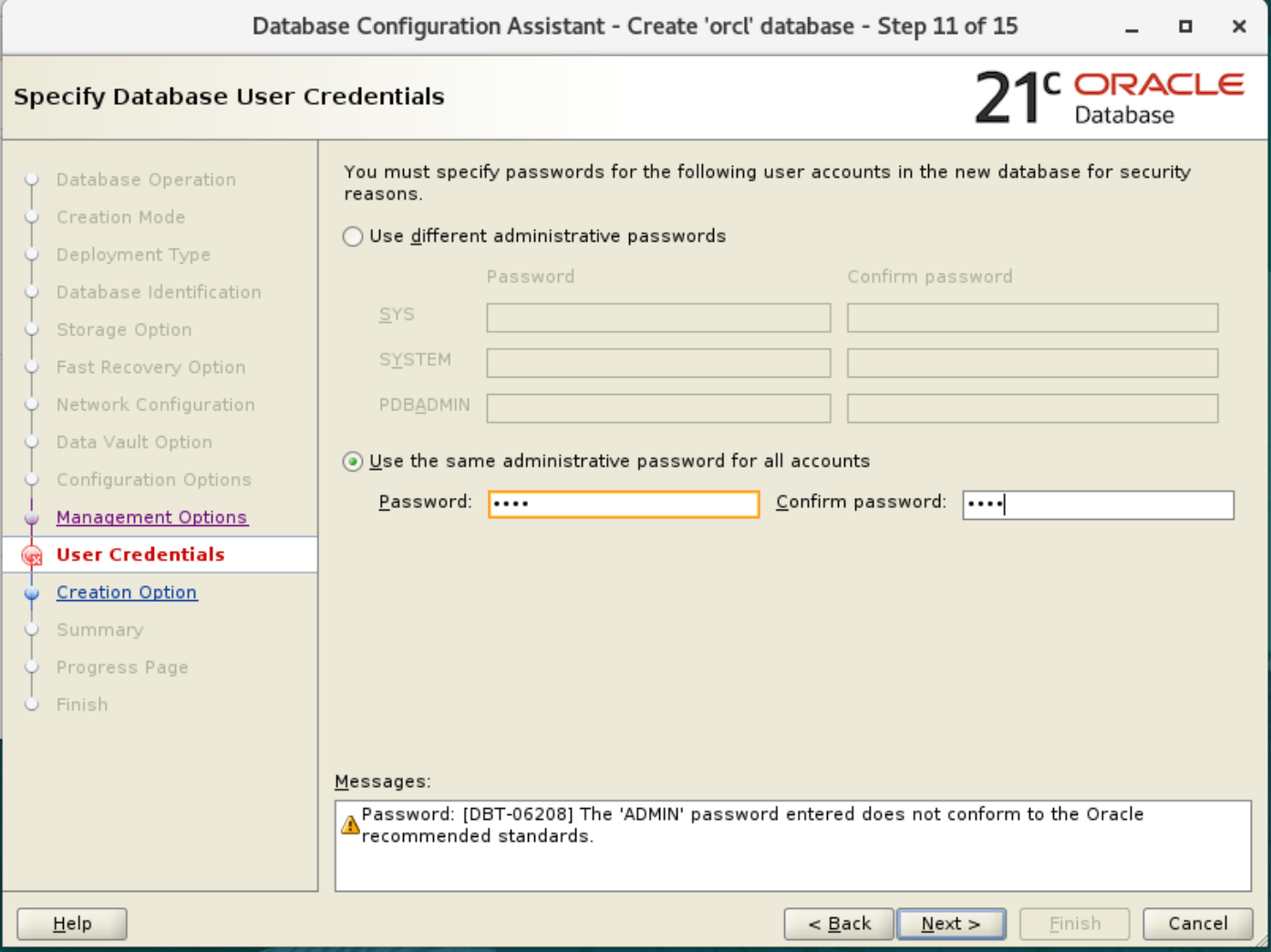
11. set the user credentials for user sys and system:
12. select database creation option:
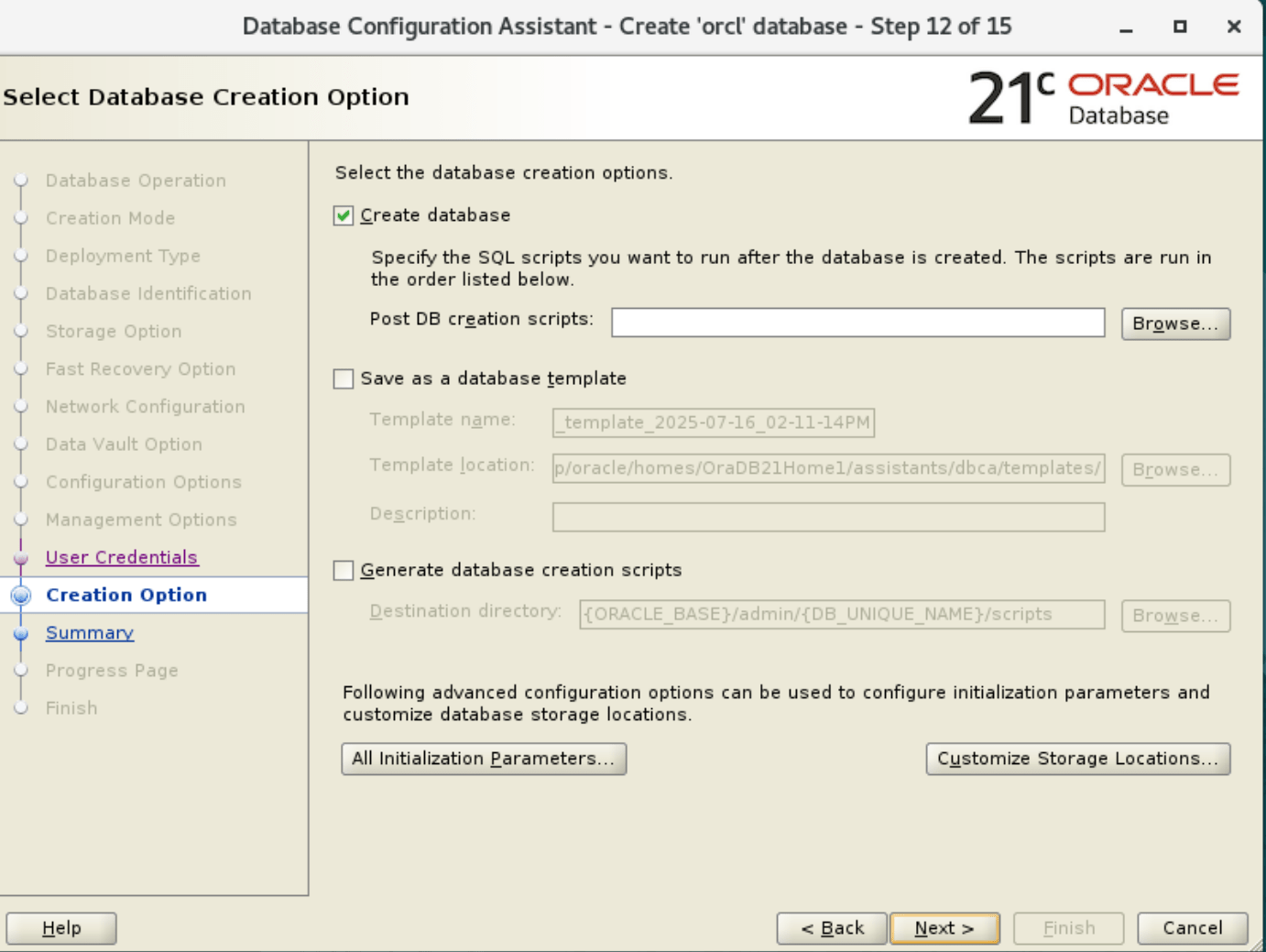
13. Databbase Configuration assistant summary page:
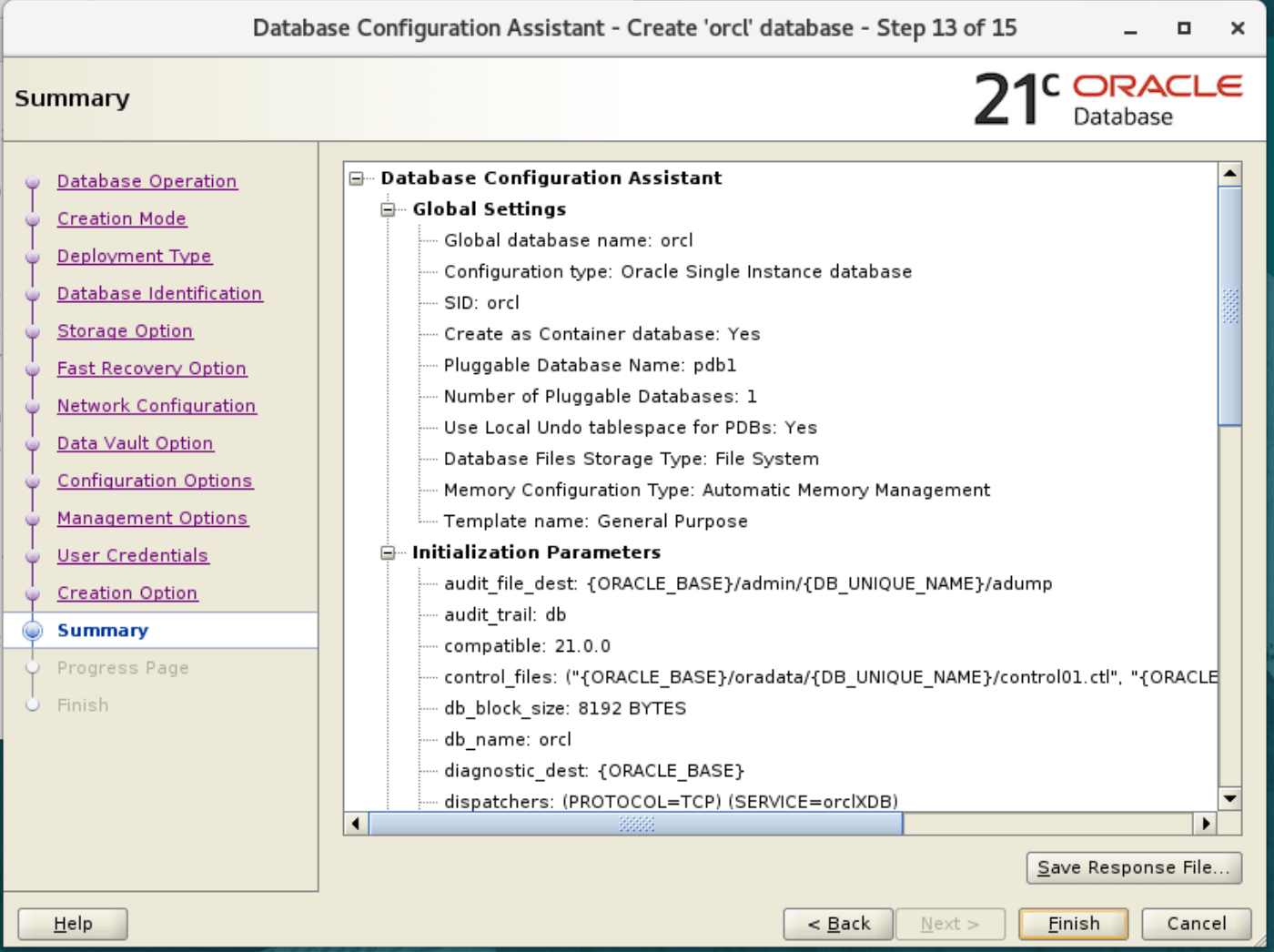
14. Database creation is started.
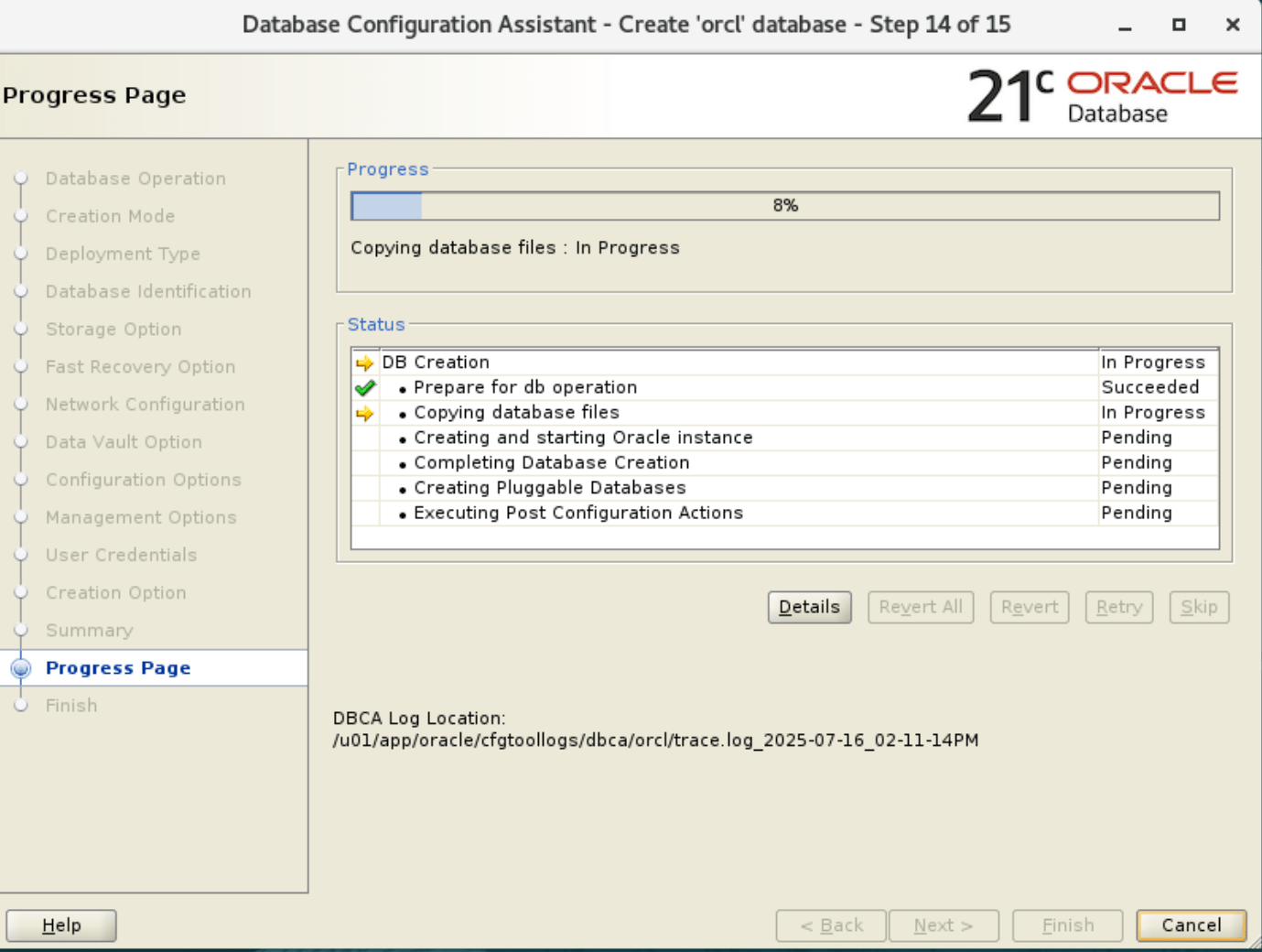
15. Installation is completed.
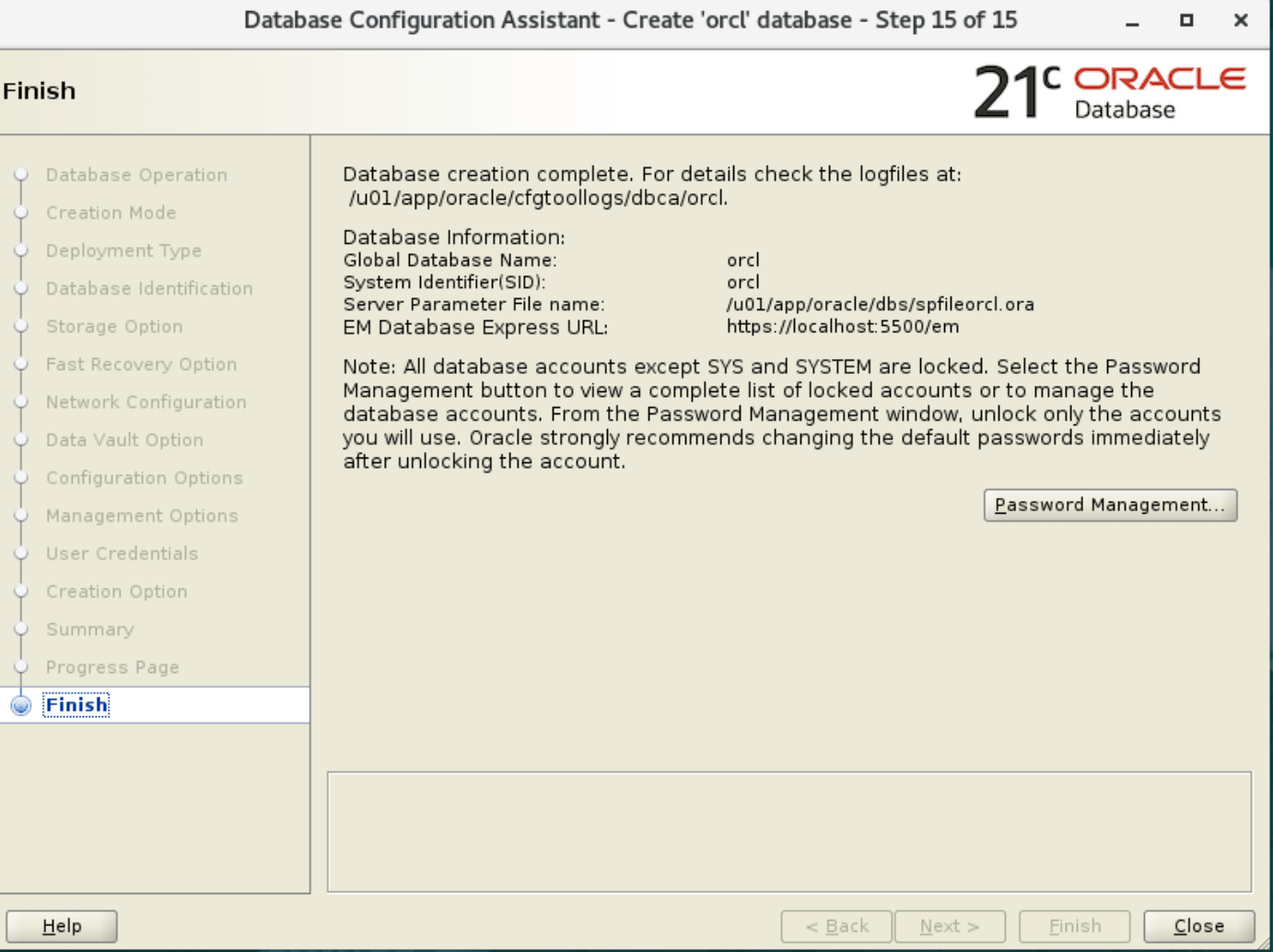
16. Verify with SQLPLUS
SQLPLUS / as sysdba

Connected to:
Oracle Database 21c Enterprise Edition Release 21.0.0.0.0 - Production
Version 21.3.0.0.0

SQL> select name from v$database;
NAME
---------
ORCL