Steps to install the RAC database software in Oracle
First step is to install the Grid on RAC Nodes after that install database software for running database instance on RAC Nodes Oracle grid installation steps in Oracle RAC Setup
Login with Oracle User and start from software setup
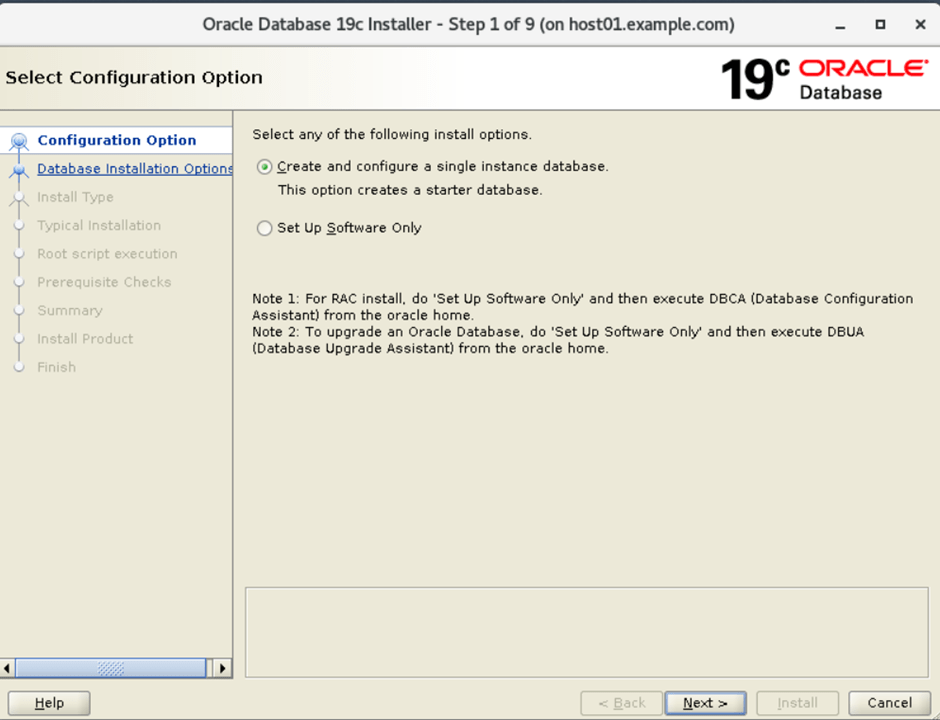
- Start with the Database software installation on configure clusterware nodes:
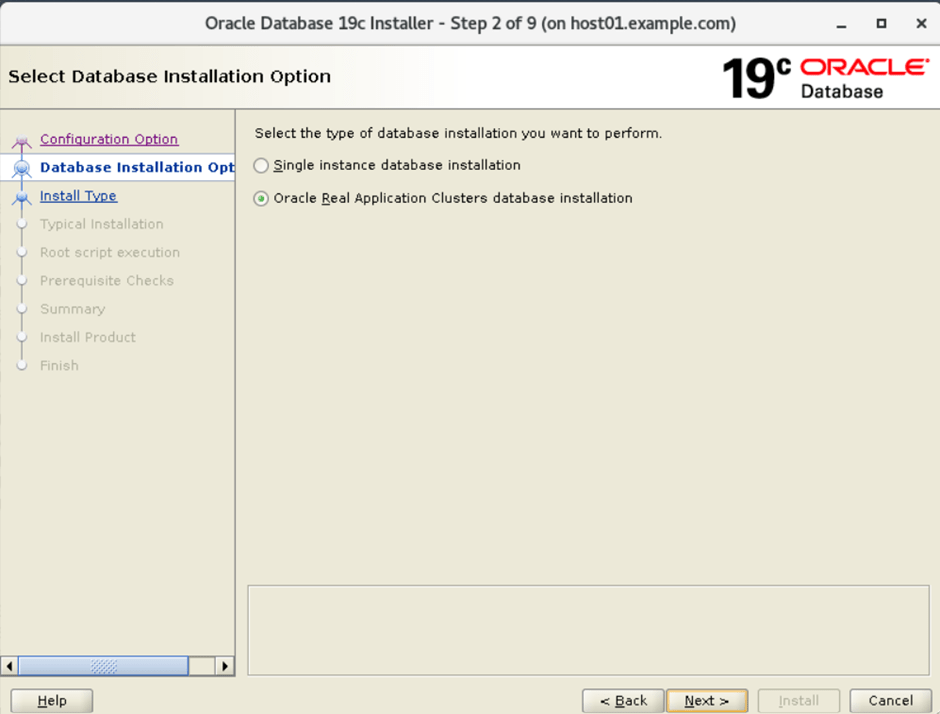
2. Select the database installation option: Oracle real application clusters database installation
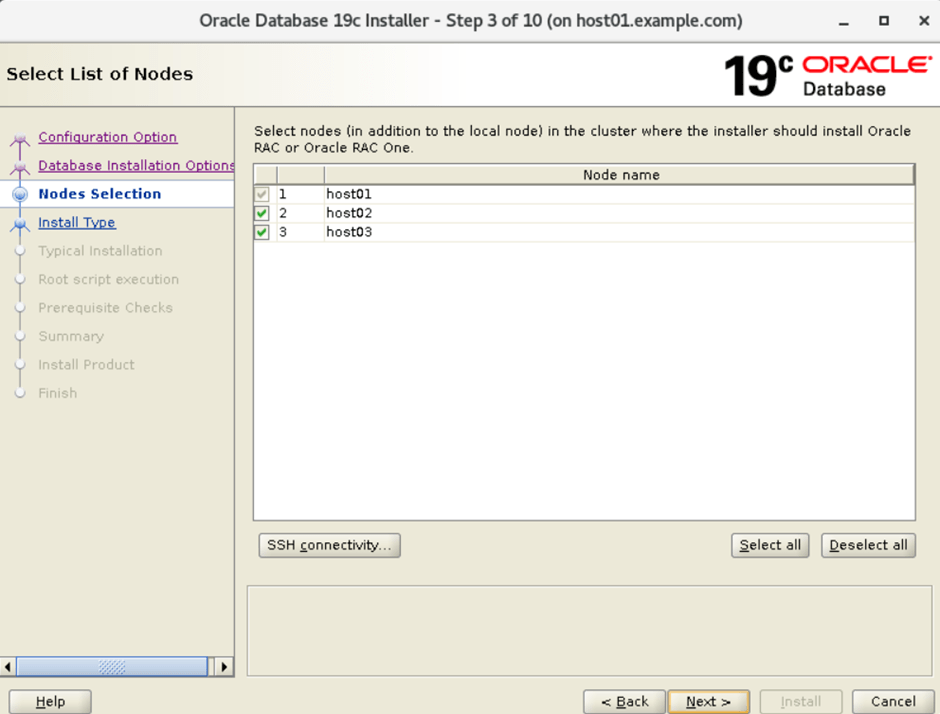
3. Select list of Nodes on which Oracle database installation.
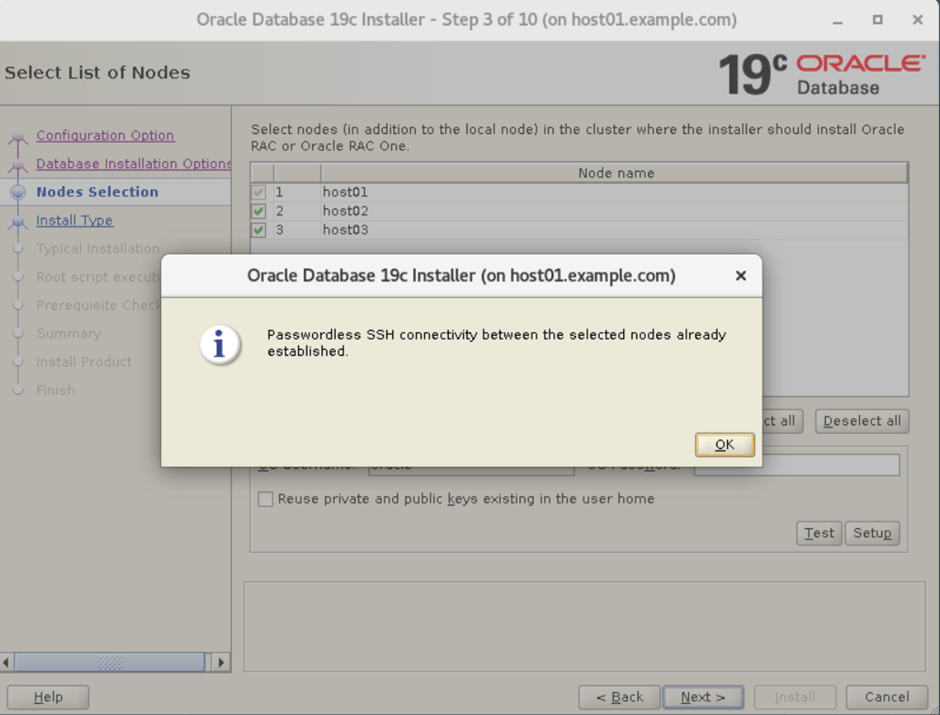
4. Check the SSH connectivity of Oracle
5. Select the Enterprise edition for the Oracle
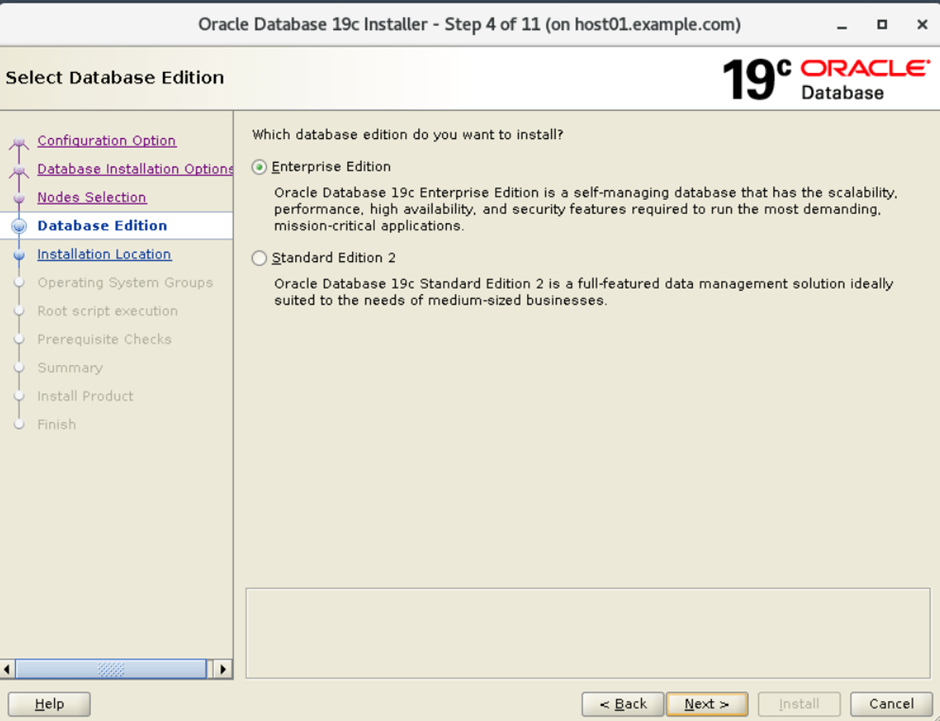
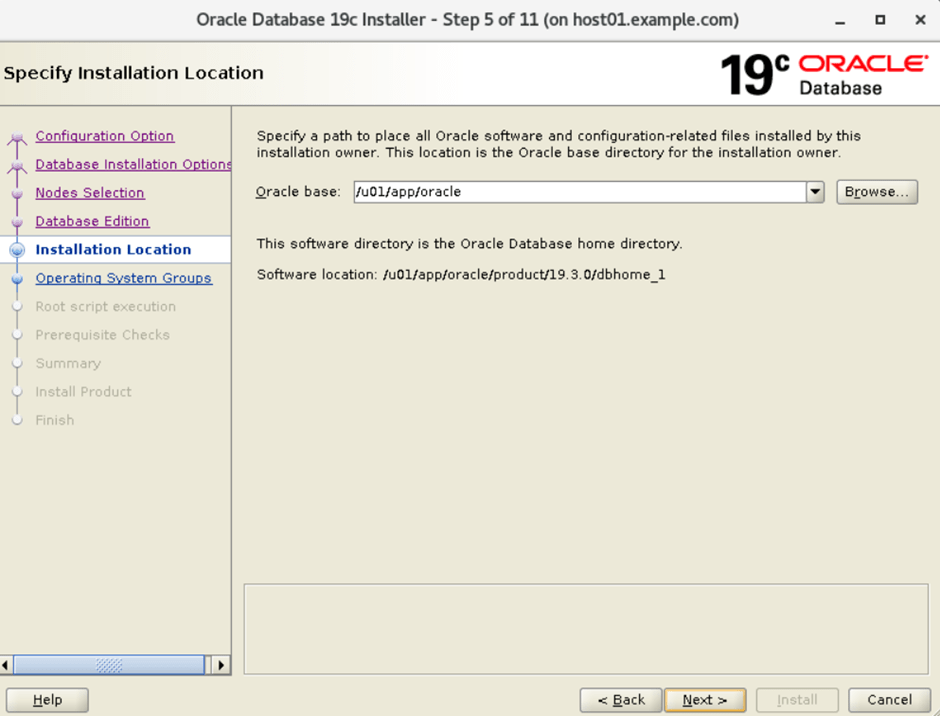
6. Select the specify the installation location:
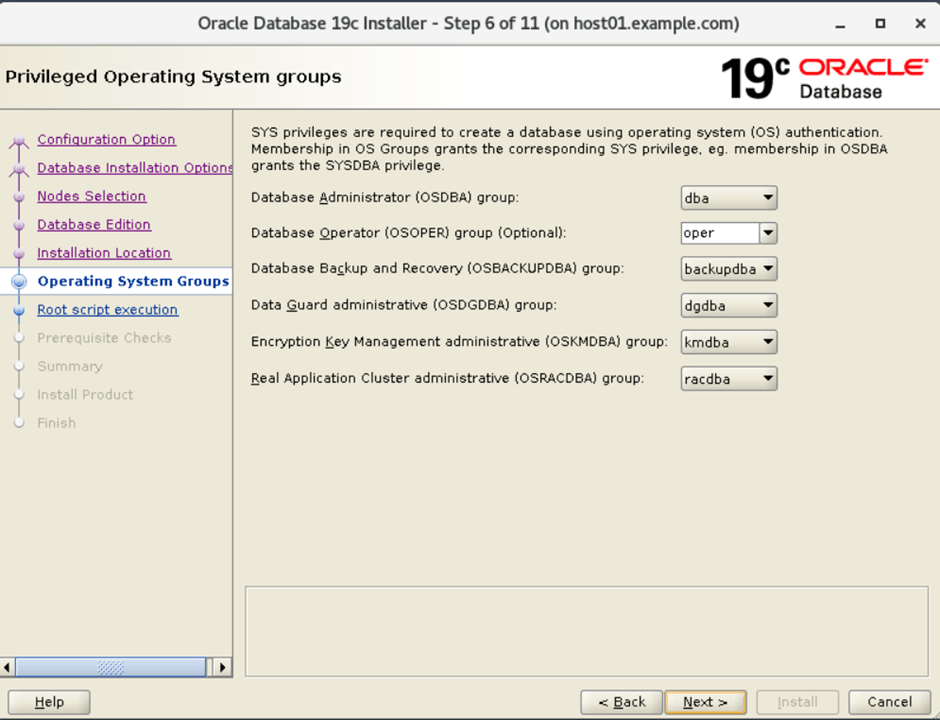
7. Select the privileged operating systems groups
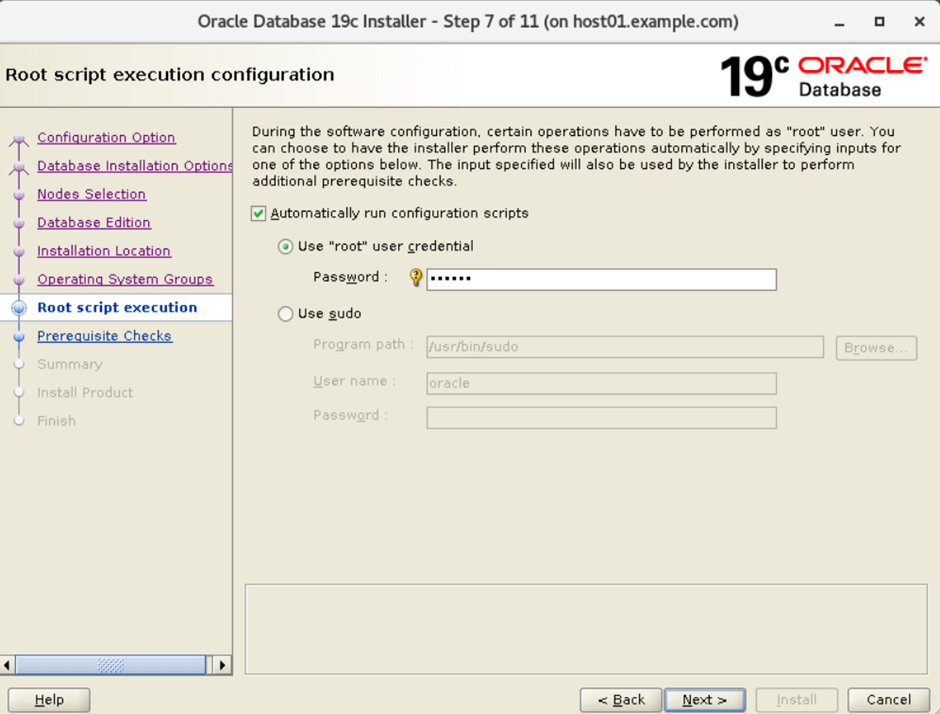
8. Run the root script automatically on all node specify the root password.
9. Perform prerequisite checks for Oracle database
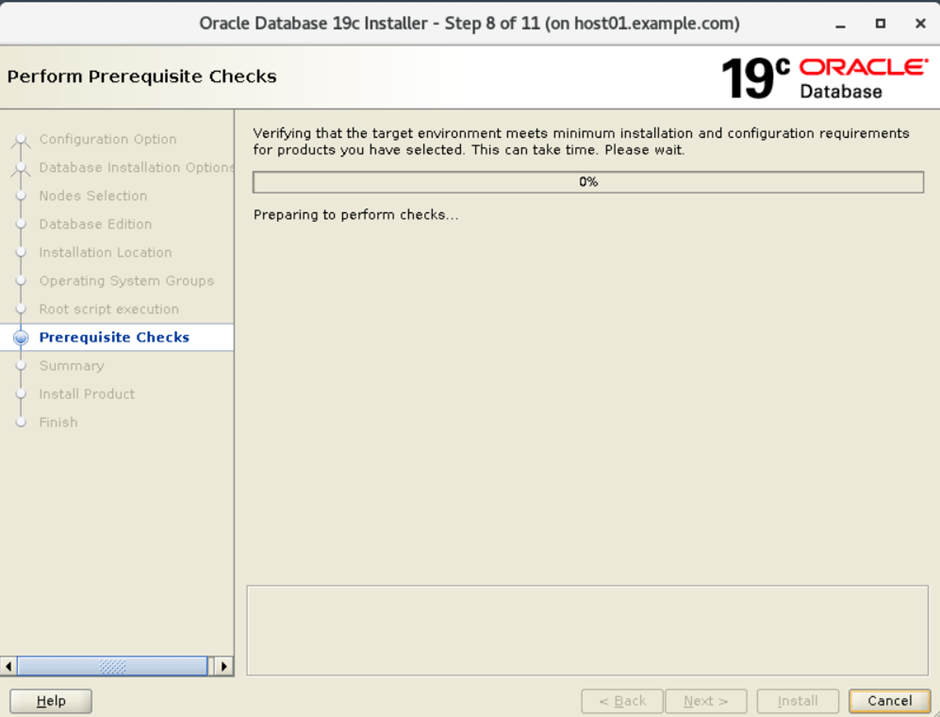
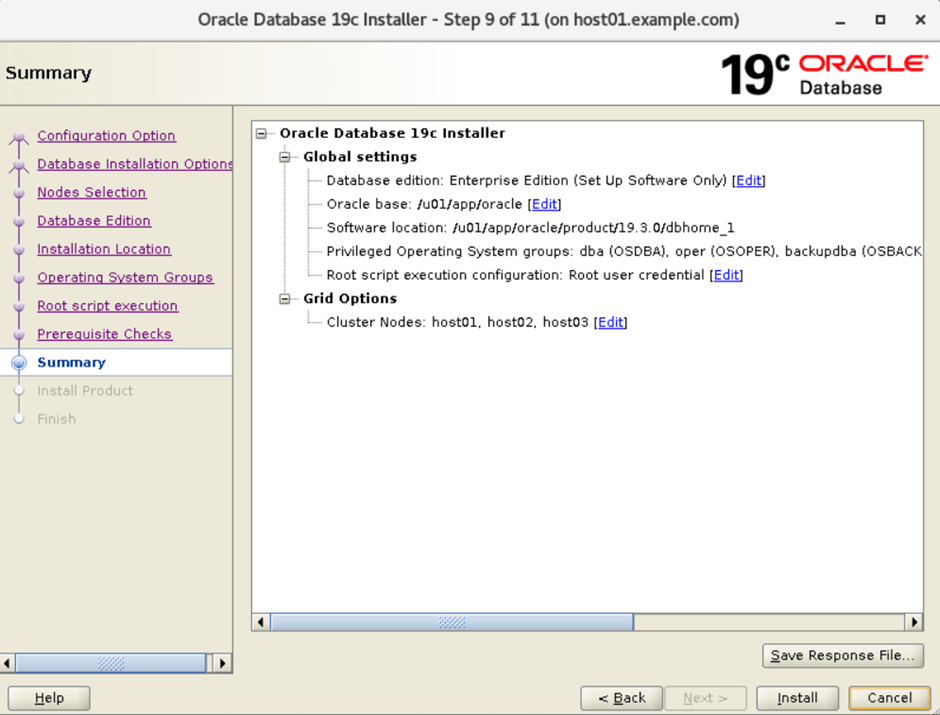
10. Summary of installations:
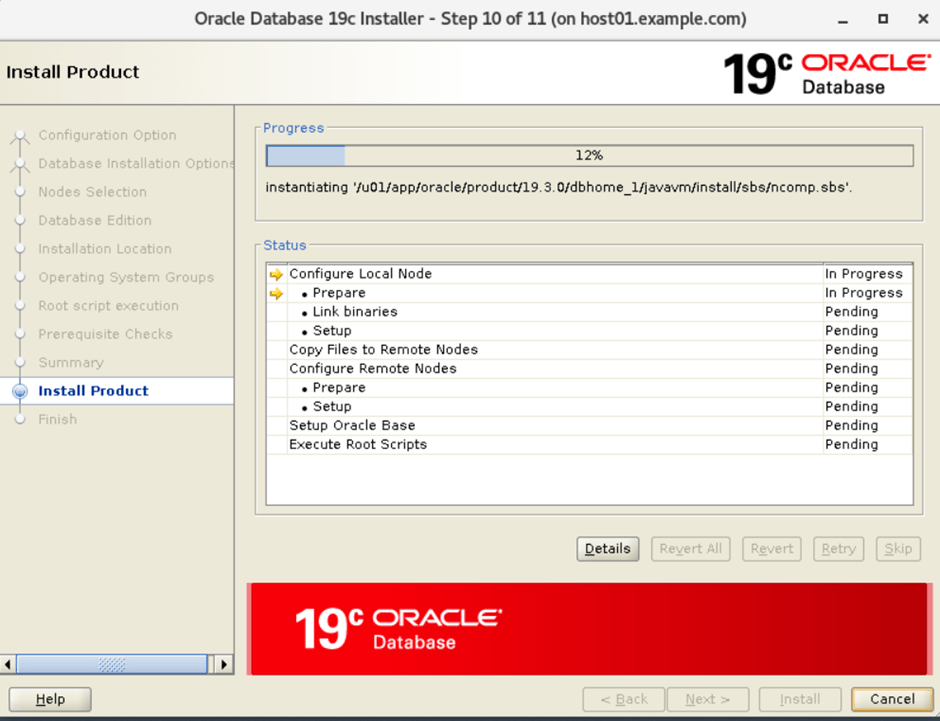
11. Installation of oracle database started
12. Press YES for configuration scripts generated by installer need to be run as a privileged user(root). Installer will run these scripts using the privileged user credentials provided earlier.
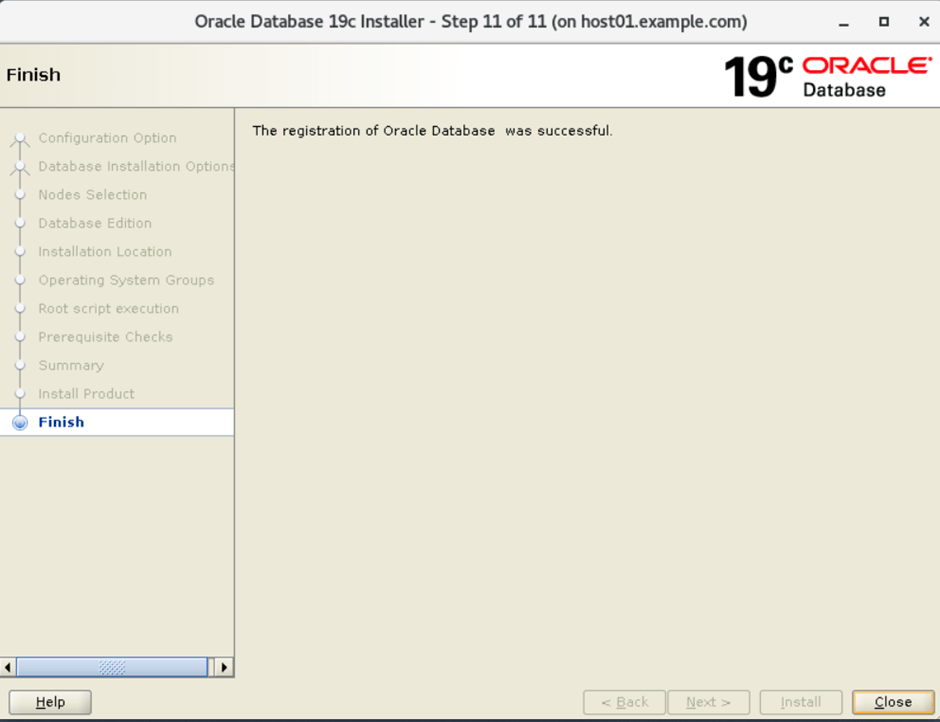
13. Finish of oracle RAC database installation on all nodes.
Pingback: Steps to create a RAC database with DBCA in Oracle RAC infrastructure | Smart way of Technology