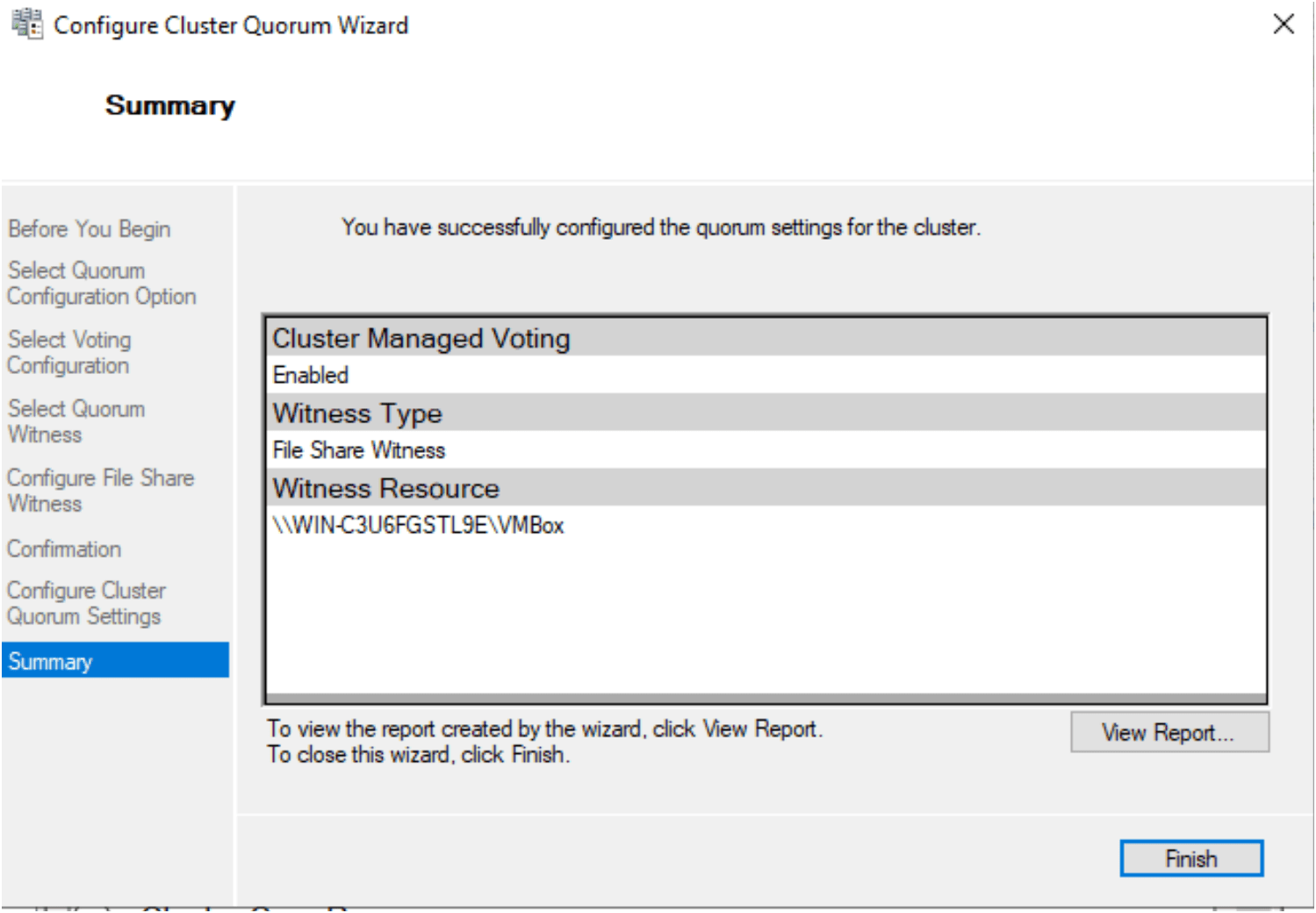
Steps to add the Quorum disk in the Failover cluster need for SQL Server Management Always on Service
Prerequisite:
The iSCSI disk is already configured.
Failover cluster is already installed and configured.
Configure the Quorum Disks on the Failover cluster
Open the Failover cluster manager, If it not show then right click on Failover cluster manager then try to connect the cluster on your machine Machine1
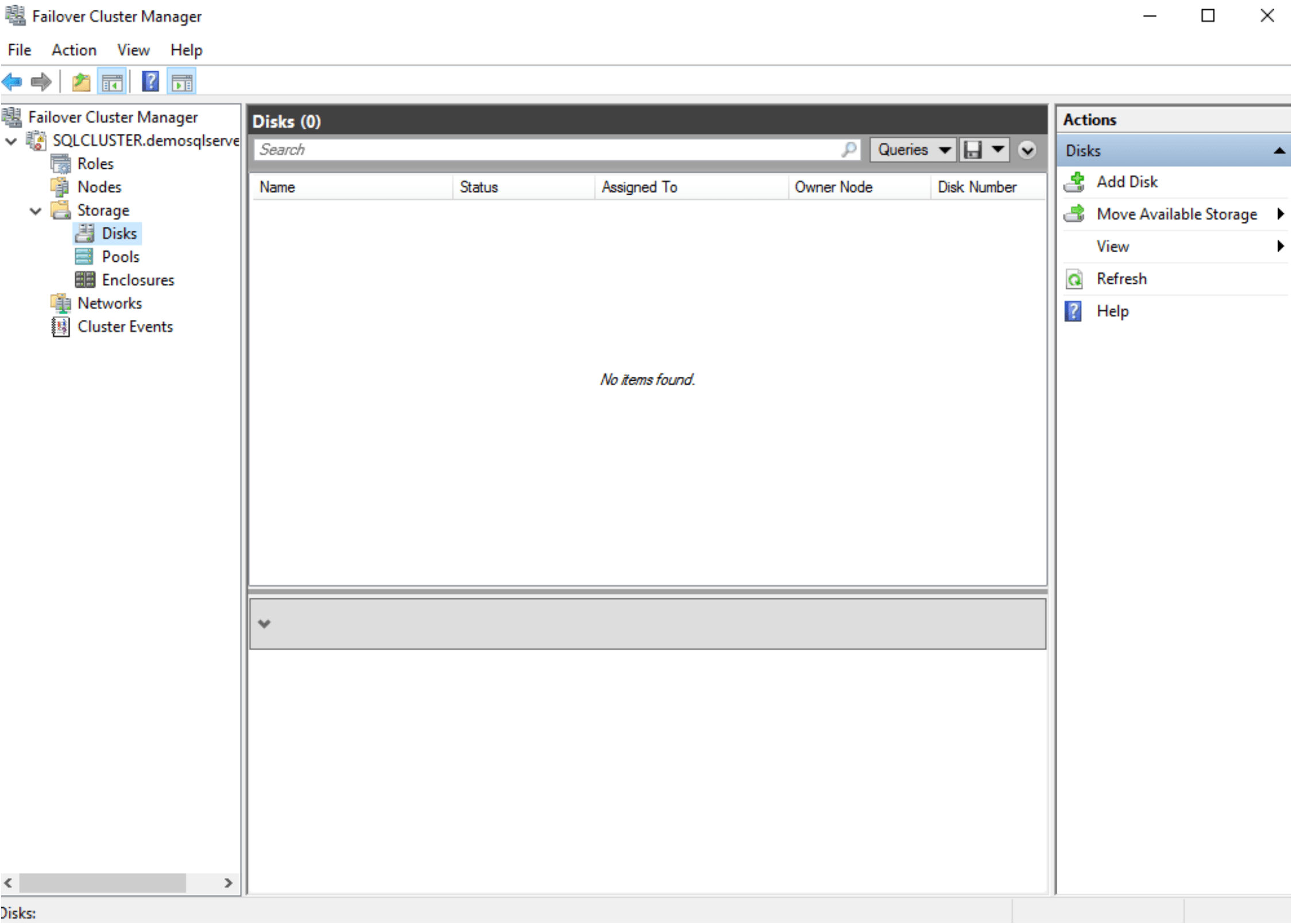
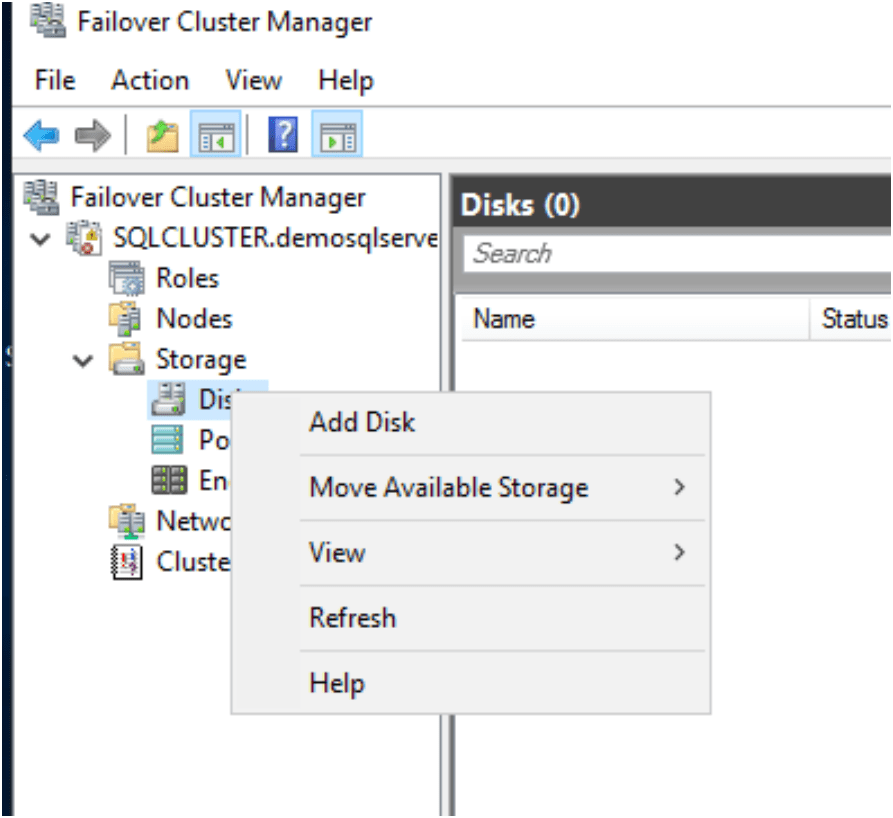
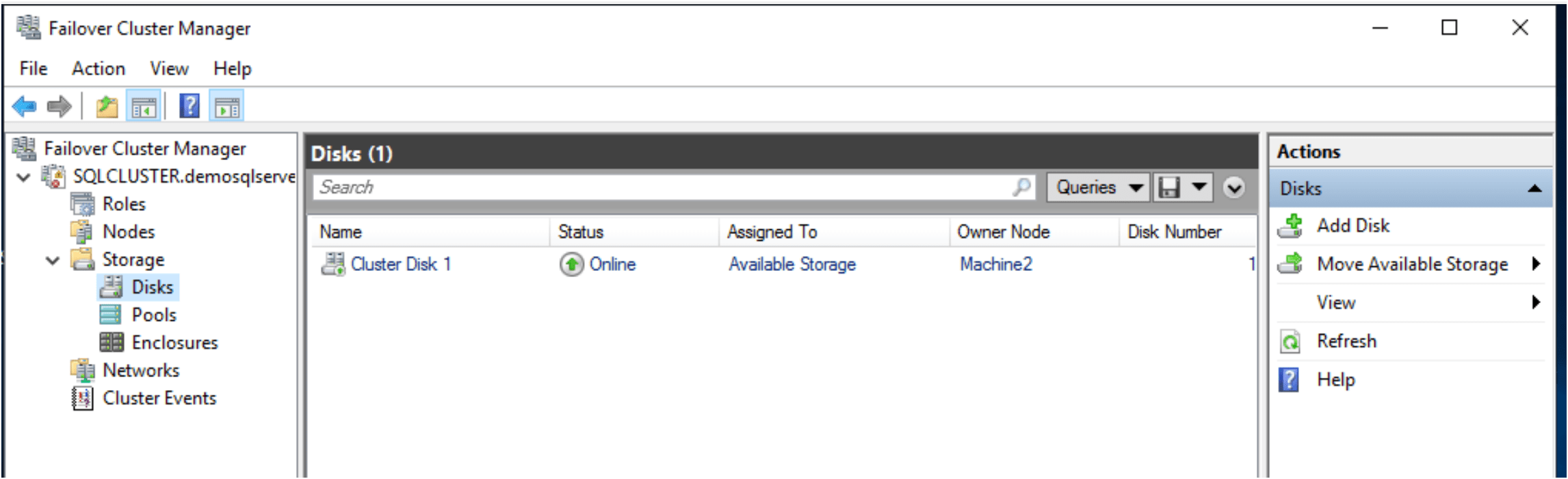
Now Right click on Disks and add the storage
Choose the iSCSI disk which mapped.
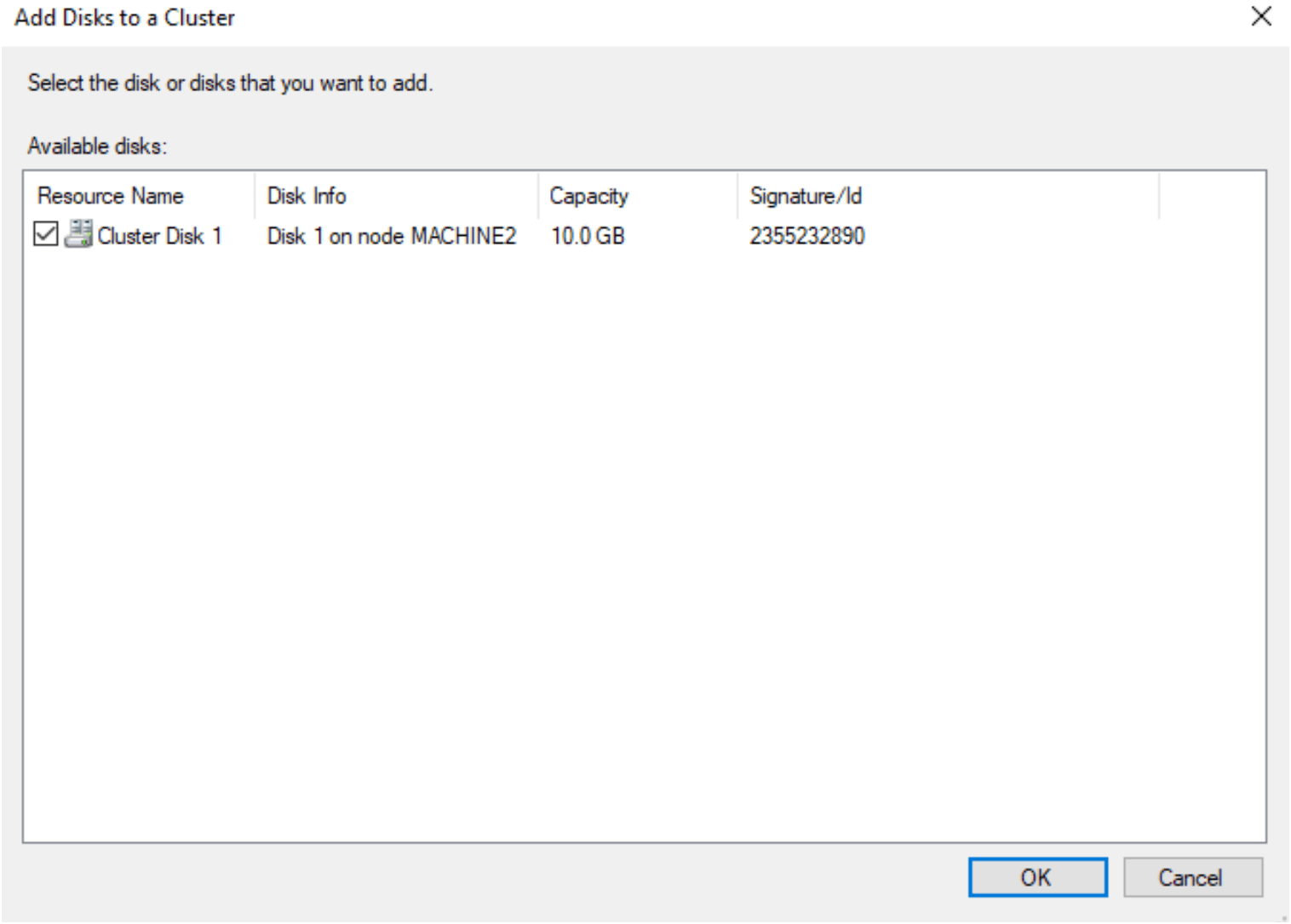
Then the cluster disk is start showing in failover cluster setting.
Start configure the Cluster Quorum configuration
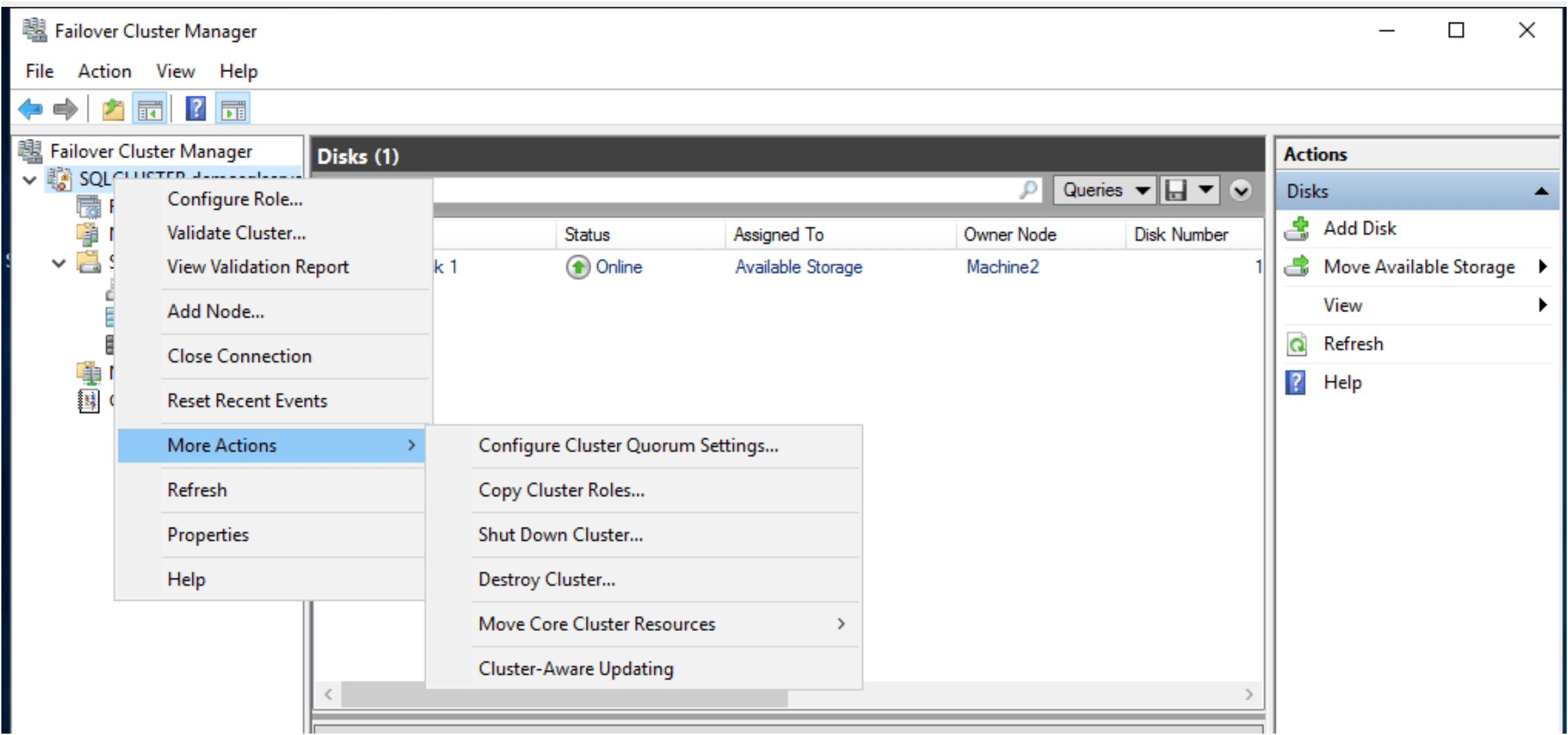
Right click on the Cluster name and go to more actions and choose the configure cluster quorum settings
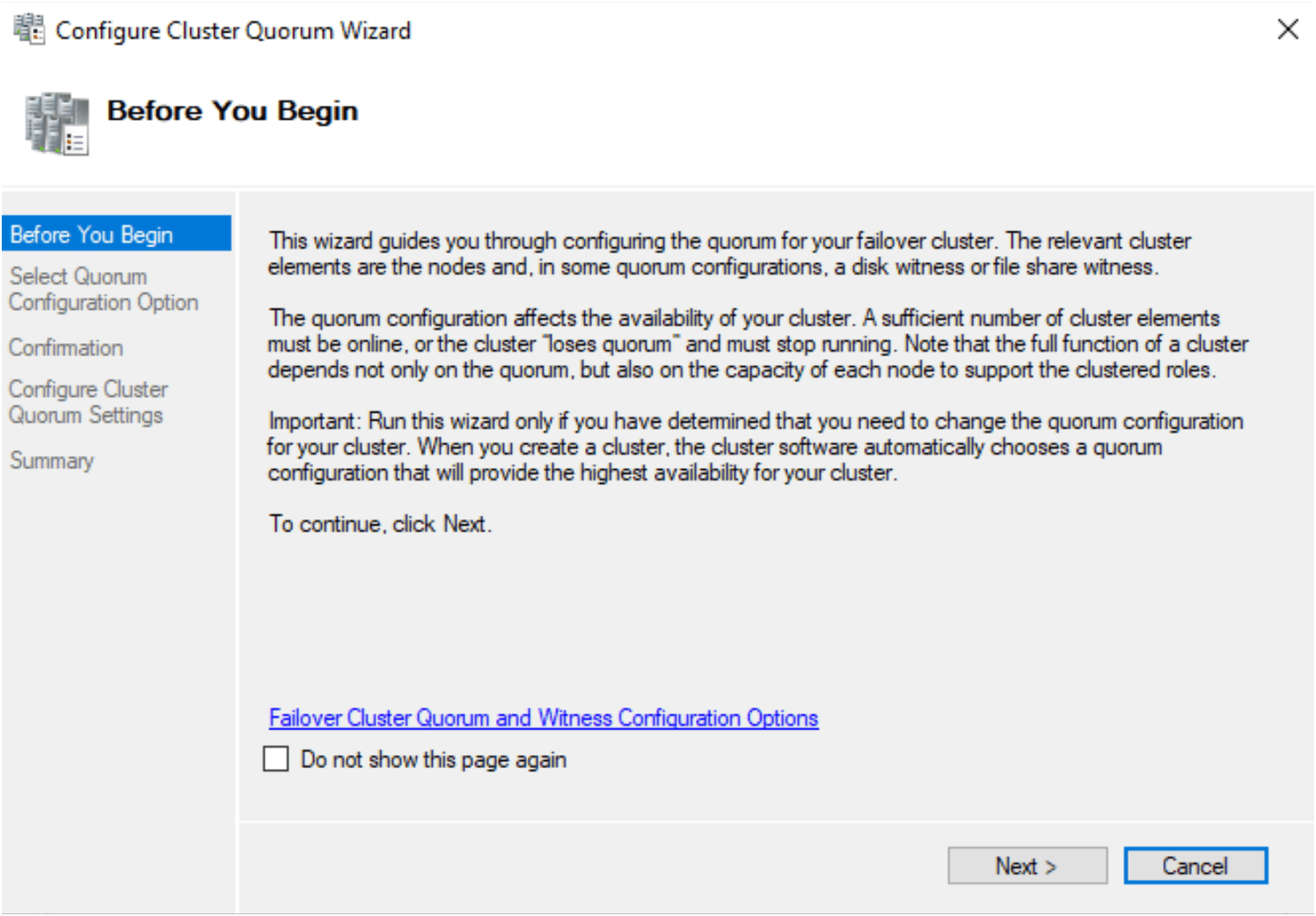
Configure Cluster Quorum Wizard is open.
The quorum configuration affects the availability of your cluster. A sufficient number of cluster elements must be online, or the cluster “loses quorum” and must stop running. Note that the full function of a cluster depends not only on the quorum, but also on the capacity of each node to support the clustered roles.
Select Quorum configuration option: Advanced quorum configuration

Select voting configuration. Choose all nodes

Select the Quorum witness as a configure a file share witness.

I choose file share path on my domain machine and created a folder vmbox and shared it with other machines. We have to give CLUSTER$ like user with all permission to avoid error.
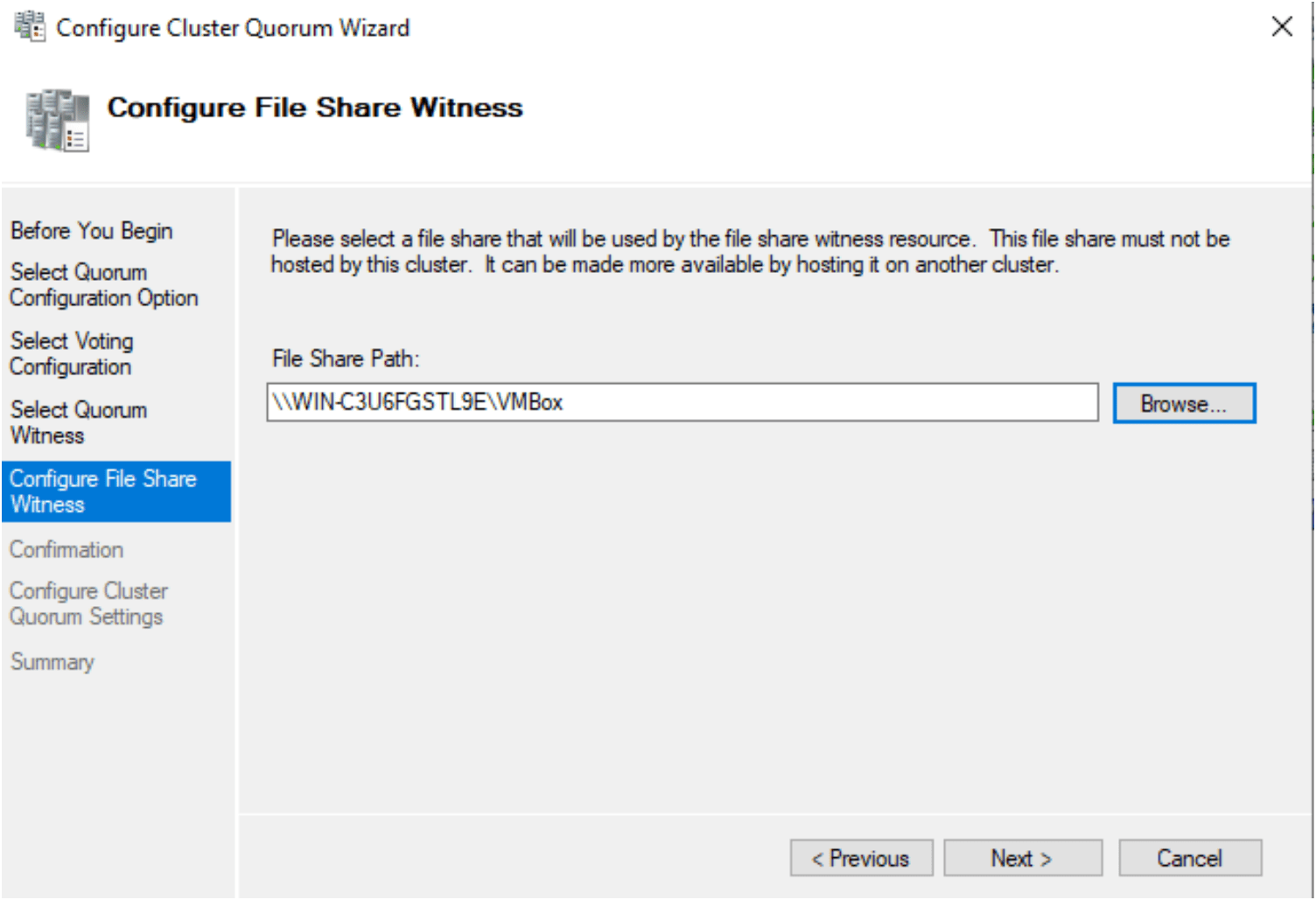
Added domain machine and shared one folder in Domain machine.

Created the quorum, You have successfully configured the quorum settings for the cluster.