We pulled a Docker image from Oracle Container Registry having Oracle Database. We can make connection from outside with Oracle Database. We need to mention the -p port or ORACLE_PWD for password. So first we start the docker image as shown below.
First Start a docker from the image.
docker run -d --name ORCL2 -p 1521 -p 5500 -e ORACLE_PWD=sys123 container-registry.oracle.com/database/express:21.3.0-xeNote: -d for background check docker comes in health state with docker ps
sunny@Oracle1:~$ docker ps

\CONTAINER ID   IMAGE                                                      COMMAND                  CREATED       STATUS                 PORTS                                                                                      NAMES

888dacf84e76   container-registry.oracle.com/database/express:21.3.0-xe   "/bin/sh -c 'exec $O…"   3 hours ago   Up 3 hours (healthy)   0.0.0.0:32771->1521/tcp, :::32771->1521/tcp, 0.0.0.0:32770->5500/tcp, :::32770->5500/tcp   ORCL2
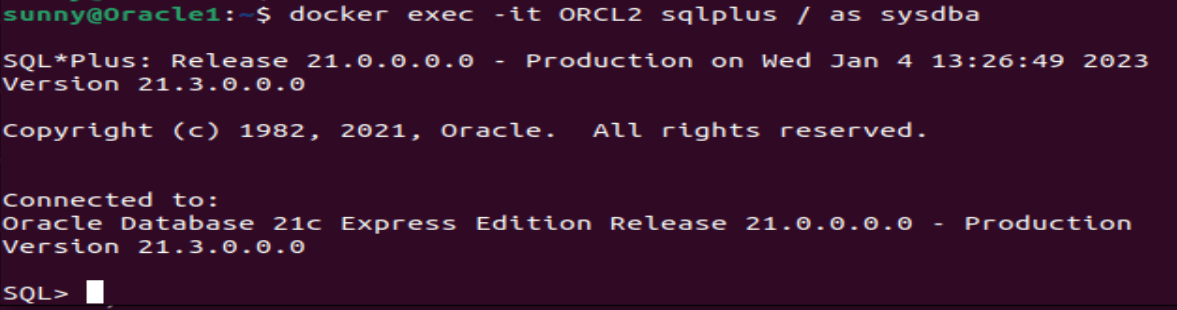
Check with SQLPLUS from docker command that database is working:
For connectivity from docker image we need to check the mapped port:
unny@Oracle1:~$ docker port ORCL2

1521/tcp -> 0.0.0.0:32771

1521/tcp -> :::32771

5500/tcp -> 0.0.0.0:32770

5500/tcp -> :::32770
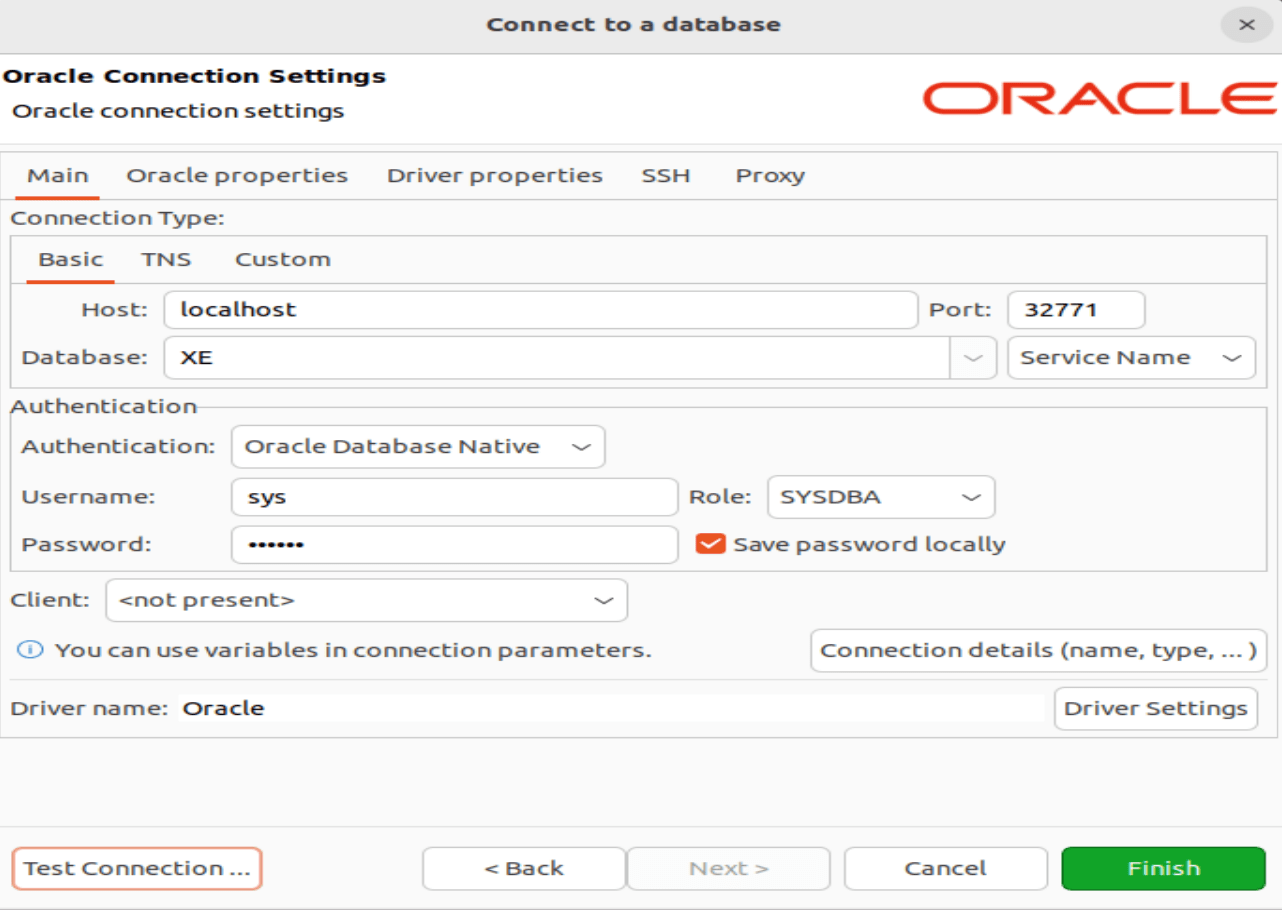
Now we can see that 1521 port mapped with 32771 as localhost. Make connection in dbeaver as follows: