Missing Dependencies Python Core / Win32api in Oracle VM installation
Error:

Solution:
- Install the Python latest version, you can download from the python website Download Python | Python.org
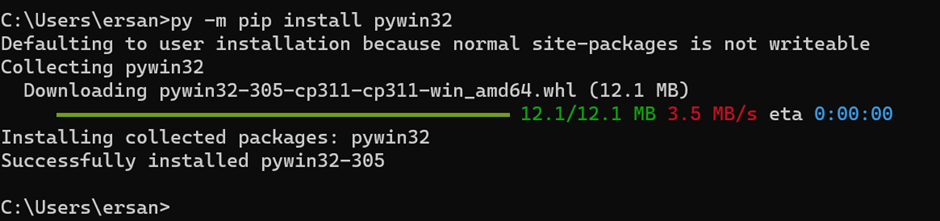
2. After installed the Python, run the PIP command to install the win32api.
pip install pywin32Run command as follows: py -m pip install pywin32
Hello,
This solution is not working for me. I am still getting the original error message upon opening up the setup wizard for Oracle VM VirtualBox 7.0.6.
Any further thoughts?
Thank you!
Lisa
I am having the same issue. Tried restarting my machine as well.
Hi all. I’ve had the same issue. Resolved it by removing python and installing it for all users (C:\Program Files\Python311) instead of current user (C:\Users\…\AppData\…). Hope it helps
Hi all. I’ve had the same issue. Resolved it by removing python and installing it for all users (C:\Program Files\Python311) instead of current user (C:\Users\…\AppData\…). Hope it helps ==> Thanks. this works for me too. !!!