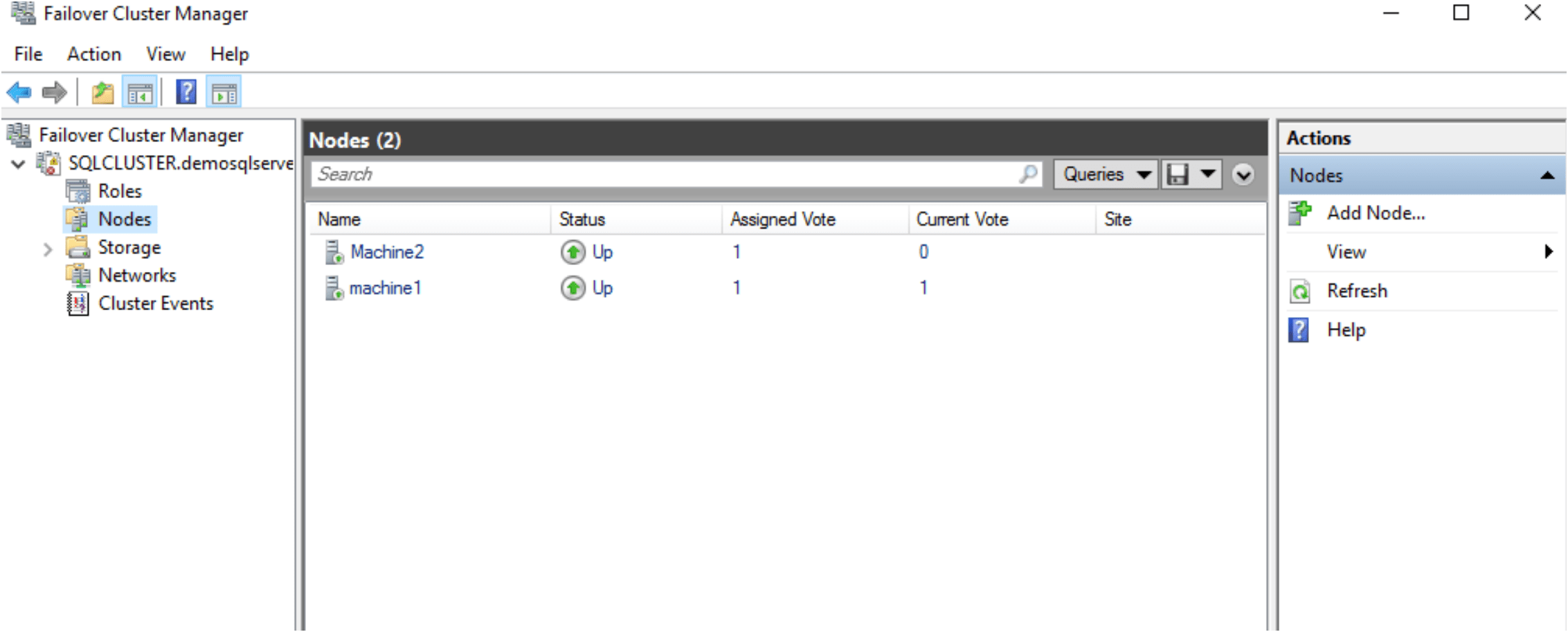
Configure Failover cluster Manager in Windows 2019 platform
Pre-request for setup SQL Server Always on:
- Set up the domain and add nodes to the domain and the domain user must be part of administrative group of the nodes.
- Set up the iSCSI drive to install Quorum disk or the cluster.
Server Name IP address Role
Domainmachine 10.0.2.15 Domain Controller and Active Directory
Machine1 10.0.2.100 Primary Node
Machine2 10.0.2.200 Secondary Node
Start the failover cluster setup
- Open the failover cluster manager in machine1
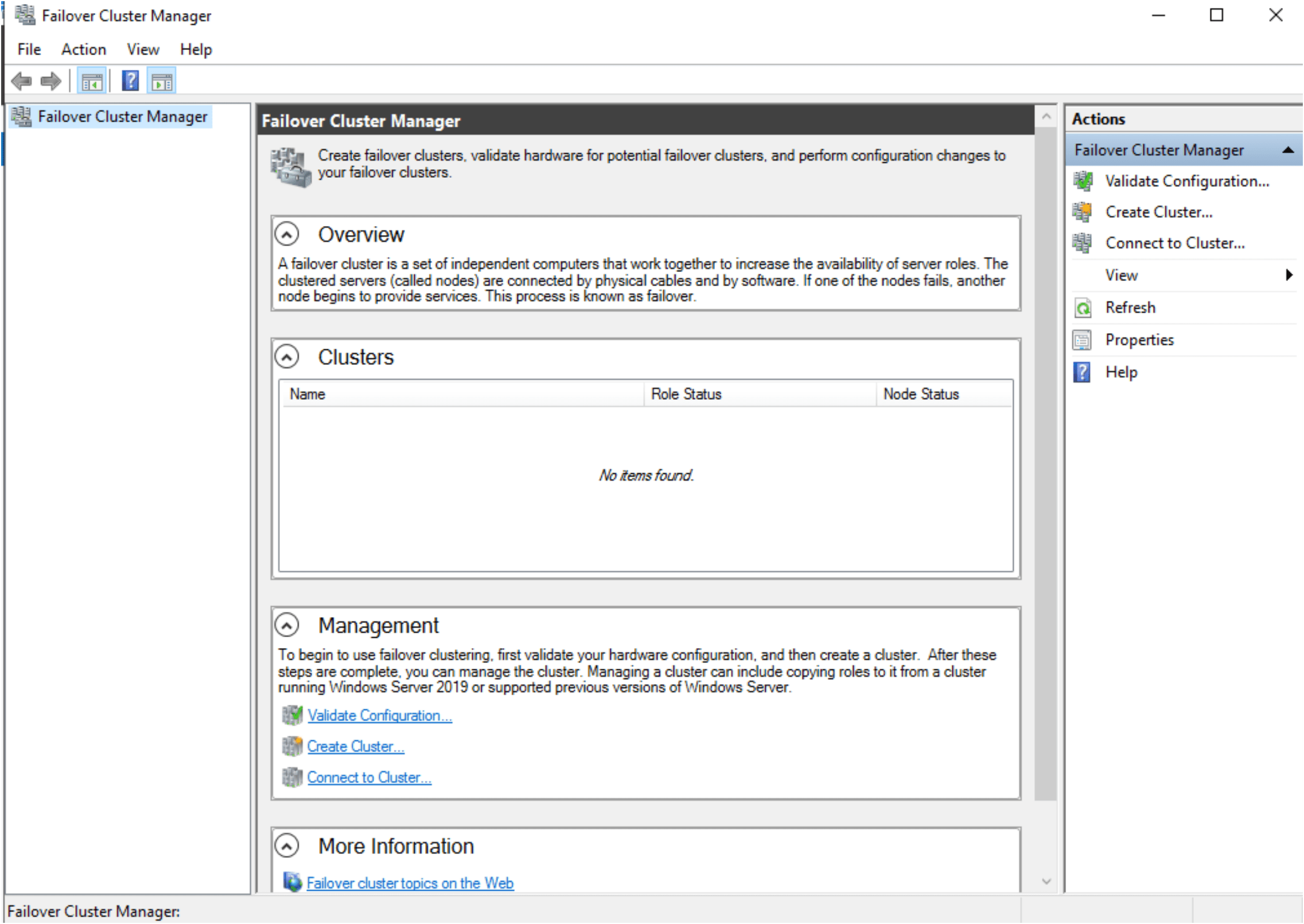
2. Before start validation, check the ping is working between two servers.
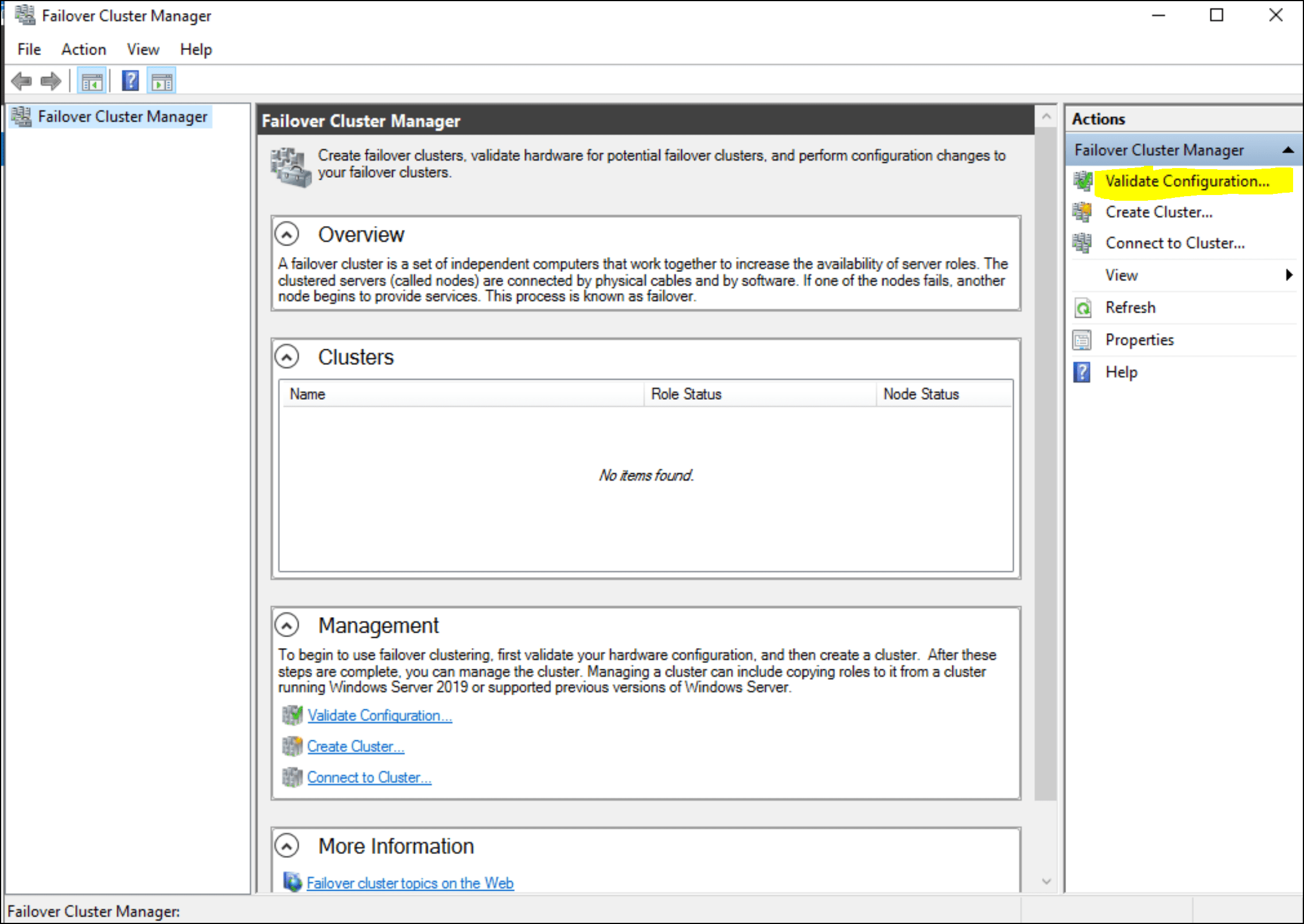
3. Click on Validate configuration on right side action window.
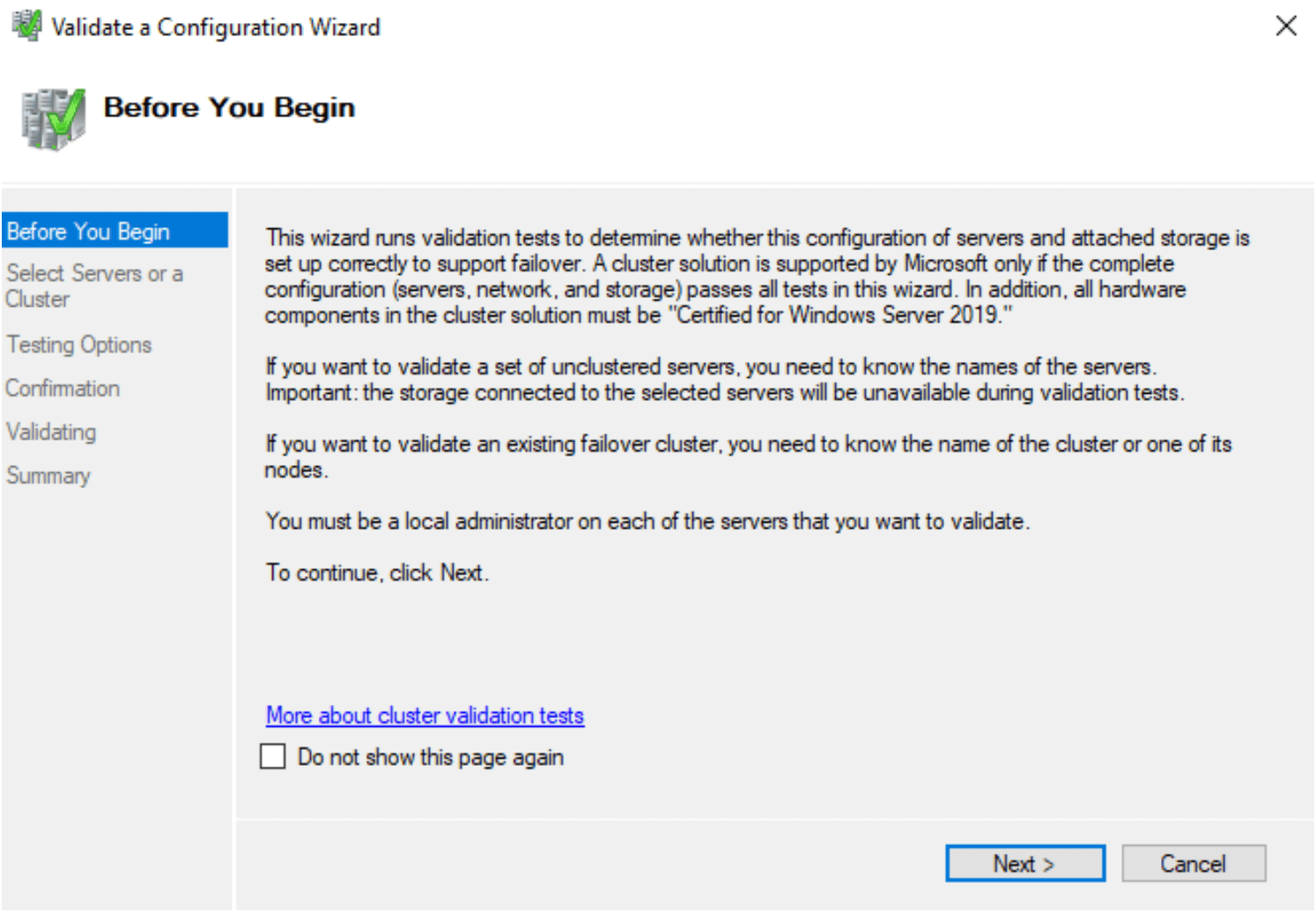
4. Validate configuration wizard window will start.
5. On the next page, add the nodes you want to add in the failover cluster. While adding it will ask for the domain admin password.
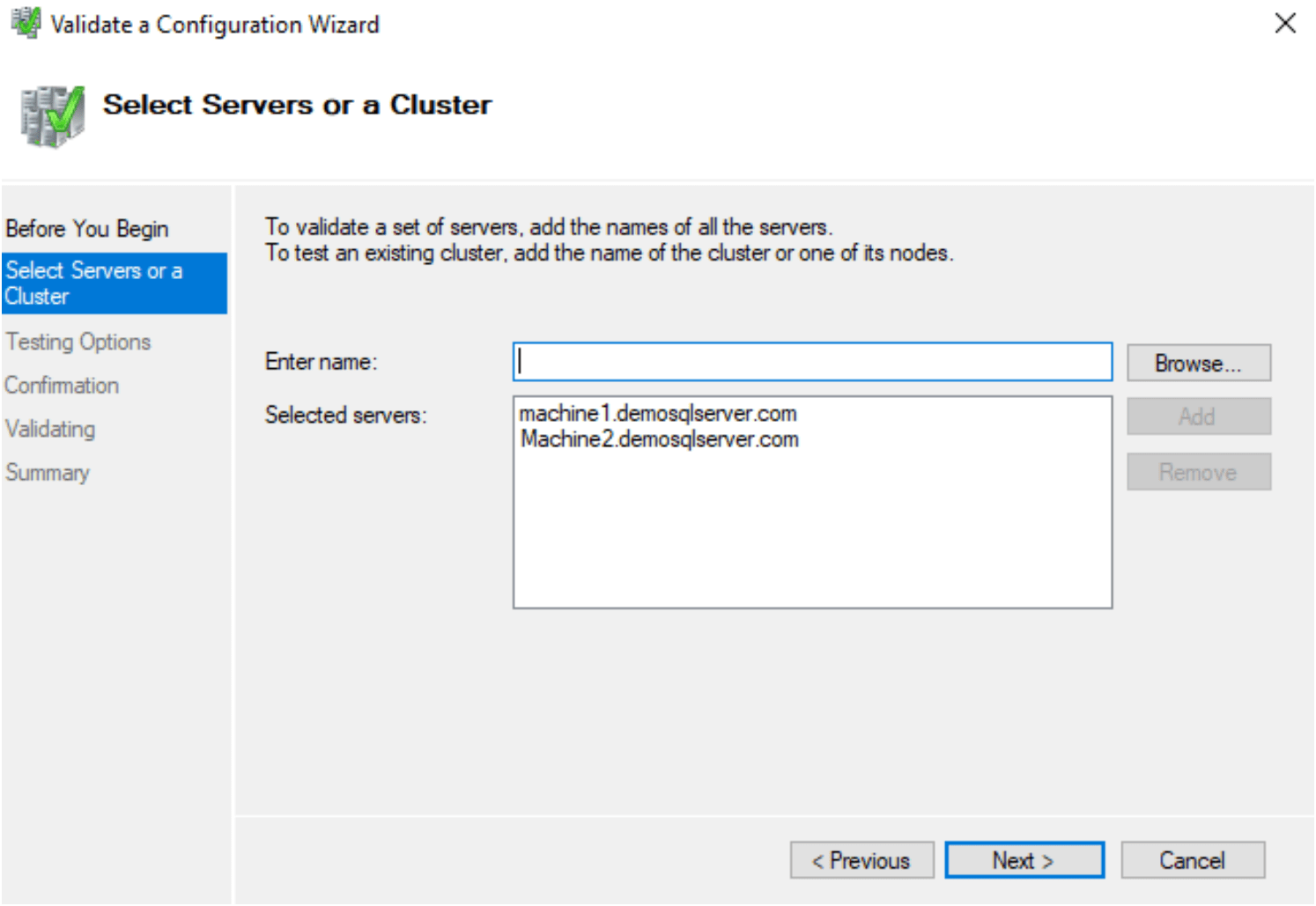
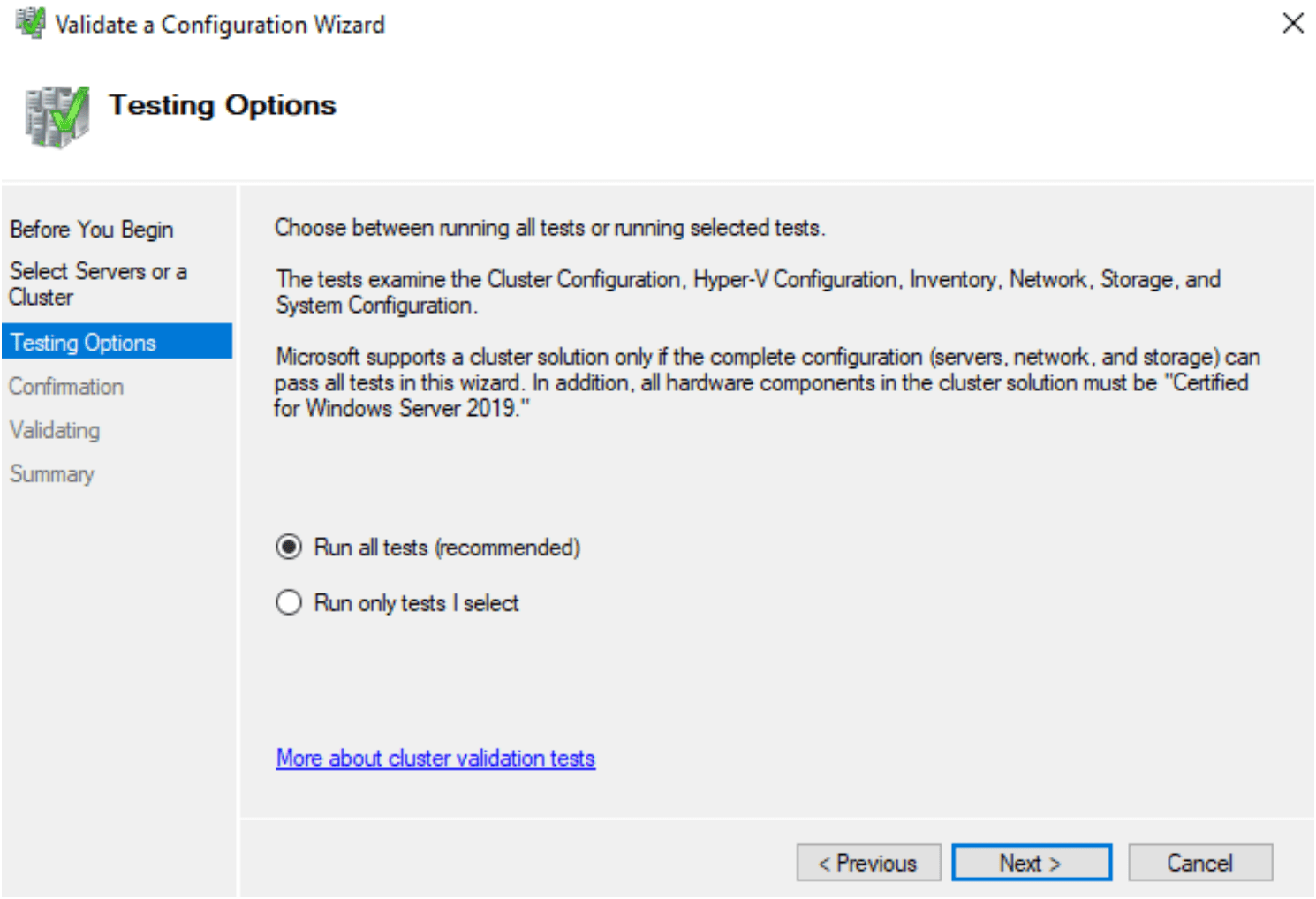
6. Perform various test that required for cluster configuration
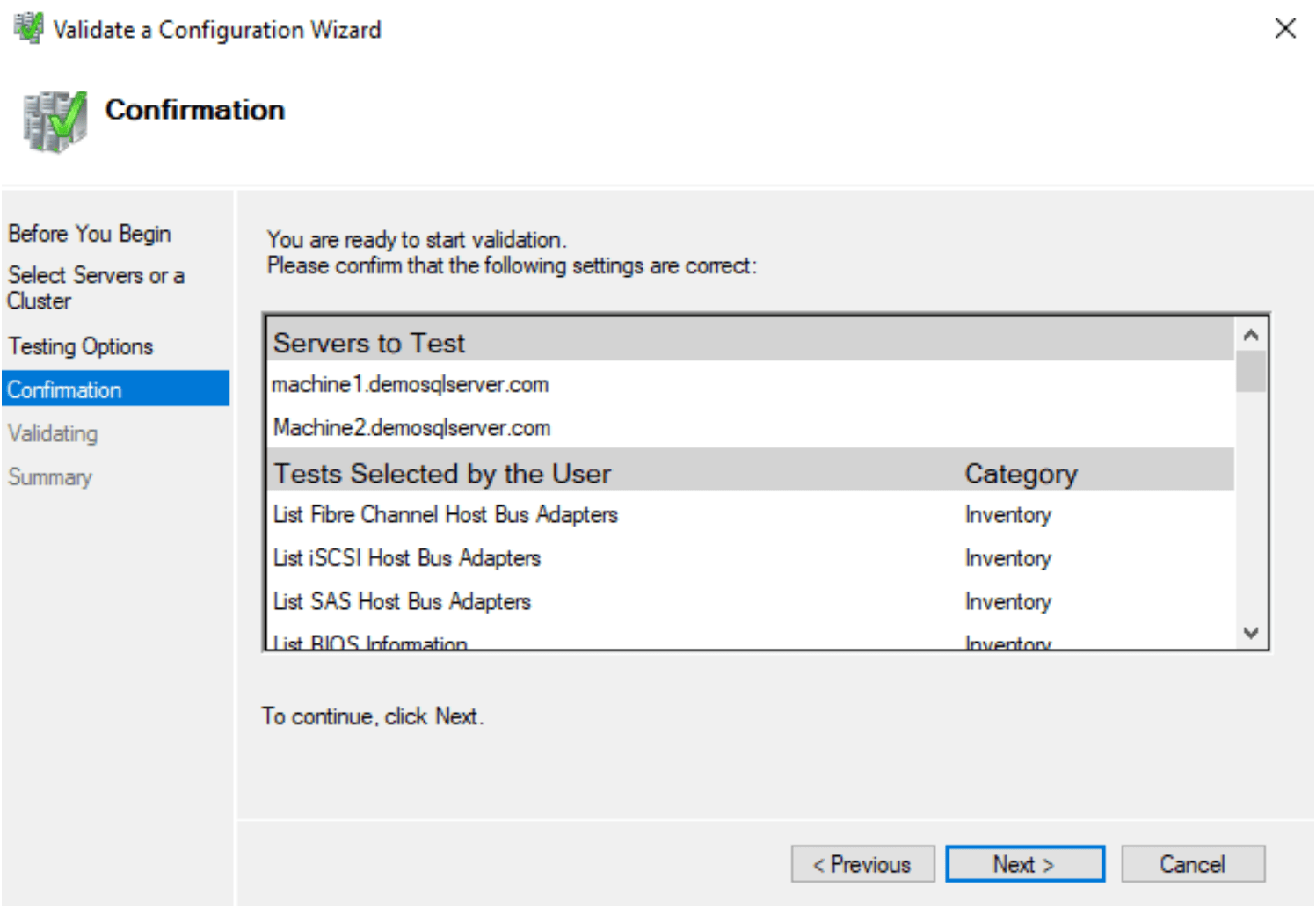
7. On the next page, it shows the servers for validation and lists down all tests it is going to perform.
8. Its start validation process
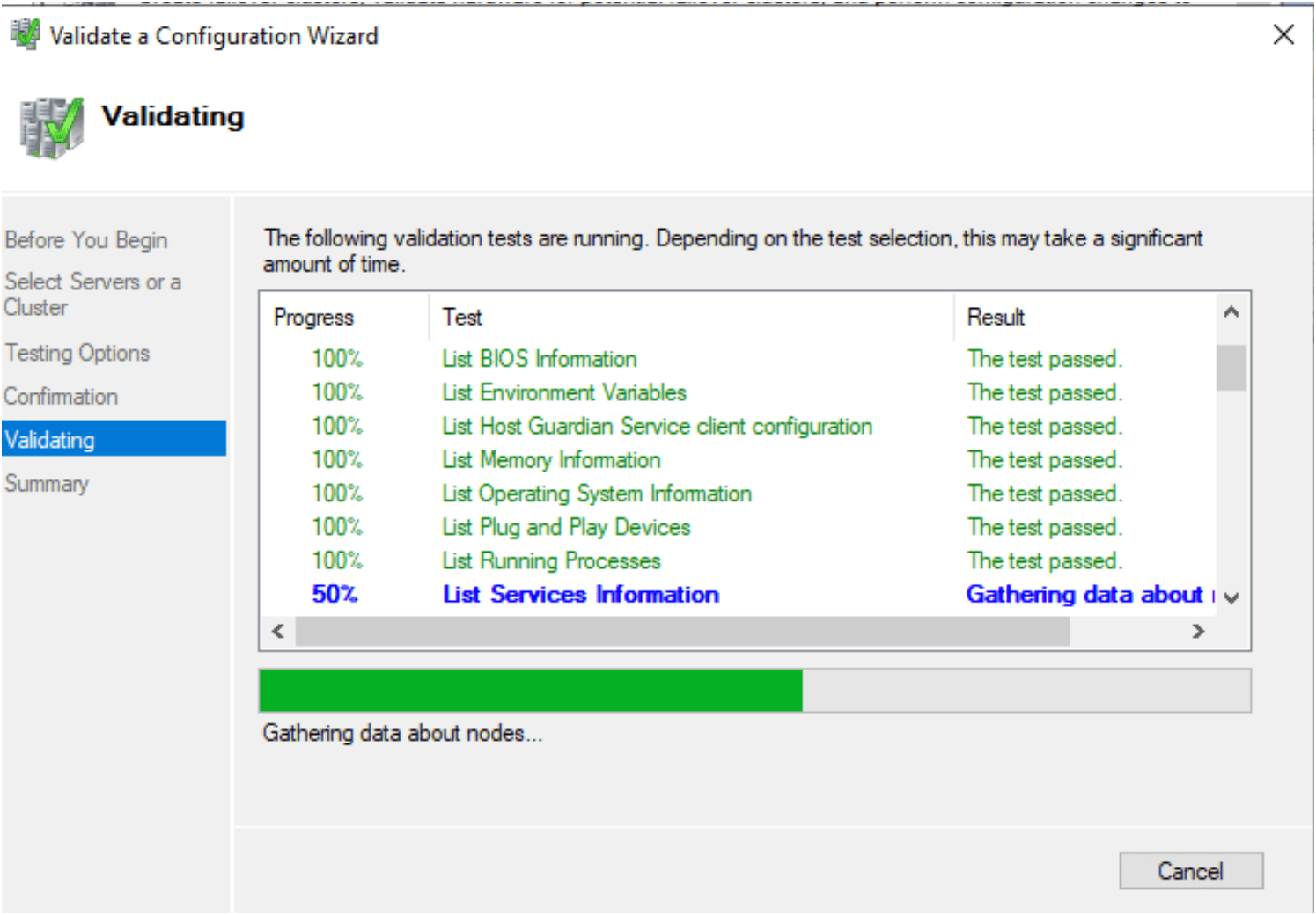
9. Review the validation result in a cluster. After reviewed, check on the Create the cluster now using validated nodes. It will open a new create cluster wizard.
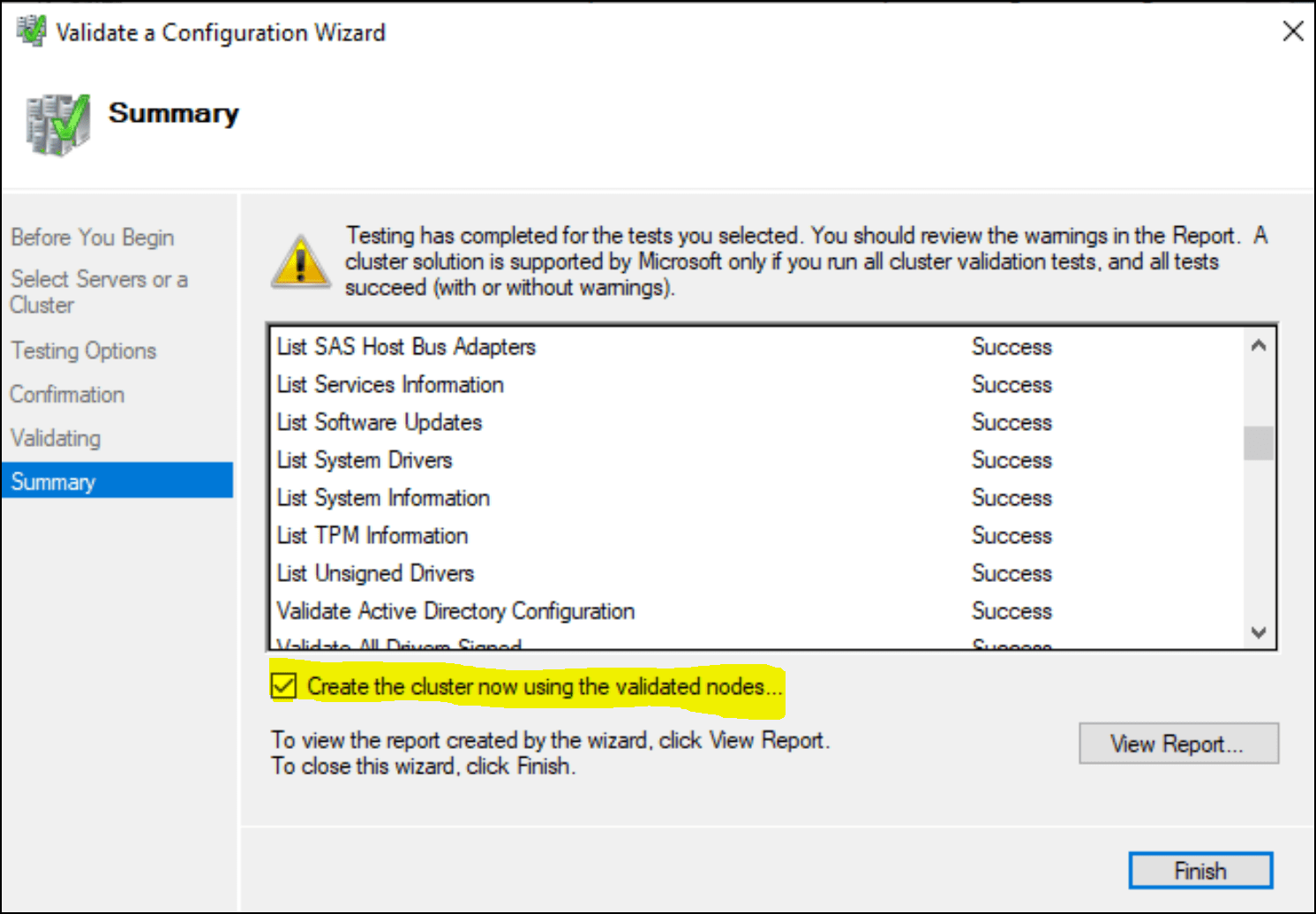
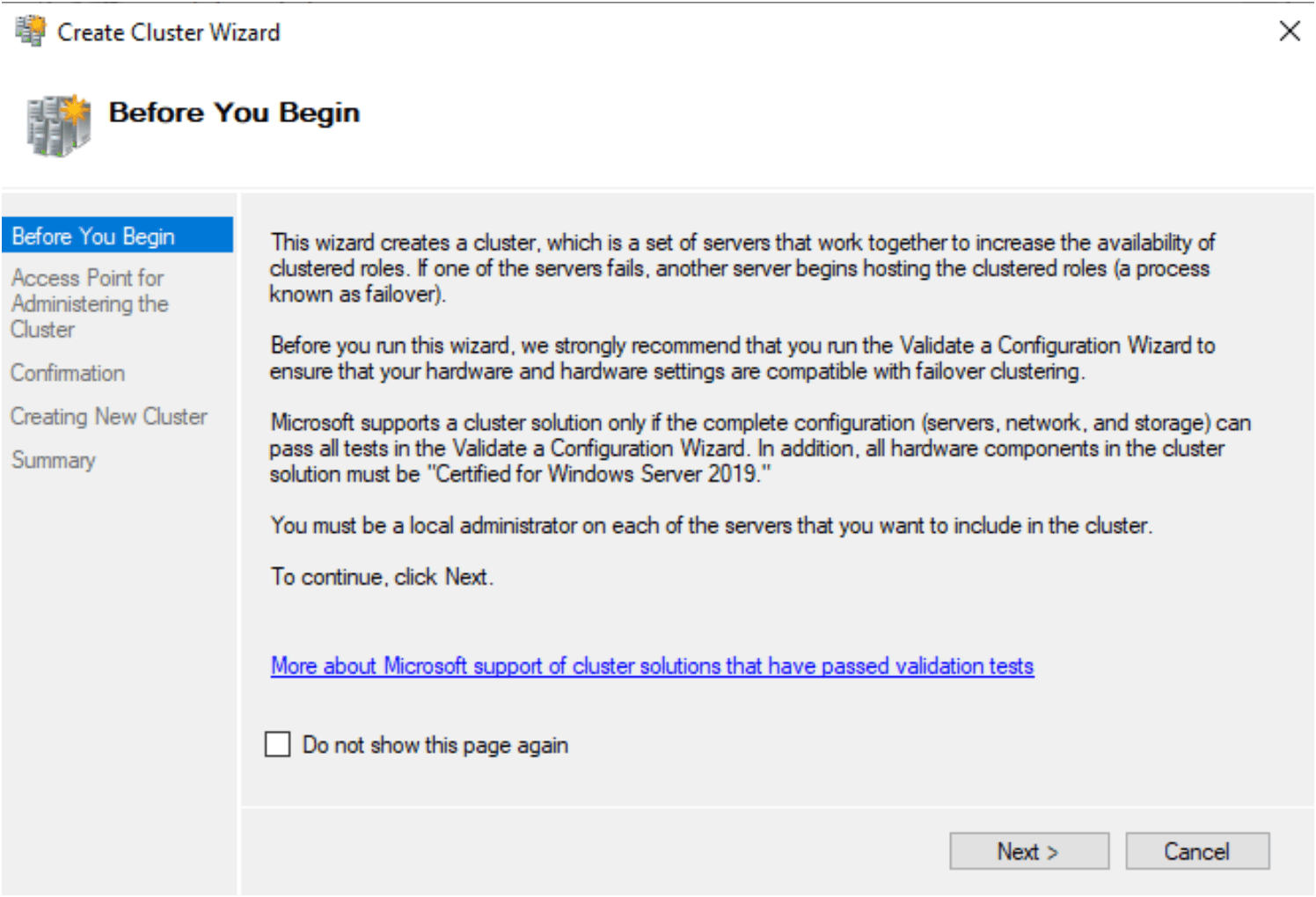
10. Launches the Create Cluster Wizard.
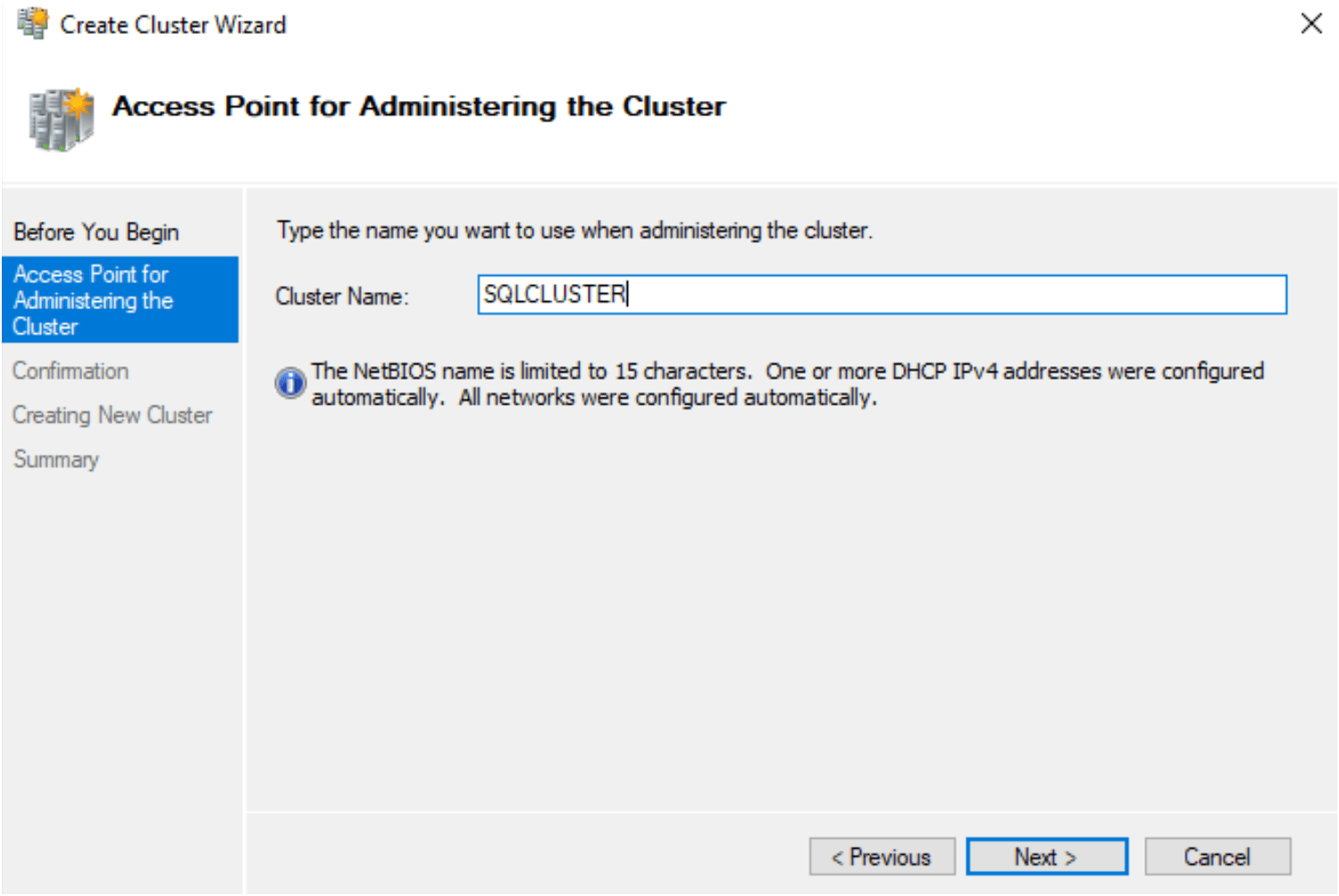
11. Choose the name of cluster
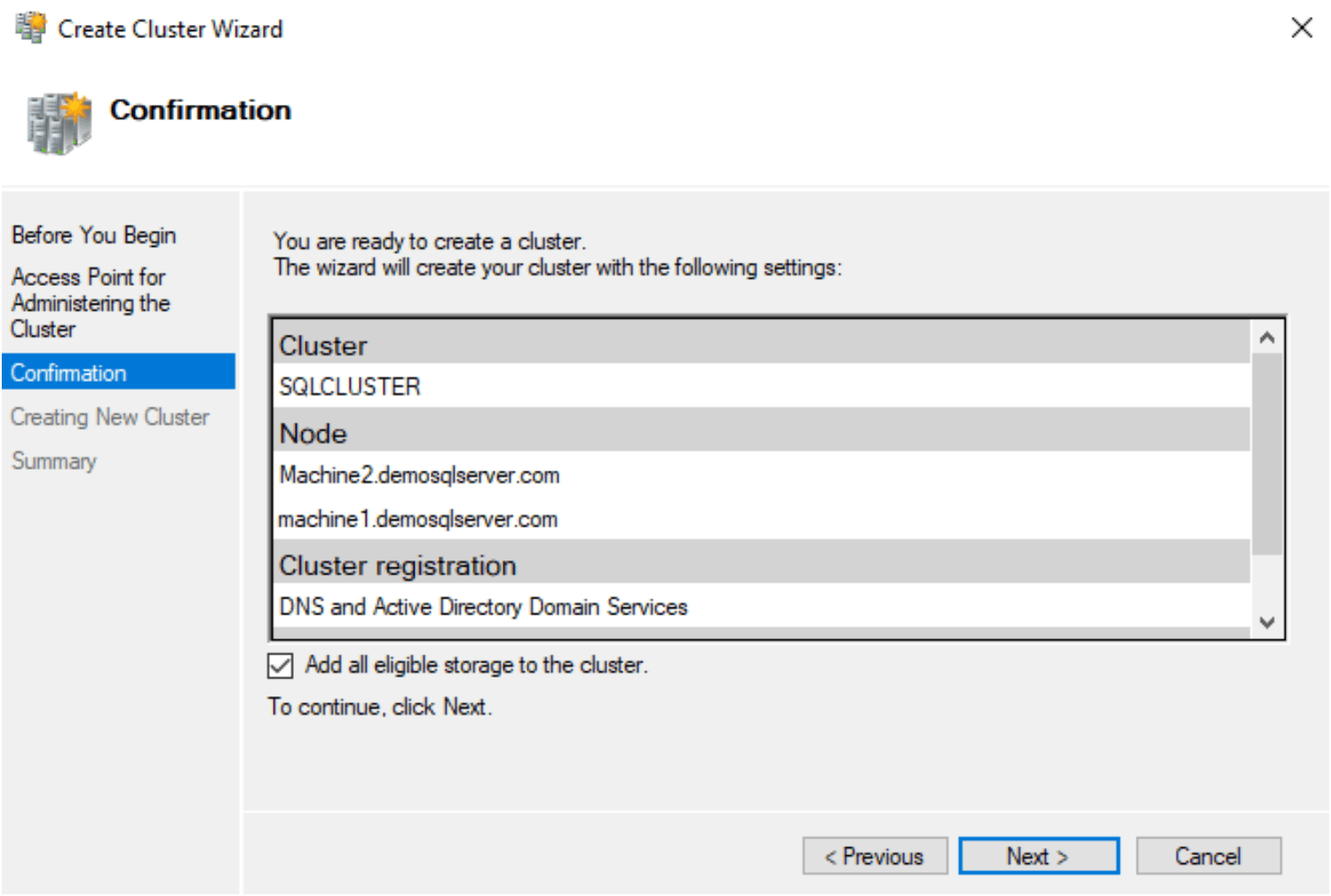
12. It ask for confirmation. You are ready to create a cluster. Please review the setting.
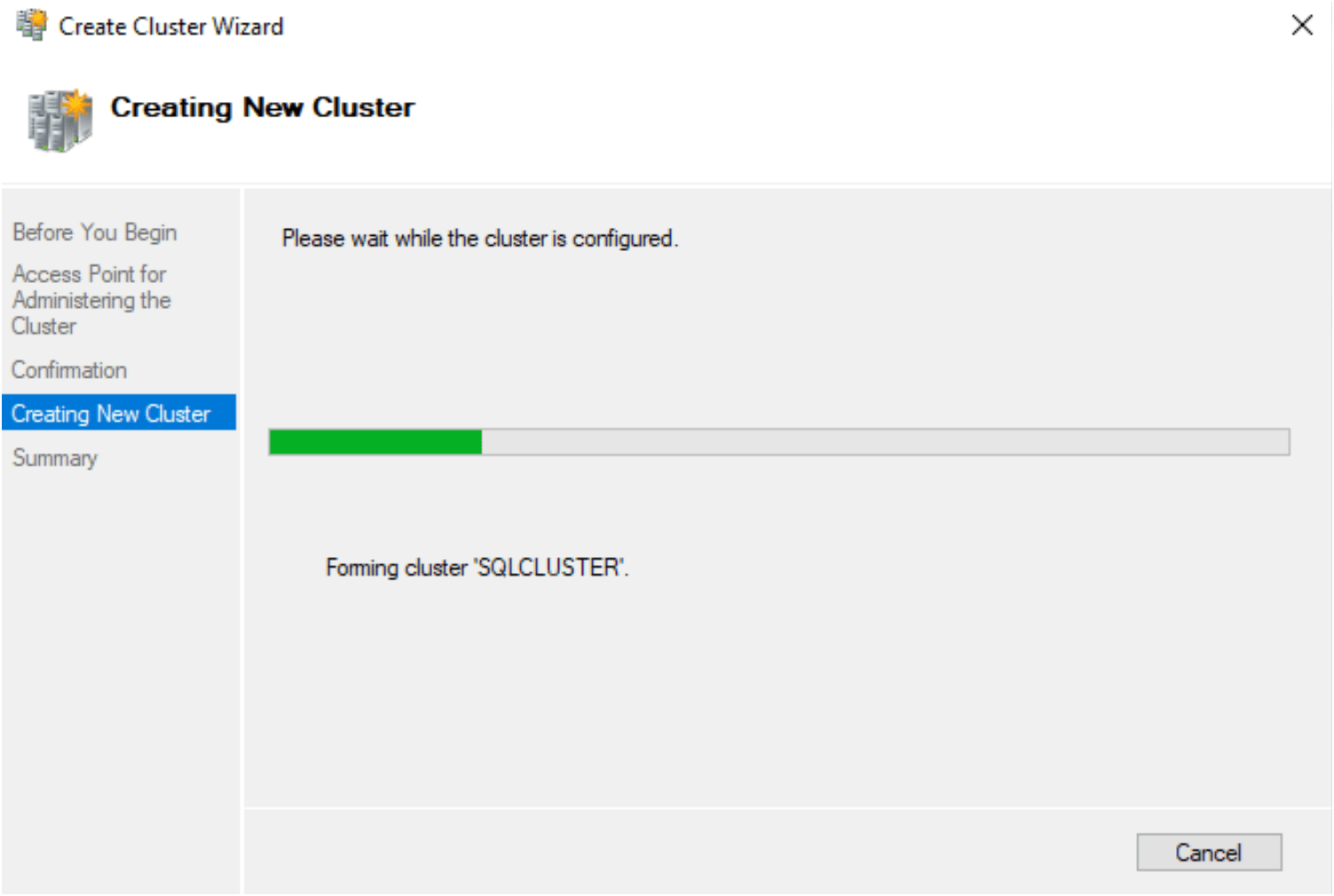
13. On Next, the creating new cluster wizard start configuring the cluster.
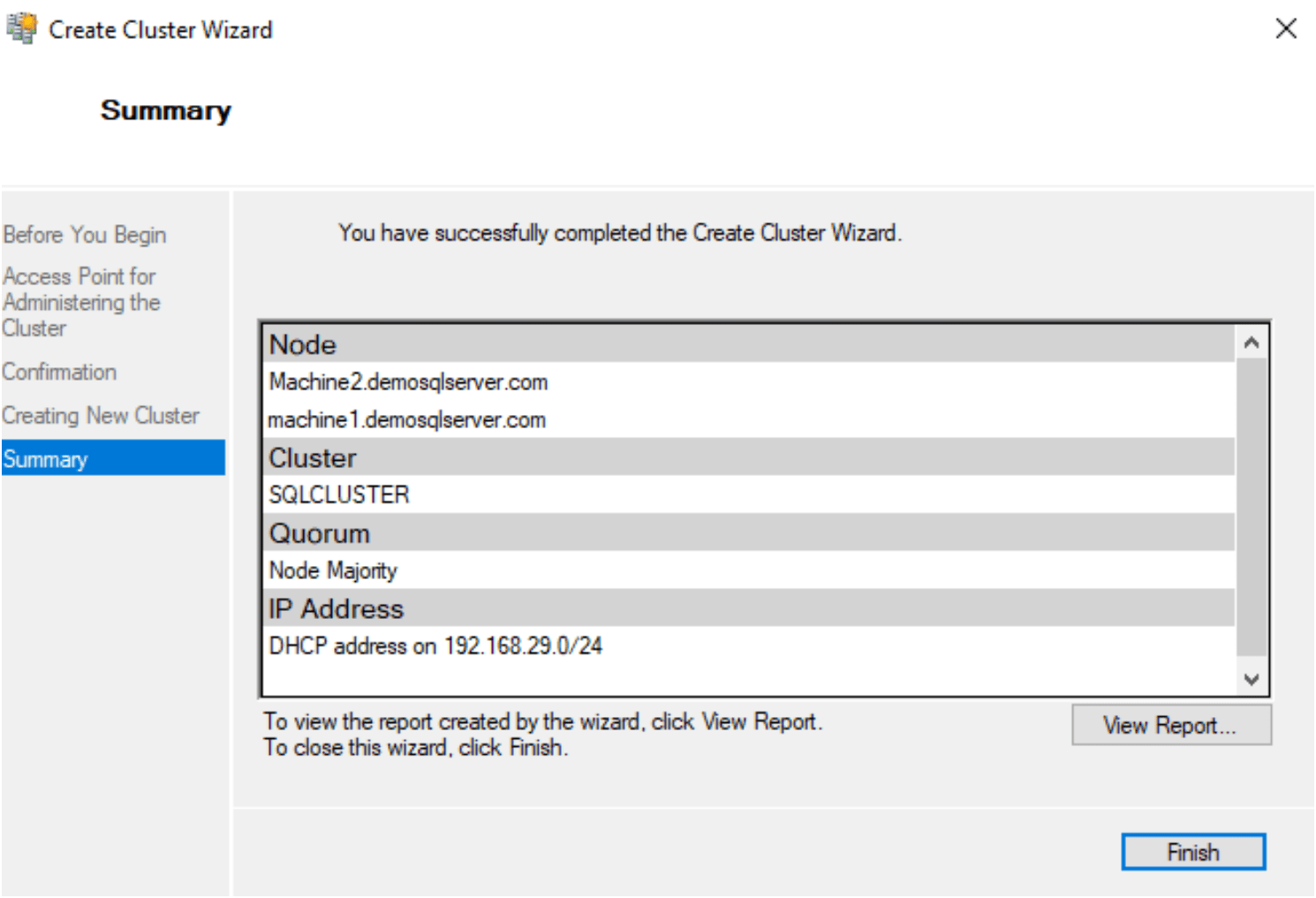
14. Summary – you have successfully completed the create cluster wizard.
15. Verify the Cluster Manager