Error: The expression refers to multiple columns. Multiple columns cannot be converted to a scalar value. (Power BI) error
Cause: Using a table function as a column will cause a similar error. In my case, the summarize function returned the table I tried to use as a column.
Solution:
When we create a table in Power Query using SUMMARIZE it works:
Total Table = SUMMARIZE( DimProduct,DimProduct[Color],"Total Sales",sum(FactInternetSales[SalesAmount]), "Total Discount" , sum(FactInternetSales[DiscountAmount]))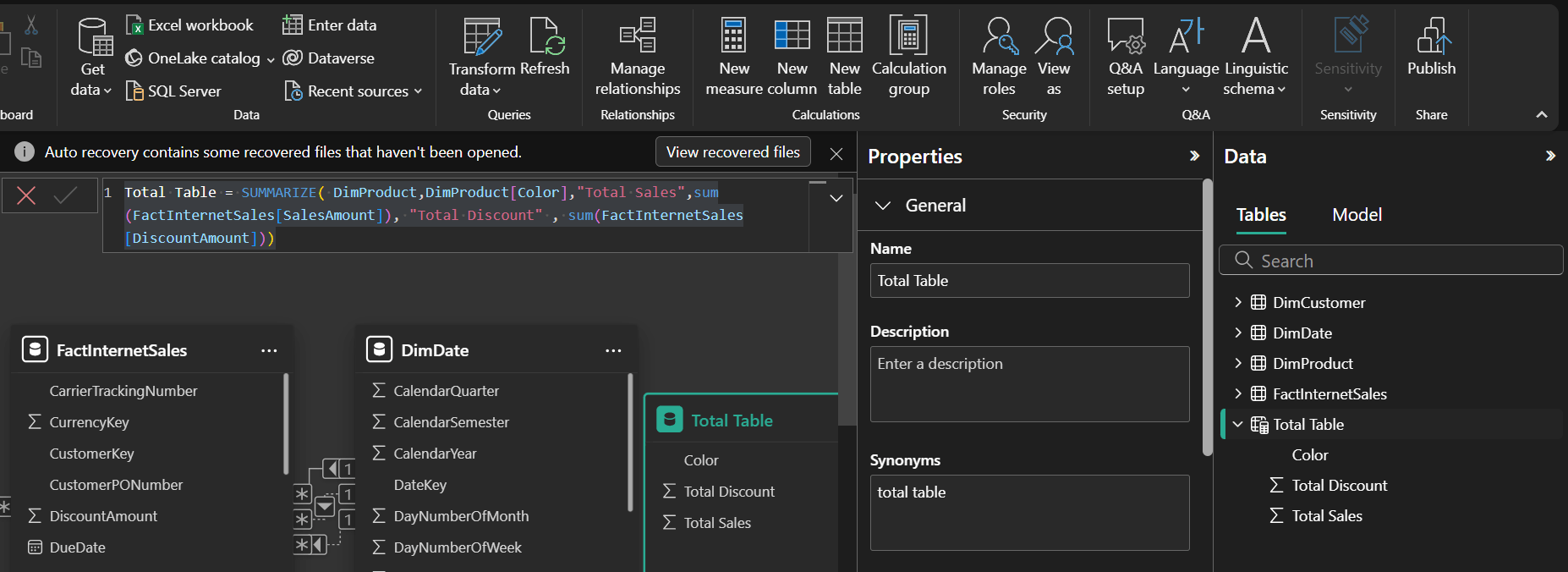
Output:

When we try to use as column then it fails:

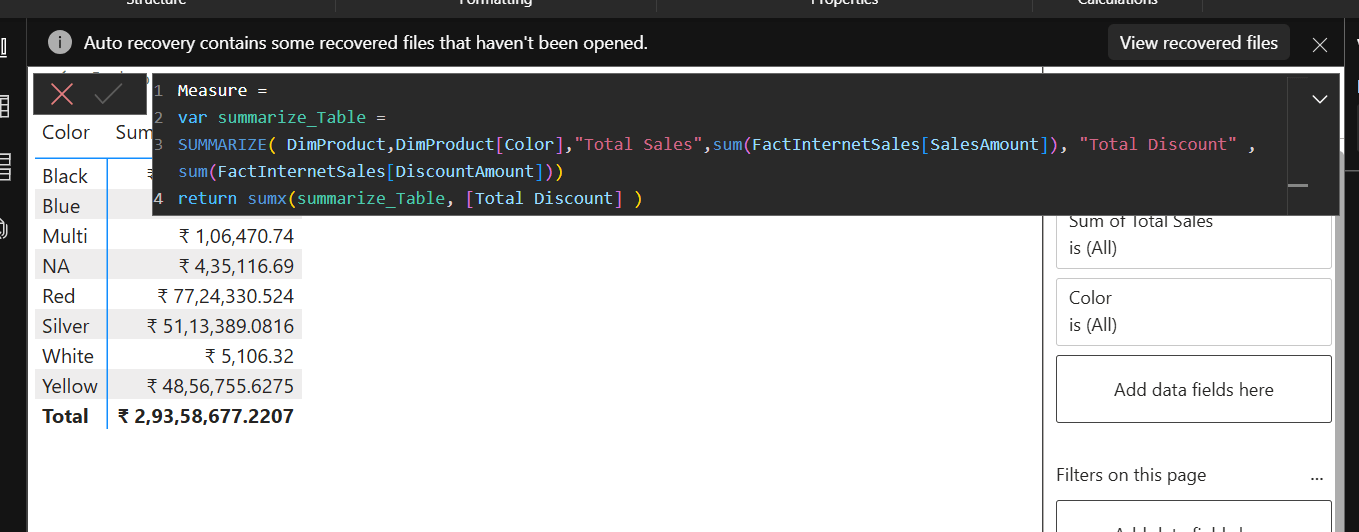
Use as single value as :
Another benefit of it is it used with slicer so that it changed its value.
Measure =
var summarize_Table =
SUMMARIZE( DimProduct,DimProduct[Color],"Total Sales",sum(FactInternetSales[SalesAmount]), "Total Discount" , sum(FactInternetSales[DiscountAmount]))
return sumx(summarize_Table, [Total Discount] )