How to setup Oracle 26ai database RPM into Oracle Linux Machine
- Go to google.com
- Download the Oracle 26ai database software according to your OS version. In my case, I am having Oracle 9, so i downloaded Oracle database 9 version
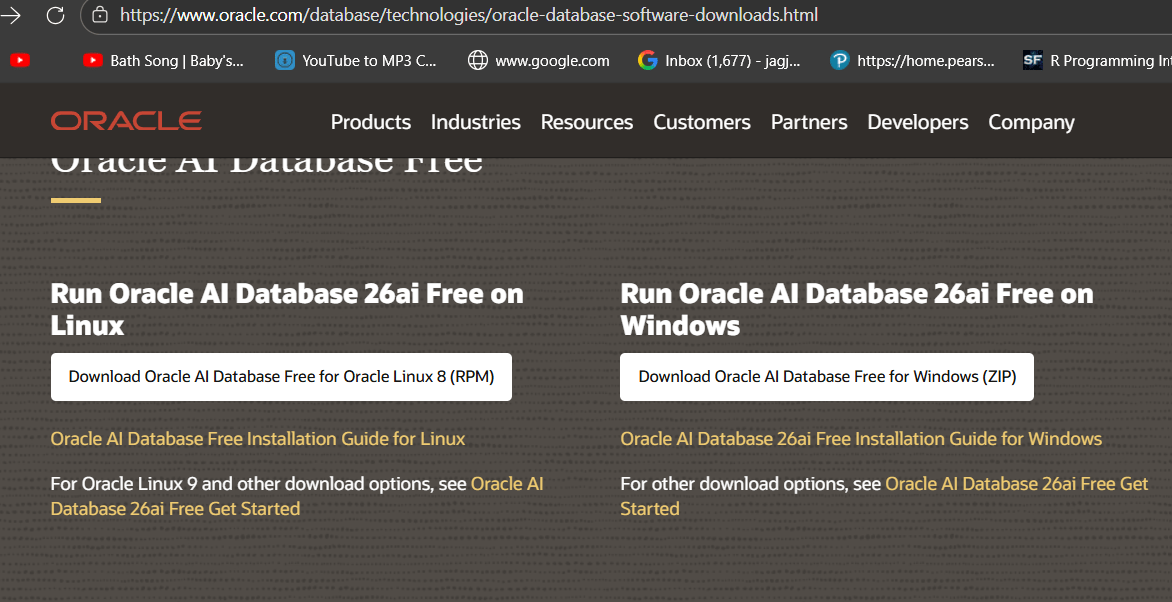
3. Download the software and see the installation instruction on the Oracle website given below.
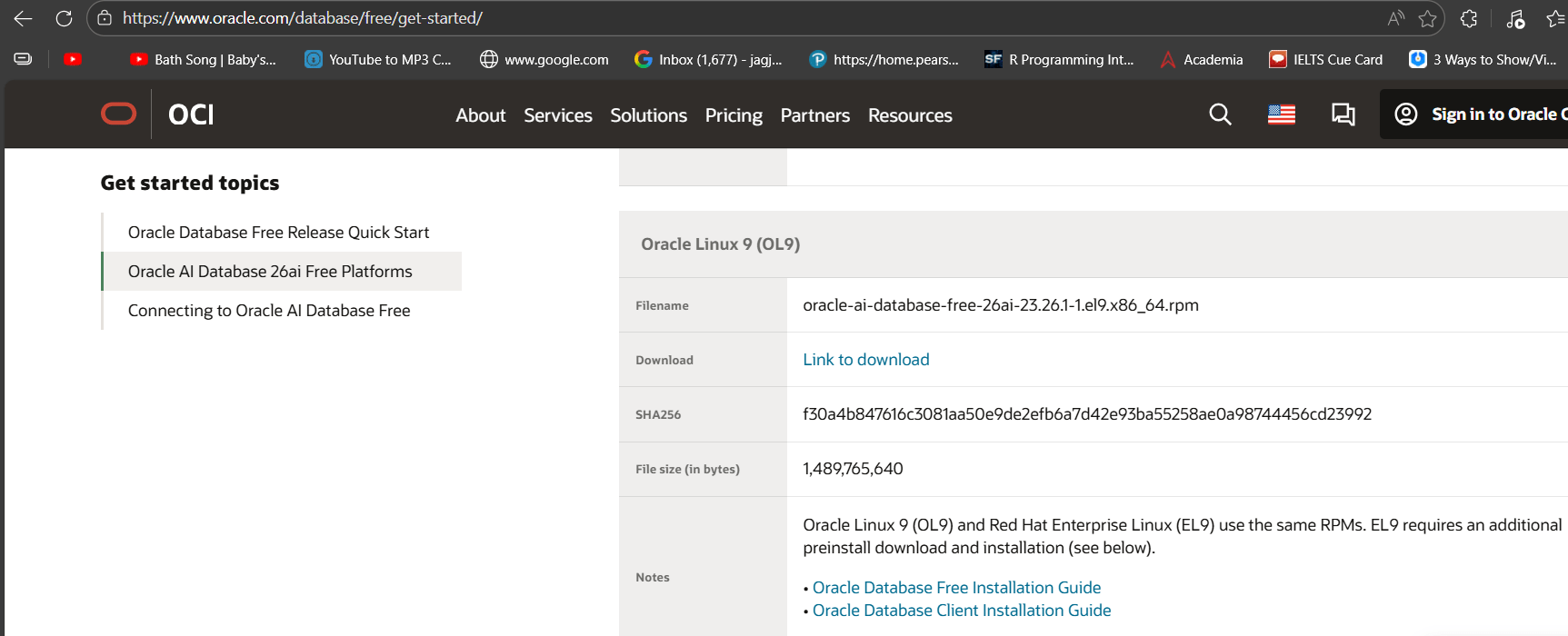
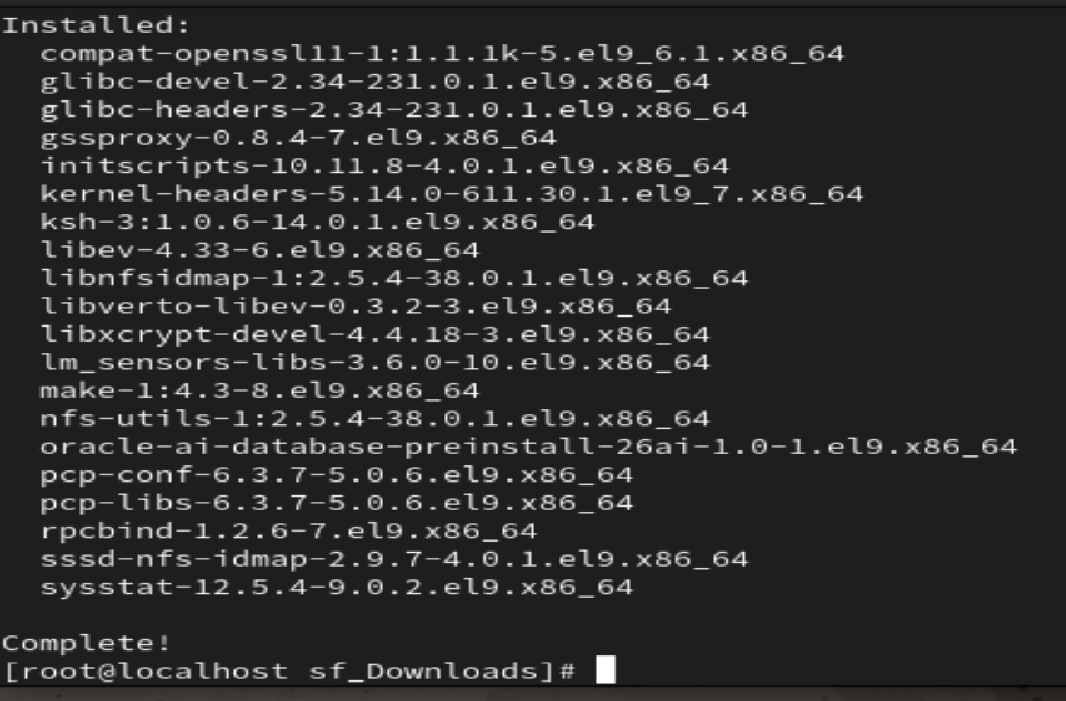
4. Install the preinstall Oracle 26ai Utility:
dnf -y install oracle-ai-database-preinstall-26ai[root@localhost sf_Downloads]# dnf -y install oracle-ai-database-preinstall-26ai^[sOracle Linux 9 Appli 20% [==== ] 237 kB/s | 17 MB 04:42 ETA
5. Install the Oracle Database Software using the following command
dnf -y install oracle-ai-database-free-26ai-23.26.0-1.el9.x86_64.rpm6. After finish, command ask for run configure command from root user. The configure command start creating the listener and database with Name FREE as shown in snapshot.
/etc/init.d/oracle-free-26ai configure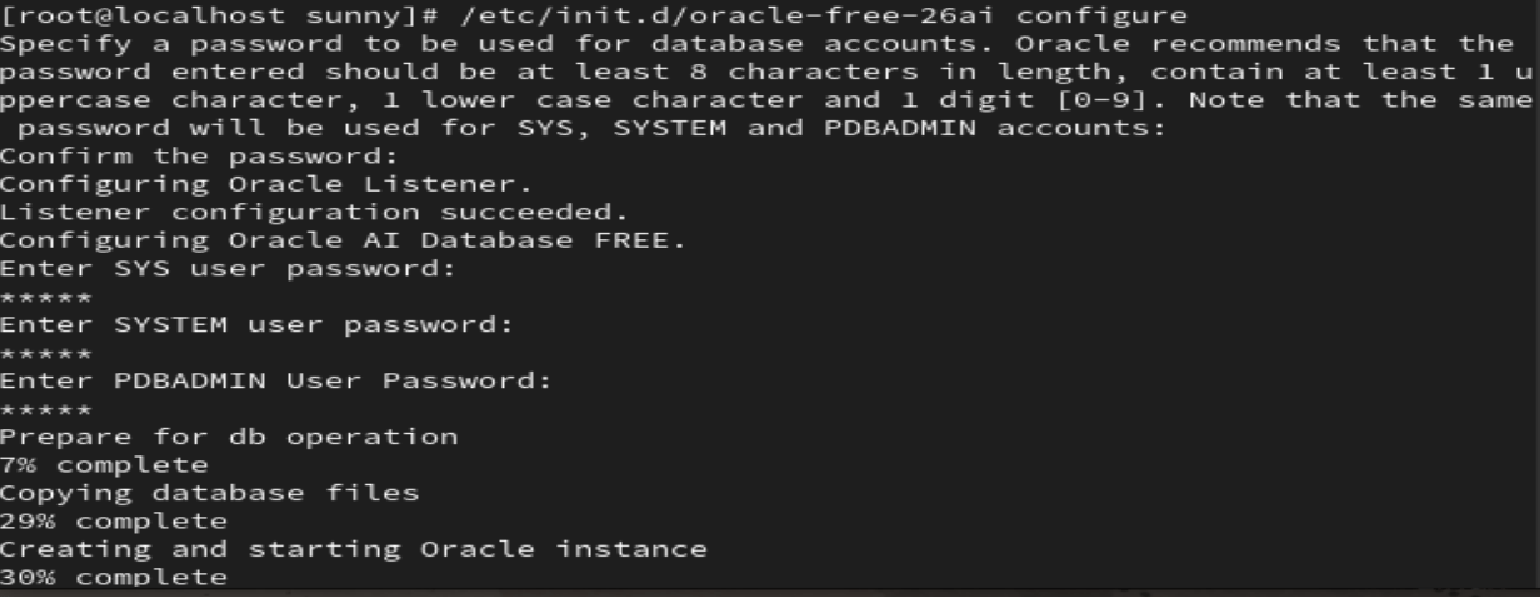
7. Go to the oracle home directory
cd /opt/oracle/product/26ai/dbhomeFree/bin8. Try to connect the database with SQLPLUS command
sqlplus sys as sysdbaRefer the video link: