Install the SSIS service in Visual Studio 2022 for development in SQL Server
- Step is download and install the Visual Studio from the Microsoft site.
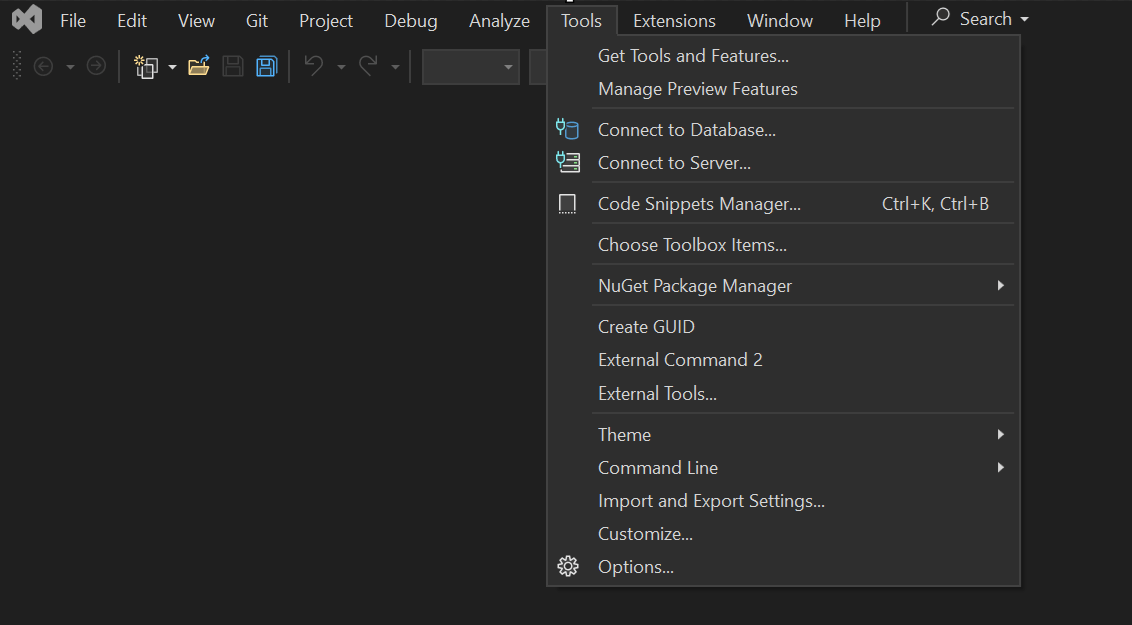
2. Open the Visual Studio and go to Tools –> Select Get Tools and Features option
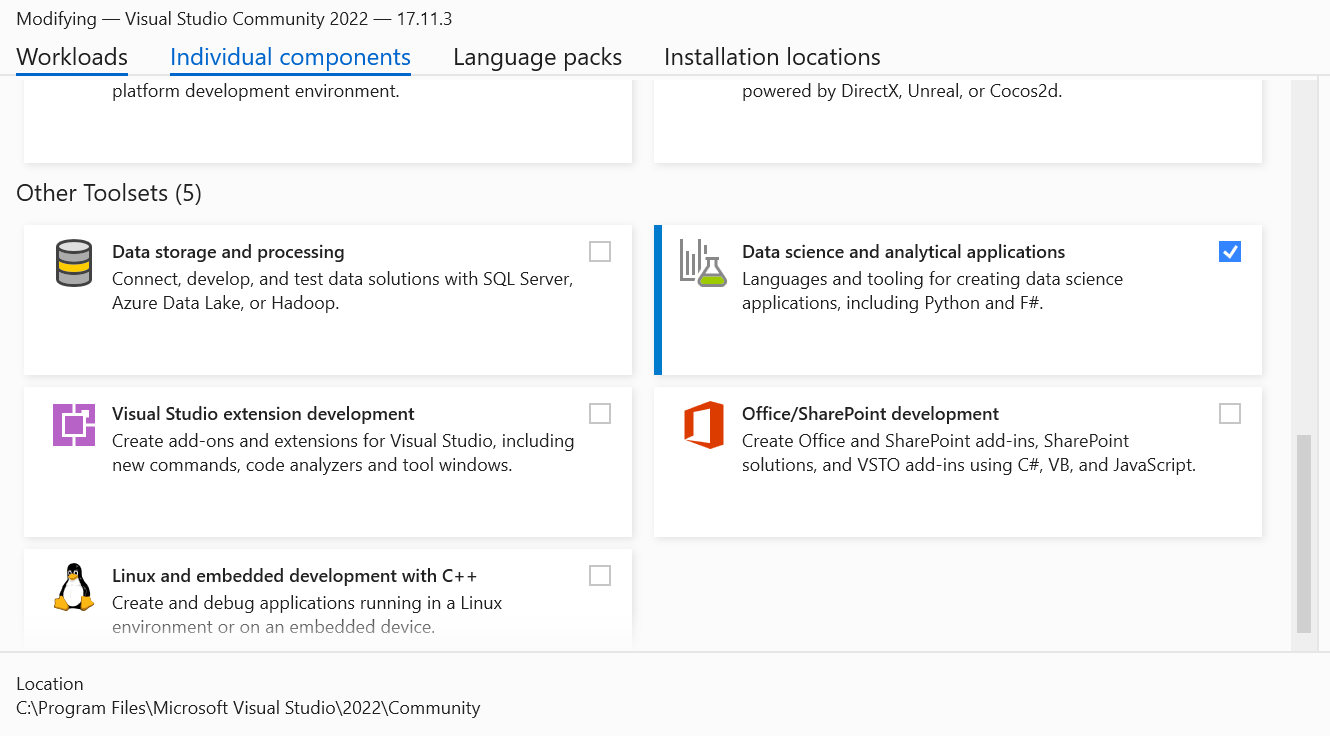
3. Drag down the scroll bar and select the Data Storage and processing from the other Toolsets as follows in Workloads tab.
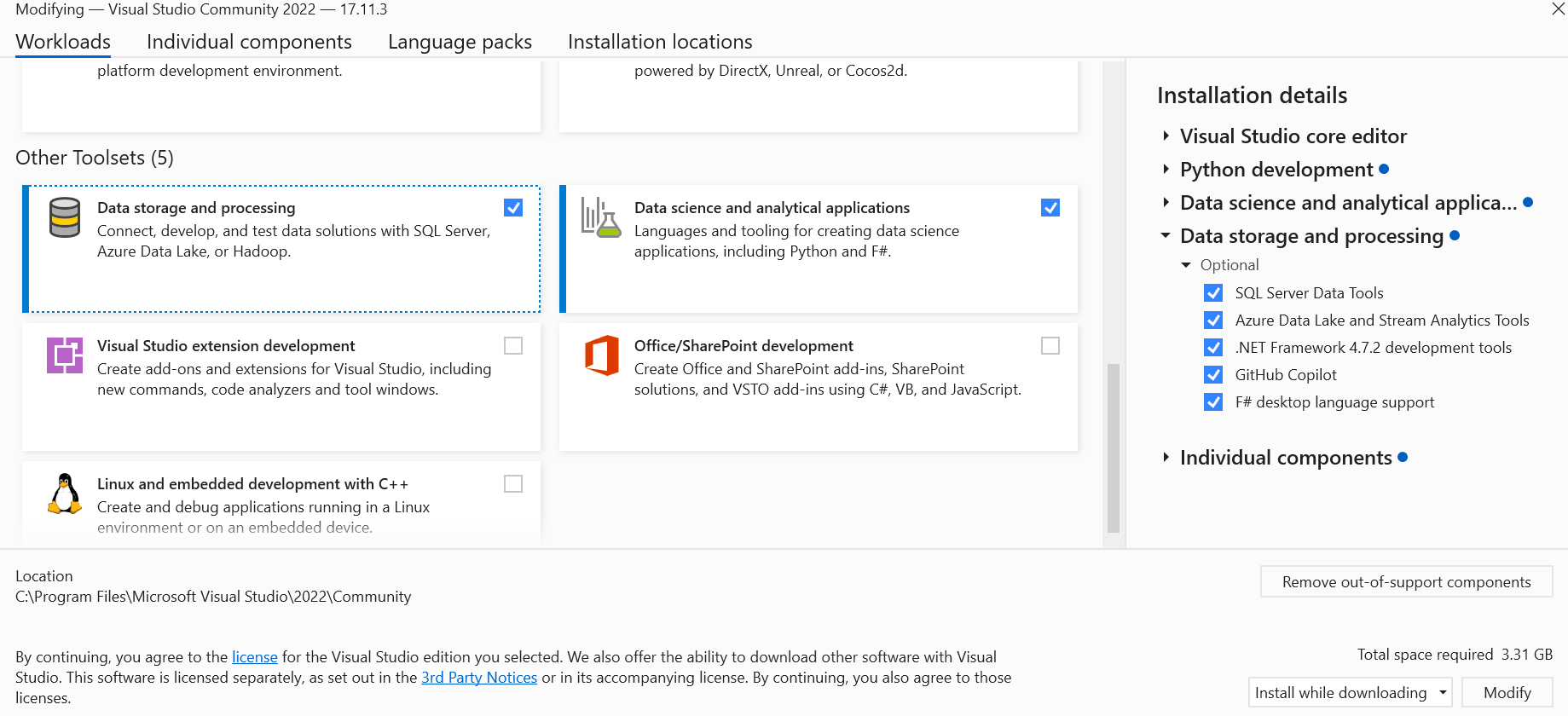
4. On selecting the Data Storage and processing option on left side. You see the SQL Server Data tools option at the right side. Click on install option.
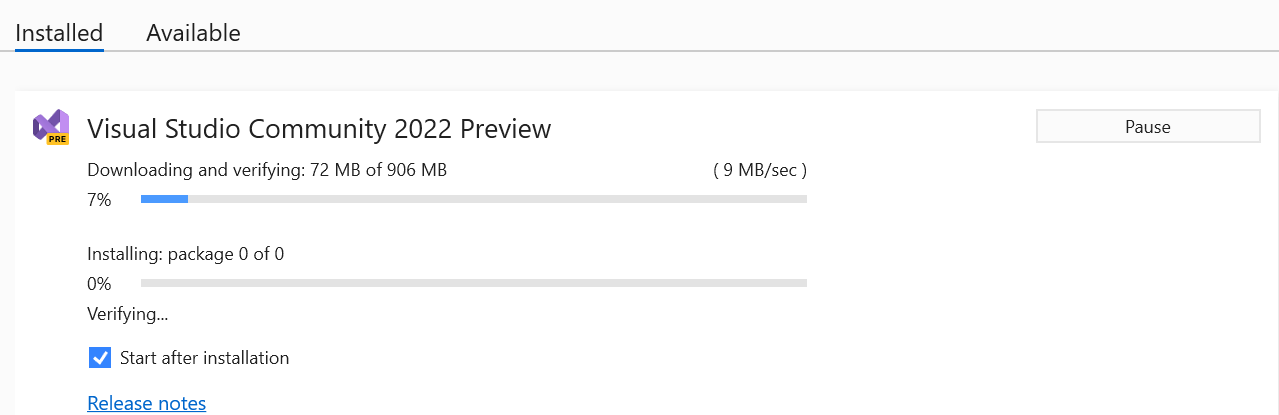
5. Installation in Progress:
6. After installation done, we need to open the visual studio and at last click on continue without code.
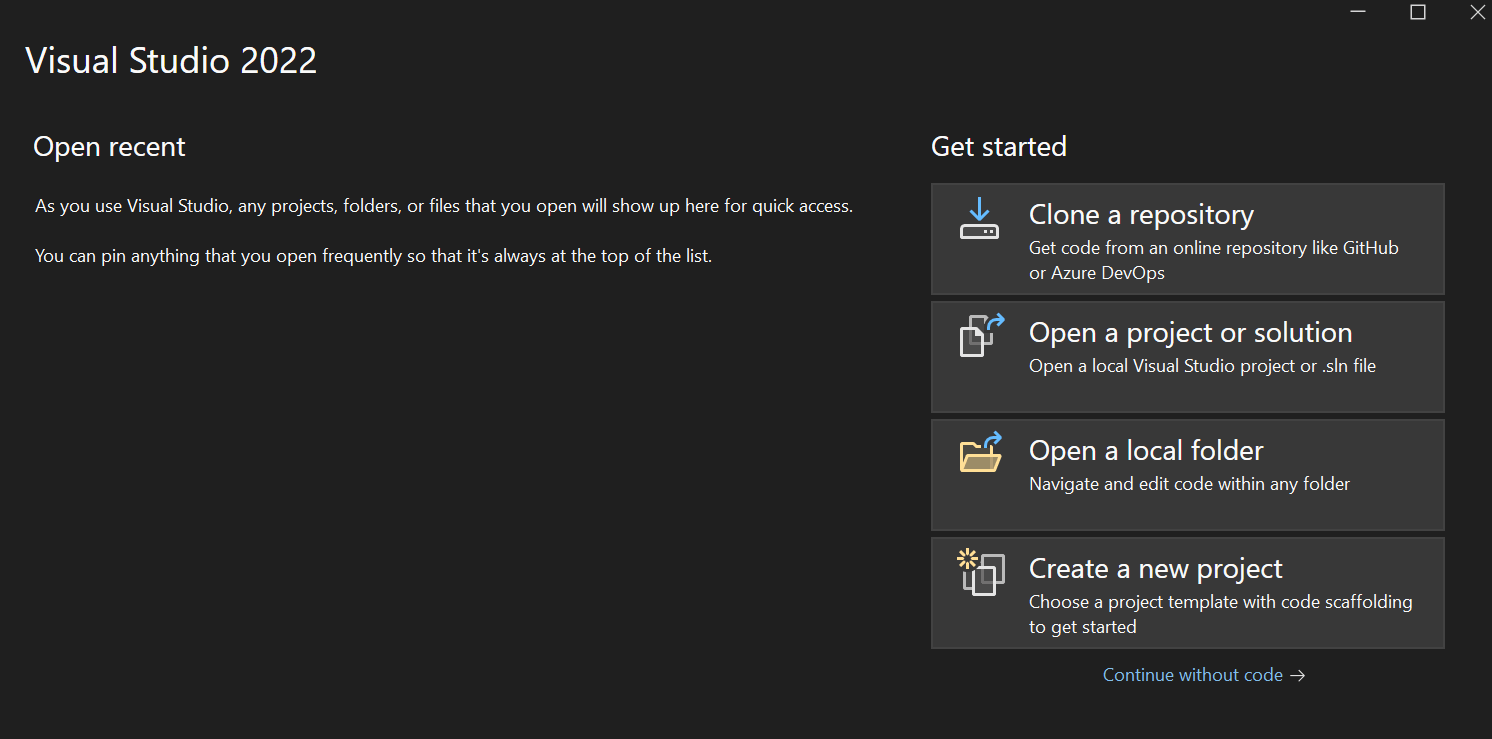
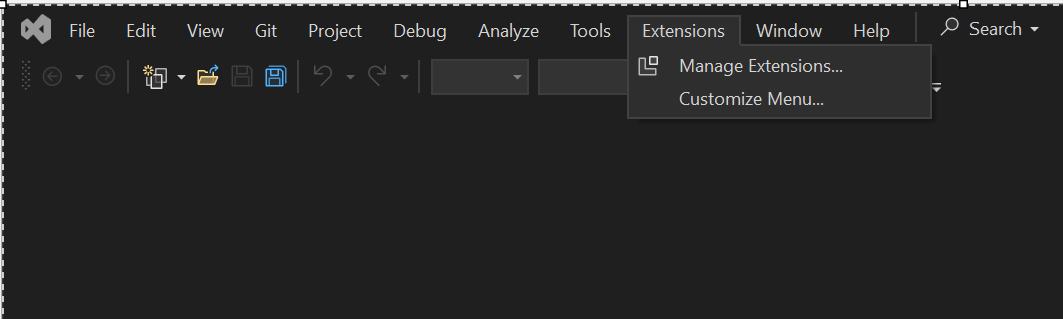
7. Go to Extensions tab –> Choose the Manage Extensions…
8. Search integration services in Extension Manager and click on install button.
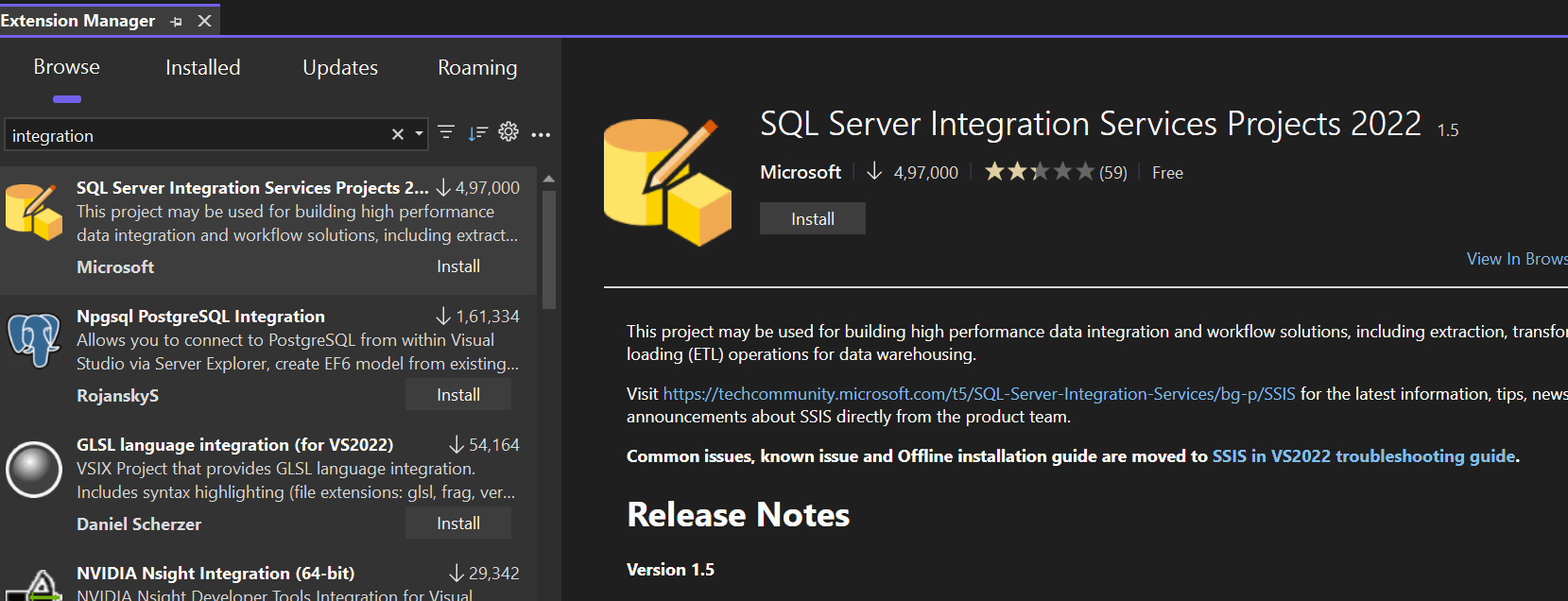
9. New tab is open and download the software as shown:

10. Close the visual studio and double click the Integration Service for installation
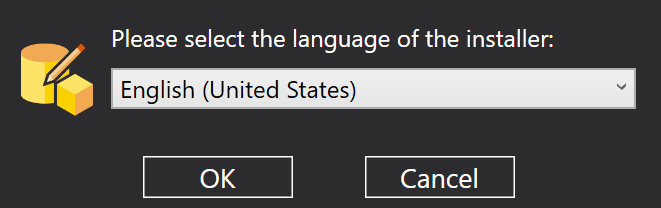
11. Click on OK
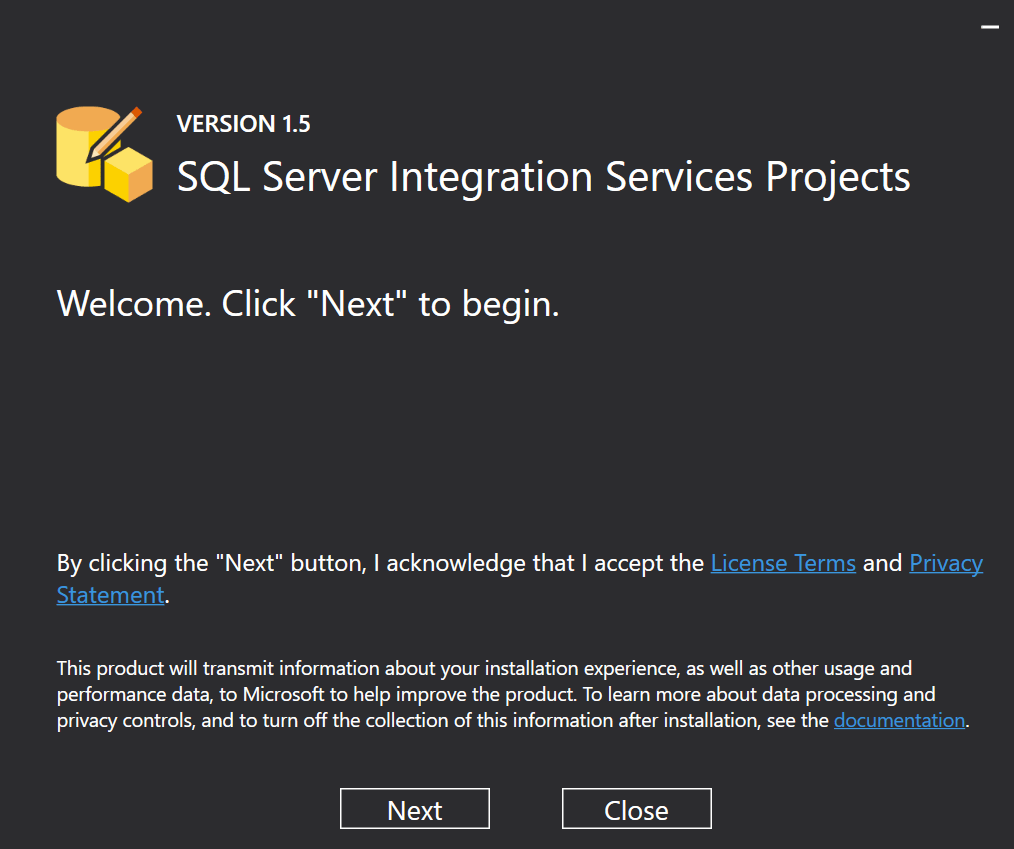
12. Click on Next and install the software.
13. Now open visual studio and create new project as integration service.