Steps to use ASMCA to create ASM disks in Oracle
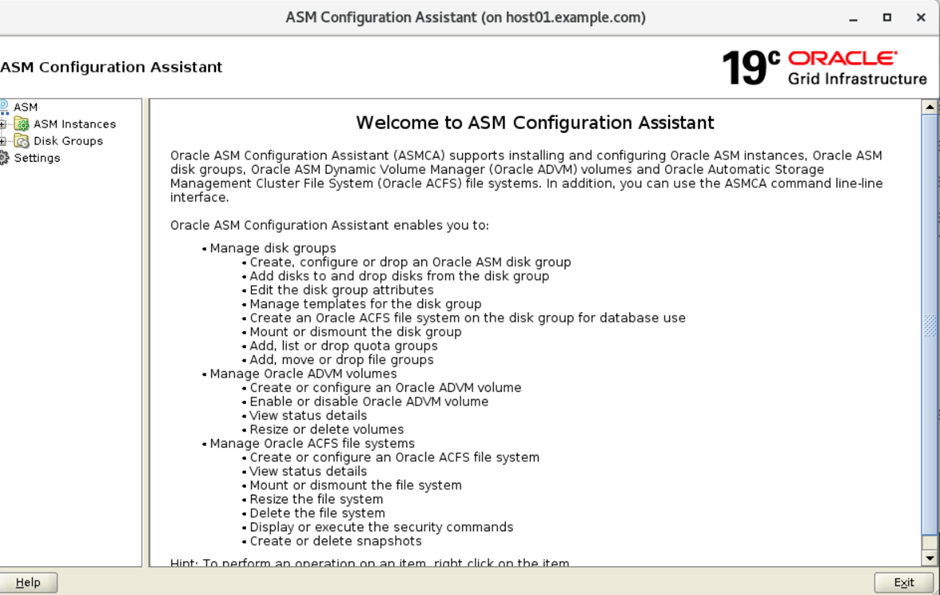
- Open the ASMCA configuration Assistant.
It helps to manage disk groups, create , configure or drop an Oracle ASM disk group, Add disks to and drop disks from the disk group etc
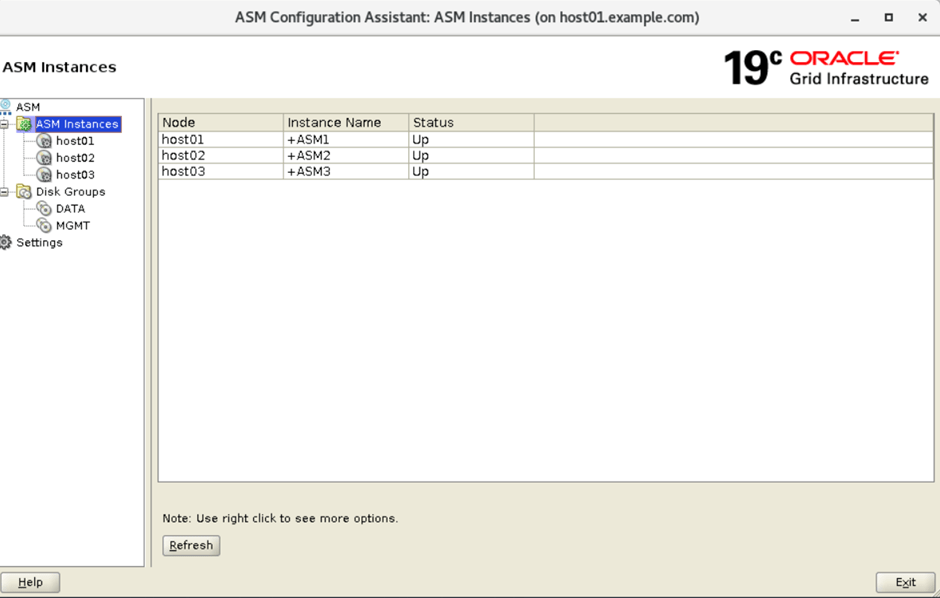
2. It shows the ASM instance running on different hosts and their status.
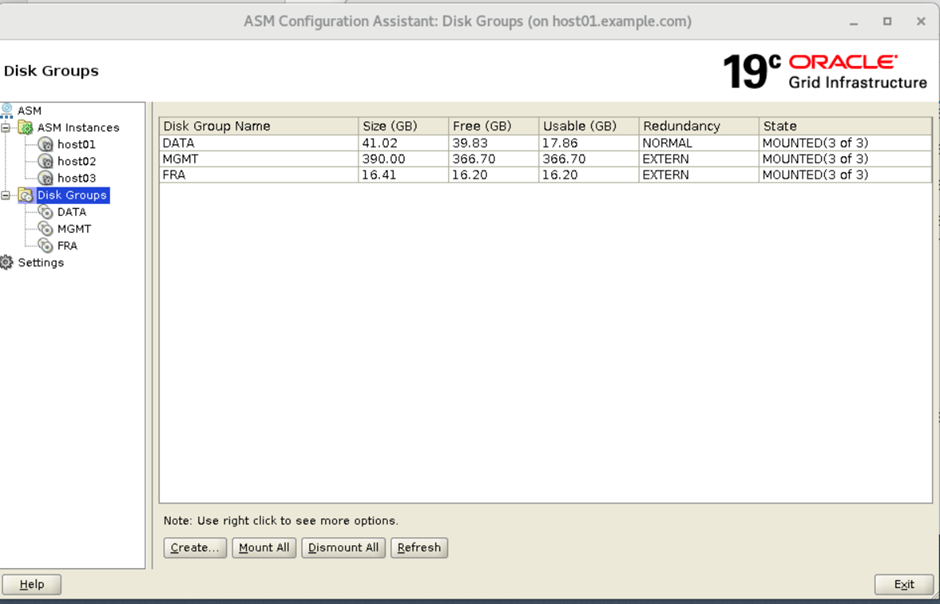
3. ASM configuration Assistant disk groups show information about the mapped disk group.

4. Create a new disk group in ASM
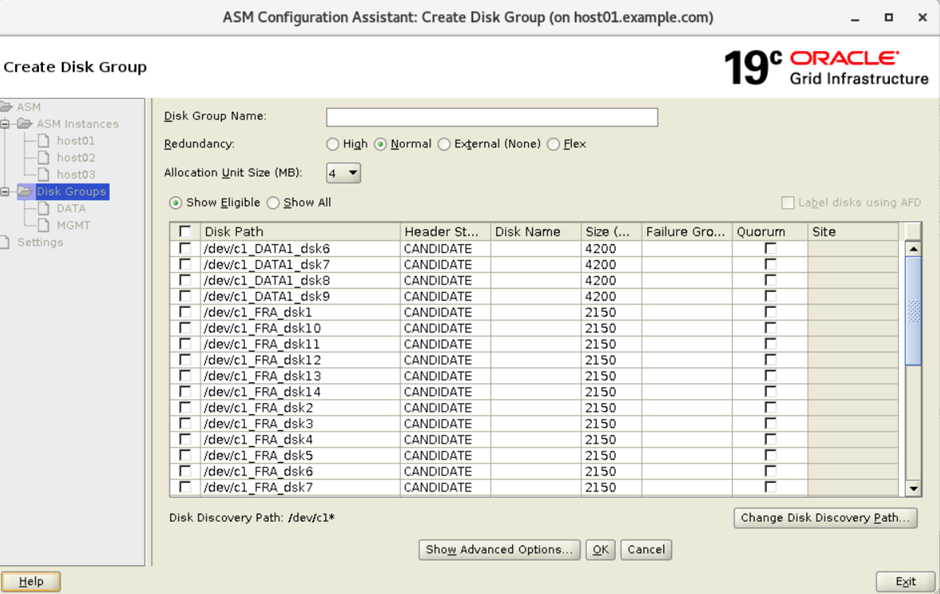
5. Create FRA disk for External disk
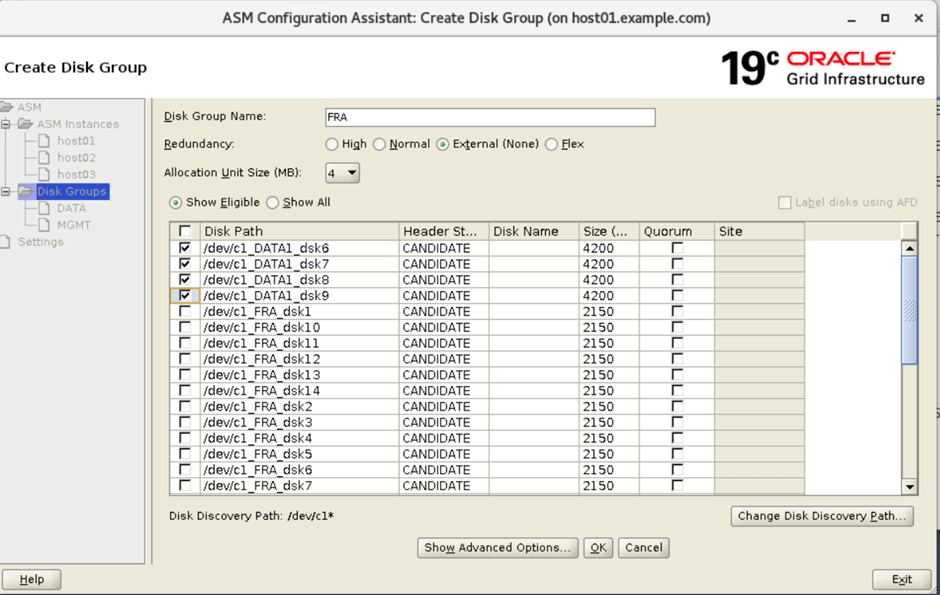
6. FRA disk is created. We can perform other function like mount, dismount and delete the disgroup from ASM configuration assistance.