Following is the steps which will provide the detail of conflict which need to resolve before apply the patch:
- Download the latest patch which you want to apply on your Oracle Home.
2. Unzip the downloaded patch and go to the directory in shell or command prompt of which you want to check conflict.
cd C:\patch\patch_25463157\25463157 3. Run the command with patch number you want to apply in that patch directory.
--- go to the unzip directory location and run the command with patch number:
C:\patch_25463157>opatch prereq CheckConflictAgainstOHWithDetail -ph 25463157

OR

-- Go to the directory of patch number location and use . as current patch:
C:\patch_25463157\25463157>opatch prereq CheckConflictAgainstOHWithDetail -ph .
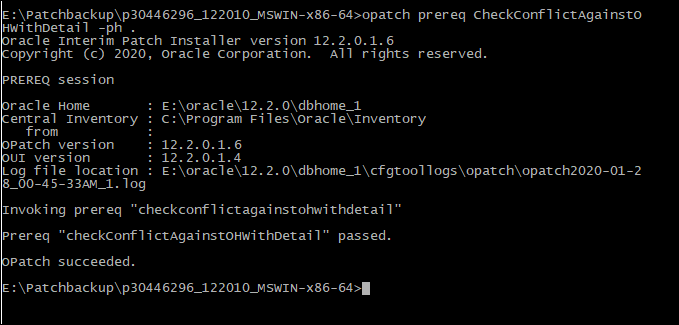
4. Example shows conflict or no conflict found in patching as shown in images:
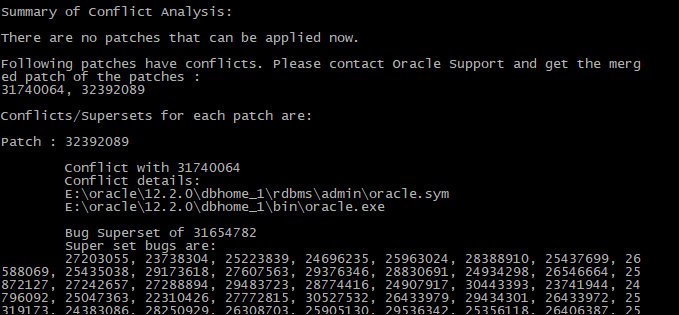
5. If we found the conflict, then we need to rollback the conflict patch first before applying the new patch.